Cash Flow Dashboard App for iOS
See money in, money out, and what is left without building a spreadsheet. Track income, expenses, categories, and cash flow trends from one iPhone dashboard.
money tracker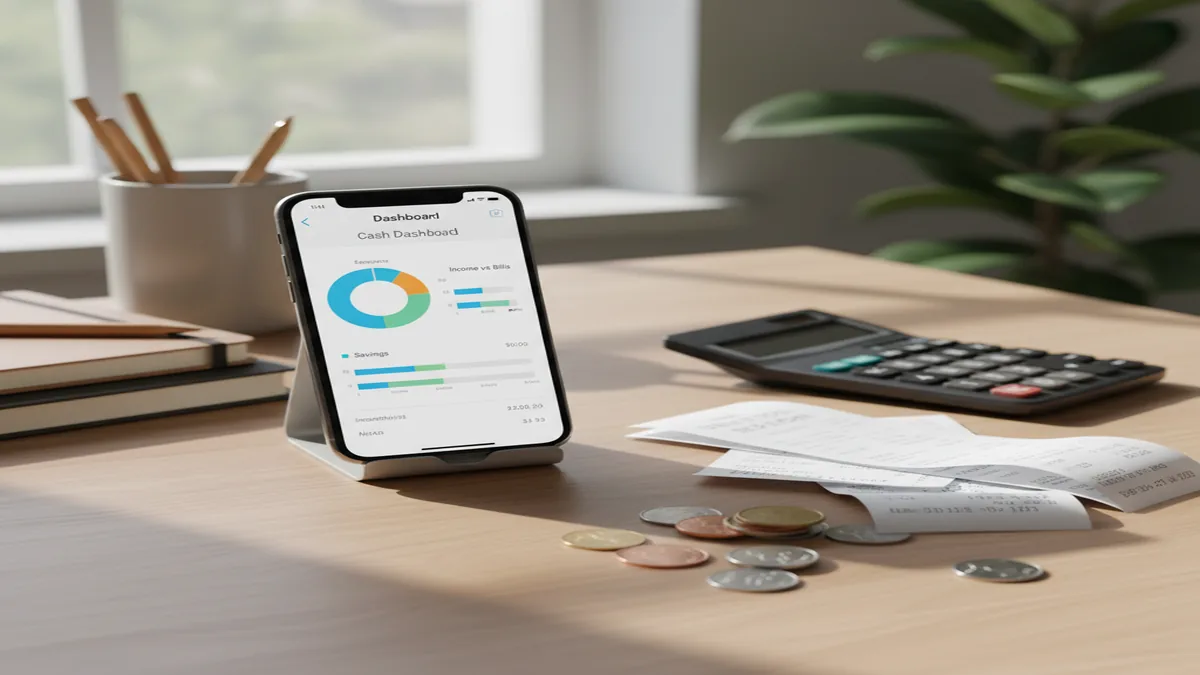
A cash flow dashboard app helps you record income and expenses, then shows whether your money is moving positive, negative, or flat over a chosen period. For iPhone users, Money Tracker App is useful because it works as a budgeting app with income, expense, category, and chart views. The best dashboard is the one you can update consistently.
What Is a Cash Flow Dashboard App?
A cash flow dashboard app is a tracking tool that summarizes money coming in, money going out, and the difference between them. It turns transaction entries into totals, category views, and trend charts so you can understand daily and monthly movement.
This is different from a complex forecast. The dashboard shows what you recorded, then helps you notice whether groceries, subscriptions, dining, rent, or irregular income are changing your cash position.
It works best when you want a clear operating view of personal money. With no bank connection, data stays on device, which suits people who prefer manual control and private transaction tracking.
How a Cash Flow Dashboard App Works
A cash flow dashboard works by converting transaction entries into income totals, expense totals, net cash flow, and category breakdowns. The mechanism is simple: record, categorize, review, and adjust.
You enter an income or expense, assign a category, add useful details, and choose a date. The app then groups those records by period so the dashboard can show whether your week or month is positive, negative, or flat.
Recurring payments improve the view because predictable bills appear consistently. Search and filters matter too. When a chart spikes, you can drill into the exact transactions behind that change instead of guessing from memory.
How to Use a Cash Flow Dashboard on iOS
Create core categories
Start with categories you will actually use, such as Groceries, Dining, Transport, Rent, Utilities, Subscriptions, Income, and Refunds. Too many categories slow entry.
Record recent transactions
Backfill the last 7 to 30 days of income and expenses. This gives the dashboard enough history to show real patterns instead of a blank starting point.
Add recurring bills
Enter rent, utilities, subscriptions, insurance, and other predictable outflows as recurring items. This keeps fixed costs visible during weekly and monthly reviews.
Review category trends
Compare category totals by week or month. Look for changes that feel small per purchase but meaningful across the full period.
Filter unusual spikes
Use transaction search and filtering when net cash flow drops unexpectedly. Check dates, merchants, categories, and notes to find the specific entries causing the movement.
When to Use Cash Flow Dashboard App (and When Not To)
Use it when
- Use it when you want to see income versus expenses without maintaining a complex spreadsheet.
- Use it when your income varies and timing matters as much as total monthly pay.
- Use it when recurring bills, subscriptions, and everyday spending make your balance hard to explain.
- Use it when you prefer manual transaction control over automated bank syncing.
Skip it when
- Do not use it as your only tool if you need full business accounting, invoicing, payroll, or tax filing.
- Do not use it for investment recommendations, retirement projections, or portfolio allocation decisions.
- Do not expect accurate charts if you skip entries for several days and reconstruct spending from memory.
- Do not choose a manual dashboard if you require automatic account aggregation across many financial institutions.
Cash Flow Dashboard App vs YNAB and Monarch Money
| Feature | Money Tracker App | YNAB | Monarch Money |
|---|---|---|---|
| Primary focus | Manual income and expense tracking with dashboard-style cash flow review | Zero-based budgeting and assigning every dollar a job | Household financial dashboard with linked accounts and net worth tracking |
| Best fit | iPhone users who want fast transaction logging and clear cash flow summaries | People who want a structured budgeting method and detailed planning rules | Households that want account aggregation, collaboration, and broader financial visibility |
| Entry style | Manual-first tracking with categories, recurring items, search, and charts | Manual or synced transactions depending on setup | Primarily bank-connected tracking with manual adjustments available |
| Learning curve | Low, because the workflow follows record, categorize, review | Medium to high, because the method takes practice | Medium, because there are many connected-account and planning features |
| Platform fit | Built for iOS use | Works across mobile and web | Works across mobile and web |
Choose the manual dashboard when you want fast iPhone tracking and a simple cash flow view. Choose YNAB if your main need is a strict budgeting system. Choose Monarch Money if linked accounts, household collaboration, and net worth reporting matter more than manual-first entry.
Cash Flow Tracking Use Cases
- Variable income planning: Freelancers, contractors, and commission earners can compare income timing with recurring expenses to see why some months feel tighter than others.
- Subscription cleanup: Recurring entries make streaming, software, insurance, and membership costs visible, which helps identify charges that no longer justify their monthly drain.
- Weekly spending reviews: A short weekly review shows net cash flow, top expense categories, and unusual spikes before the month is already over.
- Couple or household check-ins: Category summaries give partners a neutral starting point for discussing spending patterns, bills, and shared priorities.
- Travel and event tracking: Separate categories or notes help isolate trip, wedding, holiday, or moving costs from ordinary monthly spending.
Cash Flow Dashboard App Limitations
What to keep in mind
- The tracker is iOS-only, so it is not the right fit if you need a native Android or desktop-first workflow.
- Manual entry depends on the user; missed transactions create incomplete totals and weaker charts.
- It is not investment advice and should not be used to choose securities, retirement allocations, or market timing decisions.
- Cash flow estimates are not guarantees, especially when income timing, refunds, pending charges, or irregular bills change.
- The dashboard needs consistent logging to stay useful; weekly review is usually the minimum practical cadence.
- Receipt scanning and automatic categorization can reduce friction, but unusual merchants or unclear receipts may still need correction.
- Categories are only as meaningful as your setup, so overly broad or overly detailed categories can make reports harder to interpret.
Frequently Asked Questions
It shows income, expenses, and net cash flow for a selected period. Most dashboards also include category totals, trend charts, and transaction lists for deeper review.
Not exactly. Budgeting usually assigns money to future categories, while cash flow tracking focuses on what came in, what went out, and what changed over time.
Yes, irregular income is one of the strongest reasons to use a cash flow view. Logging each payment separately helps you compare timing and totals across months.
Daily entry gives the cleanest picture, but a weekly review can still work if you keep receipts or notes. The key is consistency, not perfection.
Start with net cash flow, total expenses, average daily spending, and top categories. Then inspect unusual changes by filtering the exact transactions behind them.
Yes, a manual workflow can be effective if you prefer control over each entry. It also encourages you to notice spending at the moment you record it.
No, personal cash flow tracking is not a substitute for business accounting, payroll, invoicing, or tax filing software. Use accounting tools when you need formal records and compliance features.
People with variable income, frequent subscriptions, shared household costs, or unclear spending patterns benefit most. It is also useful for anyone who wants a quick weekly money review.