Expense Tracker App for iPhone: Track Spending and Receipts
Log daily expenses, income, receipts, bills, and reimbursements from your iPhone. Use clear reports to understand cash flow without maintaining a spreadsheet.
expense tracker app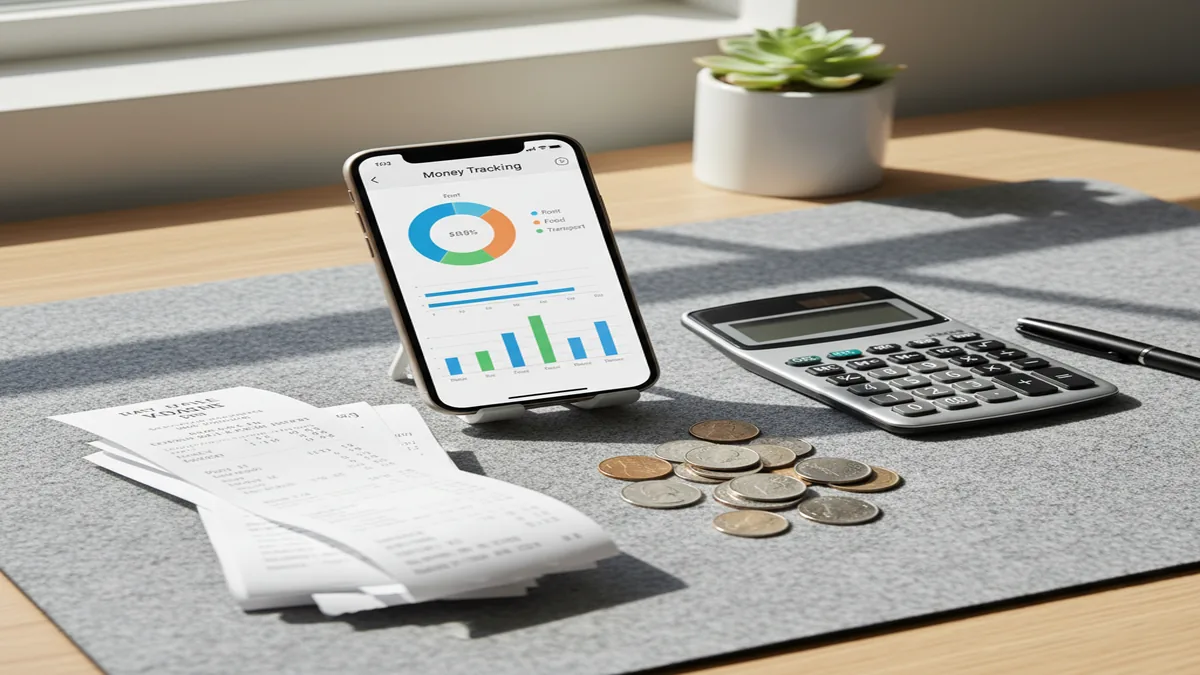
An expense tracker app for iPhone helps you record spending, categorize transactions, and compare money in against money out. It is best for people who want clear spending reports without maintaining a spreadsheet. Manual tracking works when you log consistently and review categories weekly.
What Is an Expense Tracker App for iPhone?
An iPhone expense tracker is a daily ledger for purchases, income, receipts, and bills. It records each transaction, assigns it to a category, and turns the data into searchable reports. The practical goal is simple: know where money went before making budget decisions.
Money Tracker App turns those entries into category totals, cash flow views, charts, and exports. For users who want to track income alongside expenses, Walleta supports the same iOS-first manual tracking workflow. The tracker uses no bank connection, and data stays on device unless you choose iCloud sync or export.
How Expense Tracker App for iPhone Works
An expense tracker app for iPhone works by capturing each transaction, assigning context, and aggregating totals into reports. The mechanism is transaction-first: amount, date, account, category, optional note, and optional receipt.
After entry, the app groups transactions by category, time period, and cash flow direction. Recurring payments and bill reminders reduce repeated typing for rent, subscriptions, utilities, and loan payments. Search and filters help audit specific charges when a report looks unusual.
The final layer is review. Charts show spending mix and month-to-month change, while CSV or PDF exports make the log useful for reimbursements, household reviews, or personal recordkeeping.
How to Use an iPhone Spending Tracker
Create practical categories
Start with 8 to 15 categories you actually use, such as Groceries, Dining, Transport, Bills, Health, Subscriptions, Travel, and Income. Fewer categories make reports easier to read.
Add income and fixed bills
Enter paycheck amounts, side income, rent, utilities, subscriptions, and other recurring items. This gives your cash flow report a useful baseline before daily purchases arrive.
Log purchases immediately
Record transactions right after payment whenever possible. If you are in a hurry, enter the amount and category first, then add notes or receipts during a daily review.
Attach receipts when proof matters
Save receipt images for reimbursements, returns, business expenses, travel costs, or shared bills. Receipt capture is most valuable when the transaction may be questioned later.
Review reports every week
Check category totals, unusual spikes, and recurring charges once a week. Correct miscategorized entries early so monthly reports stay accurate.
When to Use an Expense Tracker App for iPhone (and When Not To)
Use it when
- Use it when you want a fast spending tracker for daily purchases, cash transactions, subscriptions, and reimbursements.
- Use it when you need visibility into category totals before deciding what to cut or adjust.
- Use it when you share bills with a partner, roommate, or family member and need cleaner records.
- Use it when travel, multi-currency purchases, or remote work expenses make spreadsheet tracking too slow.
- Use it when you prefer manual control over transaction labels instead of relying entirely on automatic imports.
Skip it when
- Do not use it as your only source of truth if you need bank-grade reconciliation for accounting or compliance.
- Do not use it for investment advice, portfolio analysis, tax strategy, or debt planning decisions.
- Do not use it if you know you will not log transactions consistently; the reports depend on complete inputs.
- Do not use it as a full business accounting system if you require invoices, ledgers, payroll, or accrual reports.
- Do not choose it if you need Android support, since this workflow is built for iPhone users.
Expense Tracker App for iPhone vs YNAB and Goodbudget
| Feature | Money Tracker App | YNAB | Goodbudget |
|---|---|---|---|
| Best fit | Free iOS manual spending and income tracking | Zero-based budgeting with a paid coaching-style workflow | Envelope budgeting for households and shared planning |
| iPhone workflow | Fast entry, receipts, charts, reminders, and exports | Strong mobile app, but budget rules take setup | Good for envelopes; transaction detail can feel slower |
| Bank syncing | Manual-first tracking | Bank sync available in supported regions | Manual and limited syncing depending on plan |
| Budgeting style | Track first, review reports, then adjust | Assign every dollar before spending | Allocate money into digital envelopes |
| Privacy posture | Local, iPhone-focused controls and optional sync/export | Cloud account and connected services | Cloud account for shared envelopes |
| Cost model | Free iOS app | Paid subscription after trial | Free tier plus paid plan |
Choose the tracker if you want simple logging, receipts, and readable reports. Choose YNAB or Goodbudget when a strict budgeting method matters more than quick transaction capture.
iPhone Expense Tracking Use Cases
- Daily personal spending: Record groceries, coffee, transport, dining, and small card payments as they happen. Daily logging gives you a cleaner view of habits than reviewing statements at month end.
- Receipt-heavy reimbursements: Attach receipt images to work lunches, client purchases, medical costs, or travel expenses. This keeps proof linked to the transaction instead of scattered across email and photos.
- Couples and roommates: Track shared rent, utilities, groceries, repairs, and household purchases in one place. Category reports make it easier to review who paid for what and which costs are rising.
- Travel and remote work: Log meals, rides, lodging, coworking fees, and foreign-currency purchases while traveling. Notes and categories help separate personal spending from reimbursable or work-related costs.
- Subscription and bill reviews: Use recurring entries and reminders for streaming services, apps, insurance, utilities, and loan payments. A monthly review quickly shows forgotten subscriptions or bills that increased.
Expense Tracker App for iPhone Limitations
What to keep in mind
- It is iOS-only, so it is not the right fit for users who need a native Android app.
- Manual entry depends on the user; skipped cash purchases, tips, fees, or refunds will reduce report accuracy.
- It is not investment advice and should not be used to choose stocks, funds, crypto assets, or retirement allocations.
- Spending projections and category trends are estimates, not guarantees of future expenses or savings.
- The tool needs consistent logging; weekly reviews work well, but month-end catch-up usually creates gaps.
- Receipt photos support recordkeeping, but users should still keep required originals when a tax, employer, or warranty policy demands them.
- Currency totals can vary if exchange rates, fees, or posting dates differ from what appears on a card statement.
- Shared expense tracking works best when everyone agrees on categories, timing, and what counts as shared.
Frequently Asked Questions
It is used to record expenses and income so you can see spending totals, category breakdowns, and cash flow trends. The value comes from turning small daily entries into reports you can review.
Yes, if you want more control over categories and context. Manual tracking takes effort, but it often produces cleaner personal notes than imported transactions alone.
Yes. Tracking income alongside expenses makes cash flow reports more useful because you can compare money coming in with money going out.
This workflow is manual-first rather than bank-synced. That can reduce unwanted account access, but it also means you must enter or verify transactions yourself.
Log purchases as soon as possible, ideally right after payment. If that is not realistic, do a short daily review to catch cash spending and fix categories.
Yes, shared bill tracking works well when both people use the same category rules. It is especially useful for rent, groceries, utilities, repairs, travel, and recurring household costs.
Exports are useful for backups, reimbursement packets, and personal reviews. CSV works well for spreadsheets, while PDF is better for readable summaries.
Yes, especially when you need notes, receipts, and separate categories for lodging, meals, transport, and activities. For foreign purchases, compare totals against card statements because fees and exchange rates can differ.
Not always. Expense tracking shows what happened, while budgeting decides what should happen next; many people use both together.
Receipt photos can help organize records, but tax rules vary by location and situation. Keep originals or additional documents when your accountant, employer, or local authority requires them.