Money Tracker App for iOS
Track expenses and income quickly on iPhone. See cash flow, categories, receipts, and monthly patterns without building a complex budget first.
money tracker app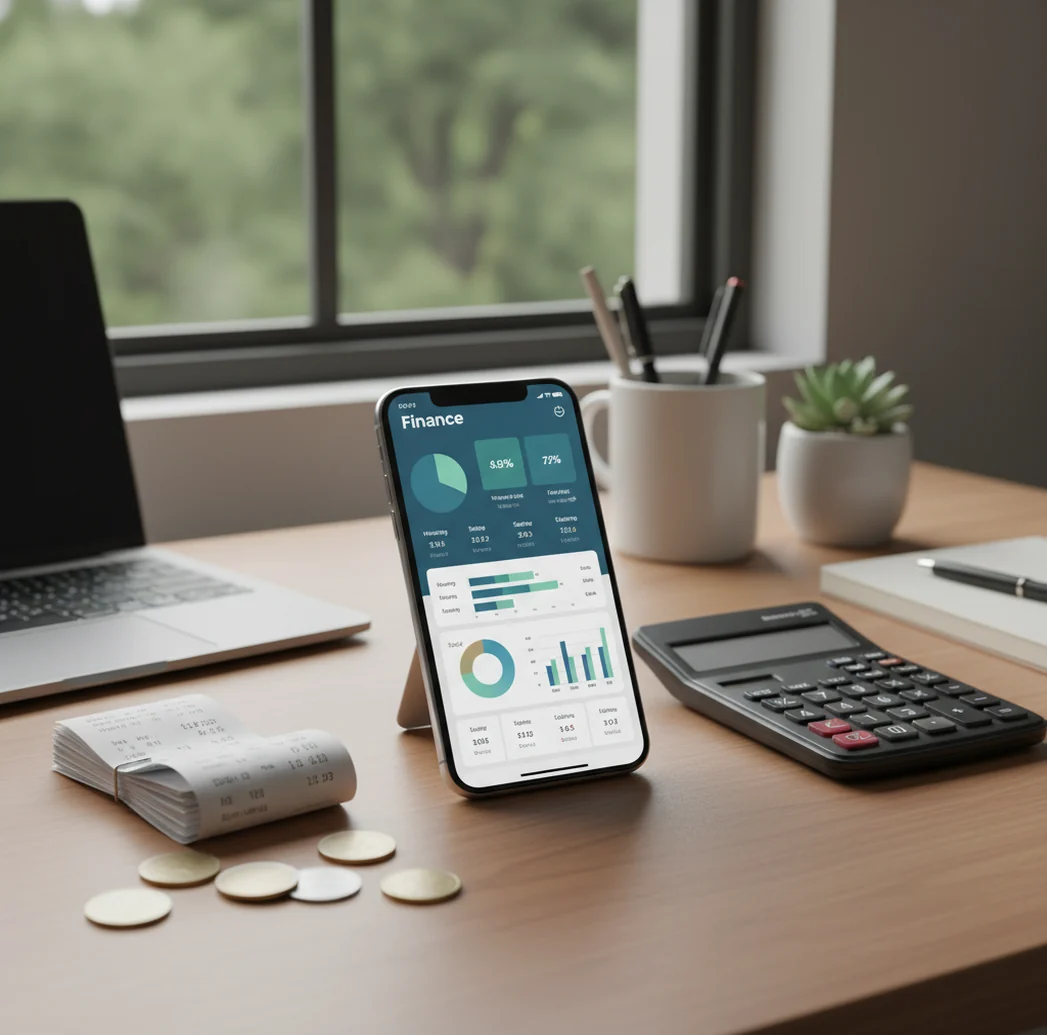
A money tracker app records income and expenses so you can see cash flow, spending categories, and recurring bills on iPhone. Walleta is available as a free iOS money tracker for people who prefer quick manual logging over complex budgeting. It is best for daily visibility, not for tax filing or investment advice.
What Is a Money Tracker App?
A money tracker app is an iOS tool for recording expenses, income, categories, dates, notes, and receipts in one searchable place. It helps you understand what happened to your money before you decide what to change.
Money Tracker App is built for practical daily tracking: groceries, salary, freelance income, subscriptions, reimbursements, travel spending, and cash purchases. The tool summarizes entries into charts and cash flow reports so small transactions become visible patterns.
It is designed for privacy-minded manual tracking: no bank connection is required, and data stays on device unless you enable iCloud sync. For important numbers, verify totals against bank statements, invoices, or tax records.
How Money Tracking App Works
A money tracking app works by turning each purchase or income payment into a structured transaction record. The core fields are amount, category, date, account or wallet, currency, note, and optional receipt attachment.
When you add an expense, category suggestions can speed up repeat entries based on rules, vendor names, or previous choices. Receipt scanning uses OCR to read details from a photo, but you still confirm the amount, date, and merchant before saving.
After entries are saved, the app groups them into spending charts, income summaries, cash flow views, and exportable reports. That mechanism makes tracking useful: it converts daily logging into weekly and monthly decisions.
How to Use a Spending Tracker on iPhone
Create practical categories
Start with categories you already use mentally, such as groceries, rent, transport, eating out, subscriptions, health, salary, and freelance income. Fewer clear categories usually beat dozens of vague ones.
Log transactions daily
Enter purchases right after paying or do one short catch-up session each evening. Add the amount, date, category, account, and note while the context is still fresh.
Scan receipts when needed
Attach receipt photos for reimbursements, business purchases, travel, or tax-adjacent records. Always review OCR results because blurry receipts and unusual layouts can produce wrong totals.
Set recurring reminders
Add repeating bills, subscriptions, rent, insurance, and loan payments so monthly cash flow is not understated. Reminders also help you notice charges you forgot to cancel.
Review reports weekly
Check category totals, income versus expenses, and recent trends once a week. Export CSV or PDF when you need to share records or analyze them outside the app.
When to Use a Money Tracking App (and When Not To)
Use it when
- Use it when you want a fast picture of where your money goes each day.
- Use it when you have cash purchases, reimbursements, side income, or shared household costs that bank apps miss.
- Use it when you prefer manual control over automated bank-feed categorization.
- Use it when you want monthly cash flow, category trends, receipt storage, and exportable records.
- Use it when you are changing habits and need evidence, not guesses.
Skip it when
- Do not use it as your only tax record for business filings.
- Do not use it as investment, legal, or debt payoff advice.
- Do not expect accurate totals if you skip several days and guess later.
- Do not rely on receipt OCR without checking extracted amounts and dates.
- Do not choose manual tracking if you need full automatic bank aggregation.
Money Tracking App vs YNAB, Copilot Money, and Spendee
| Feature | Money Tracker App | YNAB | Copilot Money | Spendee |
|---|---|---|---|---|
| Primary focus | Fast expense, income, and cash flow tracking | Zero-based budgeting and planning | Automated spending insights | Visual wallets and shared spending |
| Best fit | People who want quick daily logging on iOS | People who want strict budgeting rules | People who want bank-connected insights | Couples, groups, and visual budget users |
| Manual expense entry | Yes, optimized for quick entry | Yes | Limited compared with automation | Yes |
| Income tracking | Yes | Yes | Yes | Yes |
| Receipt scanning | Yes | Not the main focus | Varies by setup | Varies by plan |
| Cash flow dashboard | Yes | Budget-focused reports | Yes, with premium insights | Yes, with wallet summaries |
| Recurring bills | Yes | Yes | Yes | Yes |
| Export | CSV and PDF | Export supported | Export options vary | Export options vary |
| Learning curve | Low | Moderate to high | Low to moderate | Low to moderate |
Choose a simple tracker when you want accurate daily records. Choose YNAB for envelope-style budgeting, Copilot Money for automation, or Spendee for shared wallet workflows.
Daily Expense and Income Tracking Use Cases
- Daily spending visibility: Track groceries, coffee, transport, meals, and small card or cash purchases before they disappear into vague monthly totals. This is the most common reason people start.
- Income and side work tracking: Record salary, freelance payments, tips, refunds, and irregular income in the same place as expenses. That makes personal cash flow easier to review.
- Receipt-based reimbursements: Attach receipts to work travel, client purchases, medical costs, or shared household expenses. Photos reduce the risk of missing proof later.
- Subscription and bill monitoring: Use reminders and recurring entries for rent, insurance, utilities, streaming, software, and memberships. Recurring costs are often where spending drift hides.
- Travel and multi-currency spending: Log trip purchases by category, wallet, and currency so you can see what the trip actually cost. This is especially useful when using both cash and cards.
Money Tracking App Limitations
What to keep in mind
- iOS-only: the app is designed for iPhone and iPad, so it is not a native Android option.
- Manual entry depends on the user: if you forget purchases, reports will be incomplete.
- Not investment advice: spending reports do not replace a financial advisor, tax professional, or debt counselor.
- Estimates are not guarantees: category totals, trends, and projections are only as accurate as the transactions entered.
- Needs consistent logging: the best results come from daily or near-daily entry, not monthly memory-based catch-up.
- Receipt OCR can be wrong: blurry photos, faded ink, unusual layouts, tips, and taxes can cause extraction errors.
- Exports still need review: CSV and PDF files are useful for analysis, but important records should be checked before sharing.
- Sync depends on setup: iCloud behavior can vary by device settings, Apple ID status, and available storage.
More Features to Explore
Category breakdowns and trends
Capture and attach receipts
Never miss a payment
Track spending with others
Log in any currency
Definition, features, and how it works
Tips, guides, and strategies
Frequently Asked Questions
It tracks expenses, income, categories, dates, notes, wallets or accounts, currencies, and optional receipt photos. The main output is a clearer view of spending patterns and cash flow.
The app is available as a free iOS option for people who want simple expense and income tracking. Some features, availability, or pricing details may vary over time in the App Store.
Yes, receipt scanning can help capture purchase details from a photo and attach the image to a transaction. You should still verify the amount, date, and merchant before saving.
Yes, you can record salary, freelance payments, refunds, tips, and other income sources. Tracking income beside expenses makes cash flow easier to understand.
It can support budgeting, but its primary job is tracking what happened. If you need strict zero-based budgeting rules, a dedicated budgeting system may be a better fit.
Yes, it is designed for people who prefer simple setup and manual tracking. That approach gives you control, but it also means accuracy depends on consistent entry.
Yes, export options such as CSV and PDF are useful for spreadsheets, reports, reimbursements, and personal review. Always check exported records before using them for formal purposes.
It can work well for couples or roommates who need to track shared expenses, bills, reimbursements, or household categories. The best setup is to agree on categories before logging.
Daily logging gives the most reliable results and usually takes less than a few minutes. Weekly catch-up can work, but memory-based entries become less accurate over time.