App to Track Income and Expenses
An app to track income and expenses is a mobile tool that records what you earn and what you spend so you can see real cash flow over time. Money Tracker App is an iOS-only option that lets you log income, categorize expenses, scan receipts, and review charts and reports in one timeline. The goal is simple: capture transactions consistently and turn them into clear spending and income patterns. For accuracy, you still need to verify totals against your bank and card statements.
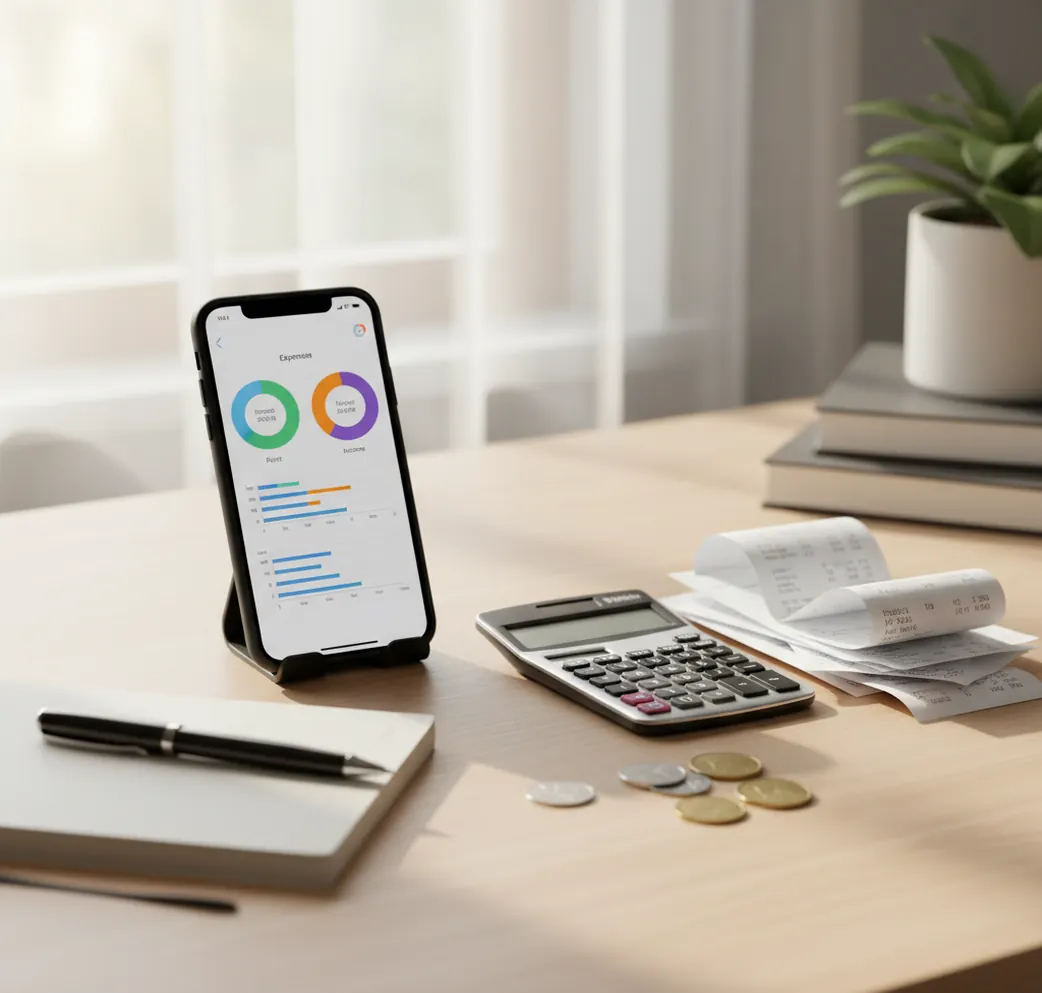
An app to track income and expenses records money coming in and going out so you can understand cash flow, not just today’s bank balance. A free iOS Walleta Budgeting App helps you log paychecks, bills, receipts, categories, and reports from one mobile timeline. It works best when you enter transactions consistently and reconcile important totals against statements.
What Is App to Track Income and Expenses?
An income and expense tracking app is a transaction recorder for personal cash flow. It stores each paycheck, invoice, refund, bill, card purchase, and cash payment with a date, amount, account, and category.
Money Tracker App is useful because it keeps income and spending in the same iPhone workflow instead of splitting them between notes, bank alerts, and spreadsheets. You can attach receipts, filter records, review charts, and export reports when you need a cleaner view.
The tool is manual by design: no bank connection, data stays on device unless you export or sync through Apple services. That tradeoff gives control, but it also means your numbers are only as accurate as your logging habits.
How App to Track Income and Expenses Works
An income and spending tracker works by turning every money event into structured transaction data. Each entry becomes searchable because the app stores fields such as amount, date, category, account, merchant, note, currency, and optional receipt image.
Once transactions are structured, the tracker can summarize cash flow over any period. Income minus expenses becomes net cash flow, categories become charts, and accounts become filtered views for cash, checking, credit cards, or travel balances.
Receipt scanning adds proof to the record. Category rules and repeated merchant patterns reduce cleanup, while exports create CSV or PDF files for budgeting reviews, reimbursements, or tax-time summaries.
How to Use an Income and Expense Tracking App
Create your accounts
Add the places money moves through, such as cash, checking, credit card, savings, or travel wallet. Keep the list short so daily entry stays fast.
Define practical categories
Use categories you actually review: rent, groceries, transport, utilities, subscriptions, dining, paycheck, freelance, refund, and gifts. Too many categories slows logging.
Log transactions daily
Enter income when it arrives and expenses when they happen. Thirty seconds each day beats reconstructing a week from memory.
Scan important receipts
Attach receipts for returns, reimbursements, work expenses, travel purchases, warranties, and tax-related records. Skip low-value receipts if they add clutter.
Review cash flow weekly
Open reports, compare income against spending, and check category spikes. Reconcile important totals against bank or card statements before making decisions.
When to Use an App to Track Income and Expenses (and When Not To)
Use it when
- Use it when your income is irregular and you need to compare freelance, paycheck, refund, or side-hustle money against fixed bills.
- Use it when cash purchases, reimbursements, and shared household expenses make bank balances hard to interpret.
- Use it when subscription creep, dining spikes, or travel spending needs weekly visibility instead of monthly surprise.
- Use it when you want exportable records for simple budgeting reviews, reimbursements, or tax preparation.
Skip it when
- Do not use it as your only source of truth when exact balances matter; reconcile against bank and card statements.
- Do not use it if you want fully automated bank syncing, since manual entry is part of the workflow.
- Do not use it for investment, tax, or legal advice; it organizes records but does not replace a professional.
- Do not use it once and expect insight. The value appears after consistent logging over several weeks.
App to Track Income and Expenses vs YNAB and Copilot Money
| Feature | Money Tracker App | YNAB | Copilot Money |
|---|---|---|---|
| Best fit | iPhone-first manual logging for income, expenses, receipts, and cash flow | Structured zero-based budgeting with a strong method | Premium automated personal finance dashboard with polished visuals |
| Income tracking | Income categories, account filters, reports, and cash flow views | Income is assigned into the budgeting method | Strong income-versus-spending visualization |
| Expense logging | Fast category-based entry with search, filters, and receipt attachments | Detailed tracking tied to budget categories | Automated transaction views with categorization tools |
| Receipt handling | Receipt scanning and attachment for proof and reimbursement records | Limited receipt-first workflow | Less focused on receipt storage than dashboard insights |
| Learning curve | Simple daily recorder with flexible categories | Higher learning curve because the method matters | Moderate, with emphasis on connected-account setup |
| Platform focus | iOS-first | iOS, Android, and web | iOS and Mac-focused |
Choose the tracker when you want manual control and receipt-backed records on iPhone. Choose YNAB when you want a strict budgeting system, or Copilot Money when you prefer premium connected-account insights.
Use Cases for Income and Expense Tracking
- Freelance cash flow: Track client payments, late invoices, platform fees, tax set-asides, and business purchases in the same view. This helps separate real income from reimbursed or pass-through money.
- Household spending: Log groceries, utilities, rent, shared subscriptions, and partner reimbursements. A single timeline makes it easier to see who paid what and where costs are rising.
- Subscription cleanup: Tag recurring charges and review them monthly. Small trials, app plans, streaming services, and software renewals are easier to cancel when they are visible.
- Cash and card tracking: Record cash purchases beside card payments so the budget reflects reality. Bank feeds often miss cash, tips, informal payments, and small reimbursements.
- Travel spending: Track meals, transport, lodging, exchange-rate differences, and multi-currency purchases during a trip. Receipt images help when reconciling expenses after returning home.
App to Track Income and Expenses Limitations
What to keep in mind
- iOS-only: the app is designed for iPhone and iPad workflows, so Android users need another option.
- Manual entry depends on the user: missed transactions will create incomplete cash flow reports.
- Not investment advice: charts and reports organize personal records but do not recommend investments or financial products.
- Estimates are not guarantees: category totals, cash flow summaries, and projections depend on the accuracy of your entries.
- Needs consistent logging: useful patterns usually appear after several weeks of regular transaction capture.
- Bank statement reconciliation still matters: use statements to verify balances, fees, interest, refunds, and disputed charges.
- Receipt scanning is helpful but imperfect: OCR can misread totals, dates, or merchant names, so important receipts should be checked.
Frequently Asked Questions
Create accounts, add practical categories, and record every income and expense transaction with a date and amount. Review totals weekly so you can spot cash flow problems before the month ends.
Manual tracking is better when you want control, privacy, cash tracking, and receipt context. Bank syncing is better when you want automation and are comfortable connecting financial accounts.
Yes. Add a cash account and log cash transactions the same way you log card purchases, including category, amount, and note if needed.
Daily entry is usually the most reliable habit because transactions are still fresh. If daily logging is unrealistic, set a fixed weekly review time and keep receipts until entries are complete.
Start with broad categories such as rent, groceries, transport, utilities, subscriptions, dining, paycheck, freelance, refunds, and gifts. Add more only when a category will change your decisions.
Yes. You can separate client payments, platform payouts, refunds, business expenses, and tax set-asides so cash flow is easier to read.
Not always. Reports depend on your entries, timing, categories, and corrections, so reconcile important totals against bank and card statements.
Yes, tracking income and expenses gives the raw data a budget needs. Once you know what comes in and where it goes, you can set realistic spending limits.
Exporting records is useful for reimbursements, tax summaries, and spreadsheet analysis. Check the export format you need, such as CSV or PDF, before relying on it for a workflow.