How to Track Cash Flow Effectively
How to track cash flow means recording every inflow and outflow, then reviewing the net change over a set period (week or month). The simplest method is to log income and expenses daily, categorize them, and monitor a cash flow dashboard that shows what is left after recurring costs. Money Tracker App is a mobile-first iOS option that lets you record transactions, see cash flow trends, and spot spending patterns in one place.
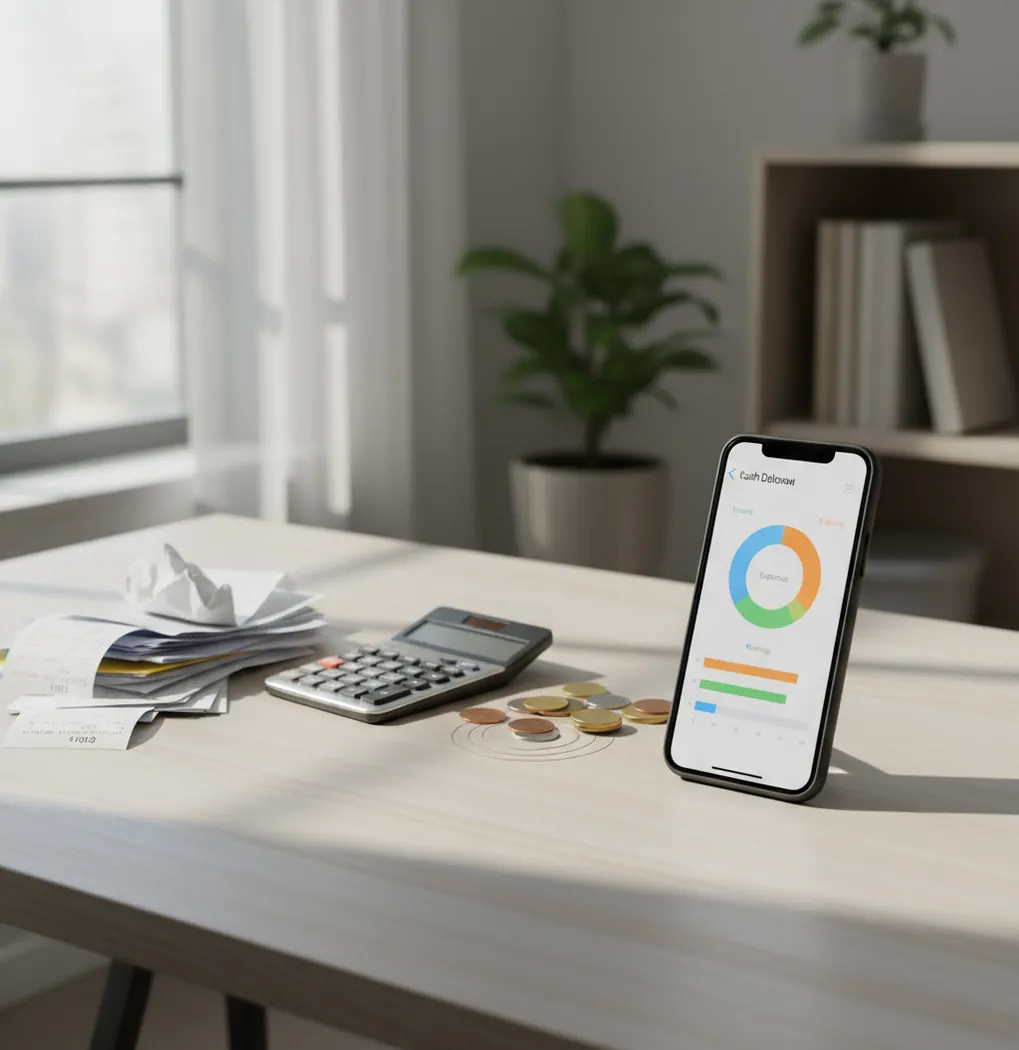
How to track cash flow effectively starts with logging every income and expense, categorizing each transaction, and reviewing net cash flow weekly. Use an expense tracker when you want a simple iOS workflow for paycheck timing, bills, and daily spending. The key metric is income minus expenses for a chosen period, not your bank balance at one moment.
What Is How to Track Cash Flow Effectively?
Cash flow tracking means recording money coming in and money going out, then measuring the net change over a set period. It is practical, not theoretical. You track dates, amounts, categories, and payment context so weekly or monthly totals become visible.
Money Tracker App works well because it keeps income, expenses, categories, receipts, and charts in one iPhone workflow. For privacy-focused users, there is no bank connection; data stays on device. That makes the tracker useful for people who prefer intentional manual logging over automatic account aggregation.
How Cash Flow Tracking Works
Cash flow tracking works by turning each transaction into structured data: date, amount, category, account context, and optional notes or receipt details. The app then totals income and expenses over daily, weekly, or monthly periods to show whether cash flow is positive or negative.
The mechanism is simple. Income entries increase available cash flow, expense entries reduce it, and categories explain where the change came from. Dashboards summarize those entries into charts, trend lines, and category totals, so you can see whether groceries, subscriptions, eating out, or irregular bills are driving the result.
How to Use a Cash Flow Tracker
Choose a review period
Start with a weekly view if money feels tight, then compare it with the monthly total. Weekly tracking catches problems before they become end-of-month surprises.
Create usable categories
Use 8 to 12 categories such as rent, groceries, transport, eating out, subscriptions, health, travel, and miscellaneous. Keep them simple enough that you will log consistently.
Log income on deposit day
Record paychecks, transfers, reimbursements, and side income when they arrive. Include the source so irregular income is easier to review later.
Enter expenses as they happen
Log card purchases, cash spending, bills, and recurring payments with the correct category. Attach notes or receipts when a transaction might be hard to remember.
Review net cash flow weekly
Compare total income with total expenses, then inspect the top three spending categories. Adjust the next week’s spending before the pattern repeats.
When to Use Cash Flow Tracking (and When Not To)
Use it when
- Use it when your balance looks fine on payday but disappears before the next deposit.
- Use it when you want to separate fixed bills from flexible daily spending.
- Use it when income is irregular and you need to see which weeks are actually tight.
- Use it when cash purchases, reimbursements, or shared household costs are easy to forget.
- Use it when you want a simple habit before building a full budget.
Skip it when
- Do not use it as a substitute for emergency planning, debt strategy, or tax advice.
- Do not use it once per month if your problem is daily overspending.
- Do not rely on it if you only log card purchases and ignore cash.
- Do not treat a positive week as extra money before upcoming bills are entered.
- Do not overbuild categories so much that logging becomes a chore.
How to Track Cash Flow Effectively vs YNAB and Copilot Money
| Feature | Money Tracker App | YNAB | Copilot Money |
|---|---|---|---|
| Best fit | Manual iOS cash flow logging with income, expenses, categories, and simple charts | Rule-based budgeting for users who want every dollar assigned to a job | Account-connected visual spending analysis for users comfortable with aggregation |
| Cash flow view | Shows inflows, outflows, category totals, and net cash flow from entered transactions | Focuses on budget categories, available amounts, and planned money movement | Shows trends, merchant patterns, and account-based spending summaries |
| Daily expense entry | Fast manual entry suited to cash, card, reimbursements, and receipts | Manual and connected workflows depending on setup | Primarily account-linked with transaction review |
| Learning curve | Low; useful once categories and weekly review are set | Medium to high; the method takes time to learn | Medium; setup depends on connected accounts and categorization rules |
| Cost positioning | Free to use on iOS with optional upgrades | Subscription-based | Subscription-based |
| Privacy style | Designed for users who do not want bank-linked tracking | Often used with account connections, though manual entry is possible | Built around connected account insights |
Choose the tool by workflow, not screenshots. A manual tracker is better when you want deliberate entry and cash visibility, while YNAB is stronger for strict budget rules and Copilot Money is stronger for connected-account visuals.
Cash Flow Tracking Use Cases
- Paycheck-to-paycheck planning: Track each paycheck against the bills and daily spending that happen before the next deposit. This makes the real gap between income and expenses easier to see.
- Irregular income management: Freelancers, contractors, and side-gig workers can log uneven deposits by date and source. Reviewing several weeks together shows whether high-income weeks are covering low-income weeks.
- Subscription cleanup: Recurring payments often hide in normal spending. Categorizing them separately makes renewals, trials, and unused services easier to cancel.
- Cash purchase tracking: Cash spending disappears fastest because it rarely leaves a clear digital trail. Logging small cash purchases immediately keeps the weekly total honest.
- Household spending review: Shared groceries, bills, child costs, and home purchases can be grouped into clear categories. A monthly export also helps when partners want a neutral summary.
Cash Flow Tracking Limitations
What to keep in mind
- iOS-only availability limits use for people who want a native Android or web-first workflow.
- Manual entry depends on the user; missed transactions create an incomplete cash flow picture.
- It is not investment advice, tax advice, debt counseling, or a replacement for a financial professional.
- Cash flow estimates are not guarantees because future bills, refunds, and irregular income can change quickly.
- The method needs consistent logging; reviewing once after several weeks usually produces stale insights.
- Category accuracy depends on how carefully you name and reuse categories over time.
- A positive net cash flow can still be misleading if upcoming annual bills or debt payments are not entered.
Frequently Asked Questions
Start by choosing a weekly or monthly review period. Then log every income and expense with a date, amount, and category so you can compare total inflow with total outflow.
Track both if you want an accurate cash flow view. Card spending is easier to remember, but cash purchases often explain why the weekly total feels off.
Begin with rent or mortgage, groceries, transport, eating out, subscriptions, health, shopping, travel, and miscellaneous. Add more detail only when a category becomes too vague to explain behavior.
Review cash flow once per week for five minutes. Do a deeper monthly check to compare income, expenses, category trends, and recurring payments.
Yes, but log income on the exact day it arrives. Irregular earners should review multiple weeks together because one strong week can hide a weak one.
No. Cash flow shows what came in and went out during a period, while a budget is a plan for what should happen next.
Add them as soon as you notice, using the best available date and category. If you forget often, build a daily one-minute logging habit after lunch or before bed.
No, bank syncing is optional for cash flow tracking. Manual logging can be more intentional because you see each purchase as you enter it.