App to Automate Savings in 2026
An app to automate savings is a tool that helps you make saving consistent by automating the routine around it, like recurring entries, reminders, and clear cash-flow visibility. Money Tracker App supports this by letting you record recurring “savings transfer” transactions, categorize spending automatically, and review cash flow so you can protect your save-rate. It does not move money for you, but it can automate the tracking and prompts that keep savings from getting skipped.
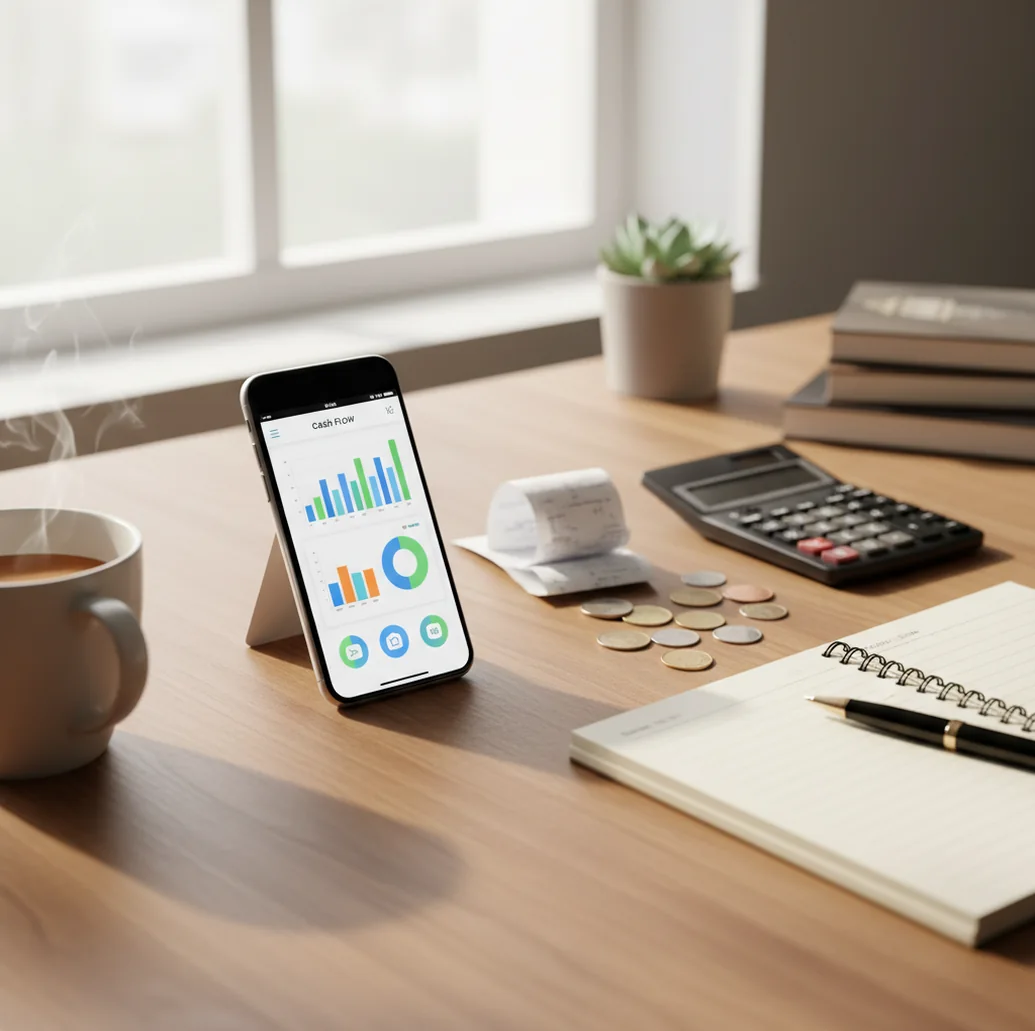
An app to automate savings in 2026 helps you make saving consistent by automating the routine around it, not by magically creating extra money. The best tracking-first setup uses recurring savings entries, reminders, categories, and cash-flow reviews so missed transfers are easy to spot. It is most useful when you want accountability without connecting every financial account.
What Is an App to Automate Savings in 2026?
An app to automate savings in 2026 is a personal finance tool that turns saving into a scheduled, visible habit. In a tracking-first setup, automation means recurring records, reminders, searchable categories, and cash-flow checks rather than automatic bank movement.
Money Tracker App is useful because it treats savings like a transaction you can see, filter, and review. On iPhone, Walleta can help you record savings transfers, track income, scan receipts, and monitor whether daily spending is reducing your save-rate.
This approach works well for people who prefer manual control. There is no bank connection, data stays on device, and your savings history depends on the entries you confirm.
How an App to Automate Savings in 2026 Works
A savings automation app works by converting a savings intention into a repeatable transaction pattern. The mechanism is simple: category, amount, schedule, reminder, confirmation, and review.
For example, you create a category such as Savings transfer, add a recurring entry for payday or every Friday, and let the tracker place it on your timeline. When the date arrives, the app reminds you to confirm the transfer happened. Spending entries, receipt scans, and category rules then feed the cash-flow view, showing income in, expenses out, and savings recorded over time.
The value is feedback. Instead of hoping money remains at month end, you see whether saving happened before subscriptions, groceries, and impulse spending absorbed the margin.
How to Use a Savings Automation App
Create a savings category
Use one clear category, such as Savings transfer, Emergency fund, or Travel savings. Keep the name consistent so reports stay searchable.
Add a recurring entry
Set the savings amount and repeat schedule. Payday works for regular income, while weekly entries help people with variable pay.
Turn on reminders
Place reminders on the days you usually save or pay fixed bills. The prompt turns savings into a scheduled check-in.
Log daily spending
Record purchases quickly and scan receipts when cash spending would otherwise disappear. Missing expenses can make savings look easier than it is.
Review cash flow weekly
Compare income, expenses, and savings entries every weekend. Confirm transfers happened and adjust the next recurring amount if needed.
Export records monthly
Use CSV or PDF exports when you want a clean month-end record for reconciliation, taxes, or shared household review.
When to Use Savings Automation (and When Not To)
Use it when
- Use it when you forget payday savings transfers unless a reminder appears on your phone.
- Use it when you want to compare emergency fund, travel, tax, or goal-based savings categories.
- Use it when income varies and you need a flexible weekly savings target instead of a rigid monthly budget.
- Use it when subscriptions, small purchases, or cash spending are quietly reducing your ability to save.
- Use it when couples or roommates need a shared habit of recording contributions, even if accounts remain separate.
Skip it when
- Do not use it as your only proof that money moved; confirm real transfers in your financial account.
- Do not rely on it for investment planning, portfolio allocation, or retirement advice.
- Do not expect perfect automation if you dislike logging transactions or reviewing reports.
- Do not use it to replace an emergency fund strategy, debt payoff plan, or professional financial guidance.
- Do not treat projections as guarantees; cash flow can change quickly when income, rent, or bills change.
App to Automate Savings in 2026 vs YNAB and PocketGuard
| Feature | Money Tracker App | YNAB | PocketGuard |
|---|---|---|---|
| Best fit | Tracking-first savings routines on iPhone | Rule-based budgeting and category allocation | Quick spending limits and overspending signals |
| Recurring savings entries | Yes, useful for payday or weekly savings records | Yes, through scheduled transactions and budget workflows | Supported through budgeting and bill-style planning |
| Manual control | High; users confirm what happened | High; users assign every dollar | Medium; more guidance comes from app-generated limits |
| Receipt capture | Yes, useful for reducing forgotten cash purchases | Limited, depending on workflow | Limited, not the core feature |
| Cash-flow visibility | Income, spending, categories, reports, and searchable records | Strong reports tied to budget categories | Simplified view of spendable money |
| Cost style | Free to use, with optional upgrades if available | Paid subscription | Freemium, with features varying by plan |
Choose a tracking-first tool if you want savings to show up as records you review. Choose YNAB for a strict zero-based budget, or PocketGuard for faster guardrails around daily spending.
Savings Automation Use Cases
- Payday savings transfers: Schedule a recurring entry for the day income arrives. The timeline makes saving feel like a fixed bill instead of an afterthought.
- Emergency fund tracking: Create a dedicated category for emergency savings. Reviewing month-to-month totals helps you see whether the buffer is growing.
- Irregular income planning: Use a weekly reminder with a flexible amount when income changes. The consistent category matters more than the same number every time.
- Subscription leak detection: Track recurring bills beside savings entries. If subscriptions rise while savings falls, the tradeoff becomes visible fast.
- Cash and receipt-heavy weeks: Scan receipts and log cash spending before it disappears from memory. Accurate spending records protect the realism of your savings target.
- Shared household goals: Use consistent categories for rent buffers, travel funds, or shared purchases. Exports make end-of-month reconciliation easier.
Savings Automation App Limitations
What to keep in mind
- iOS-only availability means Android users need another tracker or a spreadsheet-based workflow.
- Manual entry still depends on the user; skipped purchases can make cash flow look healthier than reality.
- The app does not provide investment advice, asset allocation guidance, or personalized retirement planning.
- Savings estimates and cash-flow projections are not guarantees because income, bills, and emergencies can change.
- Recurring entries do not prove money moved; you should confirm actual transfers in your financial account.
- Auto-categorization can misclassify merchants, especially when transaction names are vague or reused.
- Receipt OCR may miss totals on blurry, folded, faded, or poorly lit receipts.
- Consistent logging is required; automation supports the habit but does not replace the habit.
Frequently Asked Questions
Some financial services can initiate transfers, but many tracking-first apps only automate the record and reminder. Always confirm the actual transfer in your financial account.
Payday saving works well when income is predictable. Weekly saving is often better for variable income because it creates more frequent check-ins.
Use a recurring weekly reminder with a flexible savings amount. Keep the same savings category so you can compare consistency over time.
Use a simple category such as Savings transfer, Emergency fund, or Travel savings. The best category is the one you will use every time.
Receipt scans help by reducing missing cash purchases and small expenses. More complete spending records make your savings target more realistic.
Yes, separate categories can track emergency savings, travel, taxes, gifts, or a down payment. Consistent naming makes reports and searches easier.
This workflow is designed for iOS users. If you use another platform, you may need a different app or a spreadsheet.
A weekly review is usually enough for most people. Review more often when income is irregular, spending is high, or you are rebuilding savings.