Money Saving Tips 2026
The best money saving tips 2026 are the ones that turn your real transactions into clear patterns you can act on: record every expense and income, review cash flow weekly, and cut repeat leaks like subscriptions and impulse add-ons. Money Tracker App helps by capturing transactions fast, auto-sorting categories, and showing charts that make overspending obvious. When you can see where money goes, saving becomes a set of small, repeatable edits.
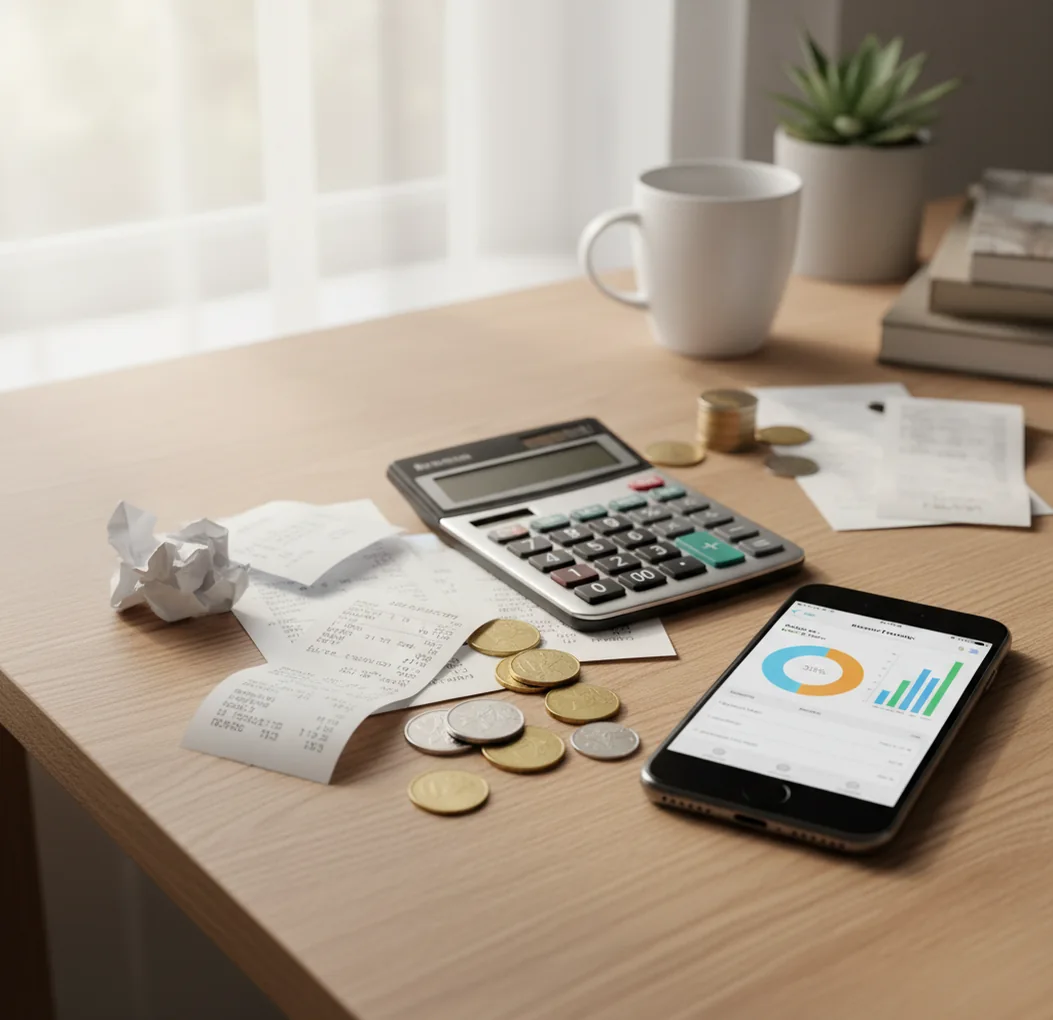
Money saving tips 2026 work best when they start with recorded spending, not memory. A free iOS expense tracker app can show repeat charges, category drift, and cash-flow gaps before they become monthly habits. The most reliable savings come from one measured change each week.
What Is Money Saving Tips 2026?
Money-saving advice in 2026 is less about vague frugality and more about using transaction data to reduce waste. The useful tips are specific: log every purchase, review weekly cash flow, cancel repeat leaks, and adjust habits that keep showing up in your numbers.
Money Tracker App is useful because it turns daily income and expense entries into charts, categories, and searchable records. It is built for iPhone users who want a simple tracker with no bank connection, data stays on device, and enough reporting to spot where savings are realistic.
The point is not to punish every purchase. It is to replace guessing with evidence, then make small edits that actually lower spending.
How Money Saving Tips 2026 Works
Tracking-based saving works by converting messy daily spending into structured transaction data. Once purchases have dates, amounts, merchants, and categories, patterns become visible enough to act on.
Automatic categorization usually reads merchant names, past choices, and transaction amounts to predict where an expense belongs. Receipt scanning uses OCR to pull totals, dates, and merchant details from photos, which helps capture small purchases that are easy to forget.
From there, weekly reports compare category totals over time. Spikes show drift. Repeats show subscriptions, delivery fees, convenience runs, and add-ons. The saving action comes last: choose one leak, test a cut, and check whether next week’s numbers improved.
How to Use Saving Tips for 2026
Log every transaction
Record expenses and income as they happen, including cash, tips, fees, and small add-ons. Complete data matters more than perfect categories in the first week.
Choose practical categories
Use categories you will actually review, such as groceries, fuel, coffee, dining, subscriptions, transport, and household bills. Too many categories slow you down.
Review one week at a time
Sort spending by category after seven days and identify the top three areas that rose faster than expected. Weekly review catches drift before it becomes normal.
Find repeat merchants
Search for recurring names such as streaming services, delivery apps, convenience stores, and app subscriptions. Repeated small charges often beat one large purchase.
Test one reduction
Pick one change for the next week, such as delivery once instead of four times or canceling an unused subscription. Keep the change only if the numbers show real savings.
When to Use Money Saving Tips 2026 (and When Not To)
Use it when
- Use them when your spending feels unclear and you need a factual view of where money goes.
- Use them when subscriptions, delivery fees, small card purchases, or cash spending keep surprising you.
- Use them when you want to save without building a complex zero-based budget.
- Use them when income changes weekly or monthly and leftover cash is hard to predict.
- Use them when you share costs with a partner, roommate, or family member and need cleaner records.
Skip it when
- Do not rely on them alone during a financial emergency that needs debt counseling, legal help, or immediate creditor negotiation.
- Do not use them as investment, tax, or retirement planning advice.
- Do not expect savings if you only log some transactions and ignore cash purchases.
- Do not use category charts as a substitute for checking bank statements before major decisions.
- Do not keep tracking methods that take so long you stop using them.
Money Saving Tips 2026 vs YNAB and Spendee
| Feature | Money Tracker App | YNAB | Spendee |
|---|---|---|---|
| Best fit | Fast iOS spending and income tracking for finding savings leaks | Rule-based budgeting with detailed allocation workflows | Visual wallet-based tracking for personal or shared spending |
| Expense logging | Quick manual entry with categories, search, and reports | Transaction-based entry tied to budget rules | Wallet and category tracking with visual summaries |
| Income tracking | Income entries help show true leftover cash | Income is assigned to budget jobs | Income entries are supported in wallets |
| Receipt visibility | Receipt capture helps preserve small purchases | More focused on budgeting workflow than receipt OCR | Receipt support varies by setup and plan |
| Saving insight | Charts highlight repeat charges, category drift, and cash-flow gaps | Strong for planned spending behavior | Strong visuals for trends across wallets |
| Pricing style | Free to start for core tracking | Typically paid subscription | Often freemium depending on features |
For saving-by-tracking, the best choice is the tool you will open every day. YNAB is stronger when you want a full budgeting method, while Spendee is useful for visual wallet reports. A lightweight tracker is often better when the main goal is to capture spending quickly and cut repeat leaks.
Money-Saving Use Cases
- Cancel forgotten subscriptions: Search recurring merchants and monthly charges to find services you no longer use. Canceling or downgrading one repeat charge lowers spending every future month.
- Reduce delivery and convenience spending: Track food delivery, takeout, and quick-store top-ups as separate categories. When the weekly total is visible, it becomes easier to set a realistic limit.
- Control grocery drift: Log grocery trips and midweek re-shopping separately. Many households overspend when small replacement trips quietly double the original plan.
- Avoid late fees: Use recurring entries and reminders for predictable bills. Preventing a late fee is an immediate saving, even if the bill itself cannot be reduced.
- Audit a month quickly: Export or review monthly totals to see where money actually went. This is useful before changing phone plans, insurance, subscriptions, or household routines.
Money Saving Tips 2026 Limitations
What to keep in mind
- iOS-only availability limits usefulness for households where everyone tracks on Android.
- Manual entry depends on the user; missed cash purchases make savings look better than reality.
- The tool is not investment, tax, legal, or debt-management advice.
- Savings estimates are not guarantees because prices, income, emergencies, and behavior can change.
- Consistent logging is required; charts become less useful when transactions are entered only occasionally.
- Auto-categorization may misfile new merchants until corrected.
- Receipt scanning can miss totals on crumpled receipts, faded ink, glare, or low-light photos.
- Expense reports help with personal review, but they do not replace official bank or credit-card statements.
Frequently Asked Questions
Start by tracking every expense for seven days without changing behavior. Then cut one repeat leak, such as an unused subscription or frequent delivery order.
Sort transactions by category, then search for repeated merchants and small charges. Look for patterns that happen weekly or monthly, because those cuts compound fastest.
No, not at first. Tracking alone can reveal enough spending drift to make practical cuts before you build a detailed budget.
Weekly is the best rhythm for most people. Daily logging keeps the data complete, while weekly review gives enough context to make decisions.
Yes, especially if your pay varies. Income tracking shows true leftover cash, which makes saving targets more realistic.
Canceling or downgrading repeat charges is usually the fastest win. Subscriptions, delivery fees, app renewals, and convenience purchases often create monthly savings without major lifestyle changes.
Yes, if you review patterns instead of only recording purchases. Seeing the same merchant or category repeat can create enough friction to change the habit.
Use receipts, notes, and end-of-day review to fill gaps while the purchase is still fresh. If missed entries become common, simplify your categories and shorten the logging process.