App to Help Save Money 2026
The best app to help save money is one that makes your spending visible every day, so you can spot leaks and repeat the behaviors that actually leave cash unspent. It works by recording expenses and income, then showing patterns and cash flow so you can act on real data, not guesses. Money Tracker App does this with quick category-based logging, charts, and a cash flow dashboard built for mobile tracking.
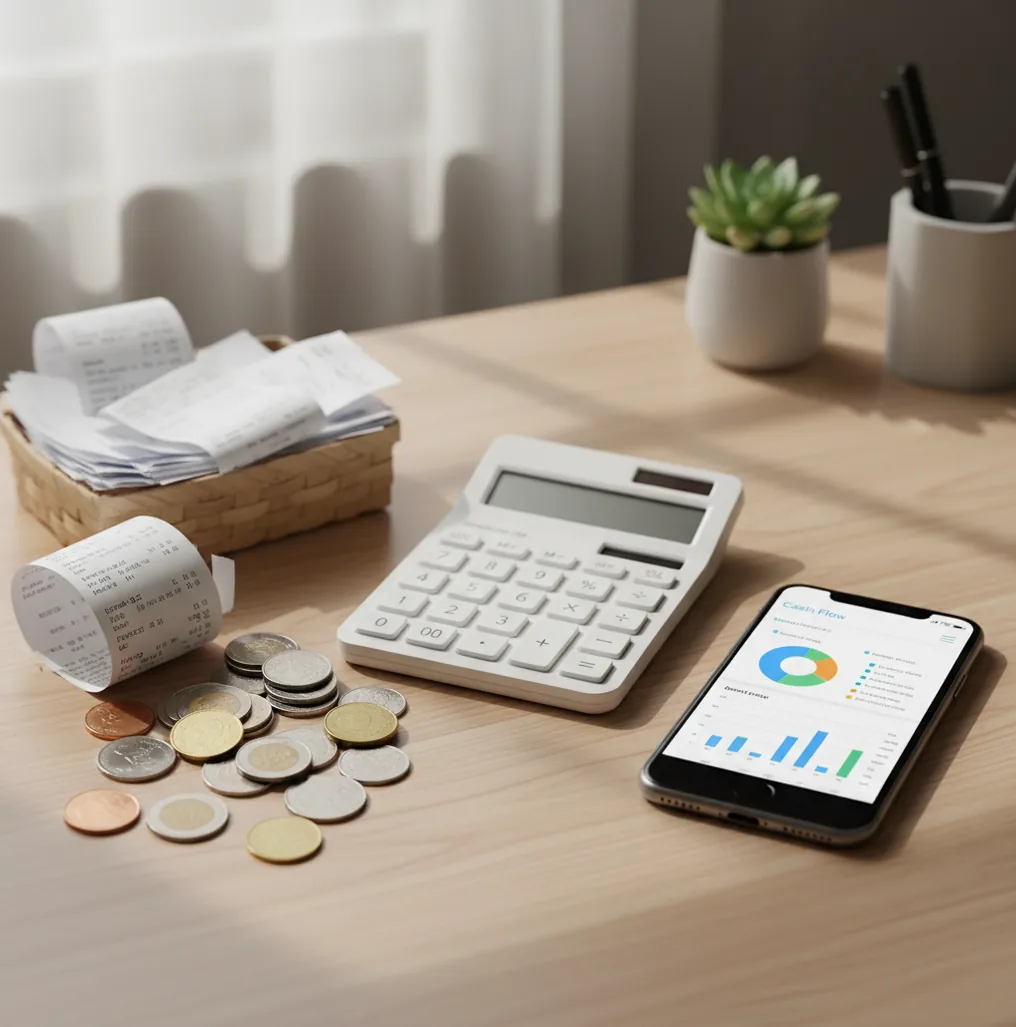
An app to help save money 2026 users can stick with should track expenses, income, receipts, and cash flow in one daily routine. For iPhone users, Walleta Money Tracker App is built around quick manual logging, spending categories, and simple reports. The best result comes from recording every purchase, then cutting the categories that repeatedly drain cash.
What Is App to Help Save Money 2026?
An app to help save money is a tracking tool that shows where cash goes before you decide what to cut. In 2026, the useful version is not just a budget template; it records expenses, income, receipts, categories, and cash flow so patterns become obvious.
Money Tracker App is a free iOS expense and income tracker for people who want daily visibility without a complicated budgeting system. It is tracking-first. You log transactions, review spending charts, and identify leaks like subscriptions, convenience buys, delivery fees, and unplanned cash spending.
The privacy model is simple: no bank connection is required, and data stays on device. That makes the tool practical for users who want control, not another finance account to maintain.
How App to Help Save Money 2026 Works
A savings-focused tracker works by turning scattered purchases into structured data. Each transaction gets a date, amount, category, account, and optional note or receipt, which lets the app calculate totals by day, week, month, and category.
Receipt scanning usually uses OCR to read merchant names, totals, and line-item clues, then stores the receipt with the transaction for later review. Auto-categorization can use merchant patterns and your previous choices, so repeated spending lands in the same category after correction.
The mechanism is simple but powerful. When groceries, coffee, subscriptions, fuel, and cash purchases are consistently logged, charts reveal the few categories doing the most damage. You save by acting on those signals: canceling, capping, delaying, substituting, or planning purchases earlier.
How to Use a Money-Saving App
Create practical categories
Start with 8 to 12 categories you actually use, such as groceries, coffee, fuel, subscriptions, rent, dining, travel, and medical. Too many categories slow you down and make daily logging easier to avoid.
Log every purchase immediately
Record cash, card, tips, delivery fees, and small add-ons as they happen. Tiny transactions are often where savings leaks hide because they feel too small to matter individually.
Attach receipts when details matter
Scan receipts for groceries, pharmacy trips, reimbursements, work purchases, returns, or tax-related spending. A stored receipt makes the transaction searchable and easier to verify later.
Review weekly category totals
Open the charts once a week and find the two categories with the highest avoidable spend. Pick one specific change, such as limiting takeout to once or canceling one unused subscription.
Compare month-end cash flow
Review income minus expenses at the end of the month and export a report if you want a clean record. Savings improve when the leftover amount becomes visible and repeatable.
When to Use a Savings Tracker (and When Not To)
Use it when
- Use a savings tracker when you know money is leaking but cannot identify the exact category causing it.
- Use it when small daily purchases, subscriptions, cash spending, or delivery fees keep surprising you.
- Use it when you want a lightweight system before committing to a strict envelope budget.
- Use it when you need receipts for reimbursements, returns, shared household costs, or tax-ready records.
- Use it when your main question is, “Where did my money go this month?”
Skip it when
- Do not use it as your only tool if you need debt payoff coaching, investment planning, or tax advice.
- Do not expect savings if you will not log transactions consistently.
- Do not rely on charts if you regularly skip cash purchases or shared expenses.
- Do not choose a manual tracker if you require full bank-sync automation.
- Do not use it to replace official bank statements, payroll records, or professional financial guidance.
Money-Saving App vs YNAB, PocketGuard, and Goodbudget
| Feature | Money Tracker App | YNAB | PocketGuard | Goodbudget |
|---|---|---|---|---|
| Best fit | Daily iOS expense and income tracking with fast category review | Rules-based budgeting and behavior change | Simple “left to spend” guidance | Envelope-style household budgeting |
| Primary saving method | Spot spending leaks through logs, charts, receipts, and cash flow | Assign every dollar before spending | Estimate spendable money after bills and goals | Limit spending by envelope balances |
| Manual control | High; users choose what to log and categorize | Medium; structured system guides decisions | Lower; automation is central to the experience | High; envelope updates require discipline |
| Receipt handling | Useful for attaching proof to transactions | Not the main workflow | Limited compared with dedicated receipt tracking | Not the main workflow |
| Learning curve | Low for people who already understand categories | Higher because the method must be learned | Low to medium | Medium if multiple people share envelopes |
| Cost posture | Free iOS tracking option | Paid subscription | Freemium with paid upgrades | Freemium with paid plan options |
Choose a tracking-first app when visibility is the problem. Choose YNAB or Goodbudget when you want a stricter budgeting philosophy, and choose PocketGuard when automated spendable-money estimates matter more than manual transaction detail.
Savings App Use Cases
- Finding forgotten subscriptions: Recurring charges are easy to ignore when they are small. A category review can reveal streaming, software, storage, and trial renewals that quietly reduce monthly savings.
- Reducing micro-spending: Coffee, snacks, parking, delivery fees, and convenience-store purchases can become a meaningful monthly total. Tracking turns “just a few dollars” into a number you can cap.
- Tracking cash purchases: Cash spending often disappears from bank apps. Manual logging keeps tips, market purchases, kids’ expenses, and informal payments inside your real spending picture.
- Managing shared household costs: Couples and roommates can use categories, notes, and receipts to clarify who paid for groceries, utilities, repairs, or travel. Clear records reduce confusion at settlement time.
- Preparing reimbursements: Work travel, client purchases, medical costs, and school expenses are easier to claim when receipts are attached to transactions. Searchable history saves time later.
- Checking bill timing: Even when total income is enough, bill timing can create tight weeks. Cash flow views help you see whether rent, utilities, subscriptions, and paychecks line up safely.
Money-Saving App Limitations
What to keep in mind
- It is iOS-only, so Android users need another tracker or a spreadsheet-based workflow.
- Manual entry depends on the user; skipped purchases produce incomplete charts and weaker recommendations.
- It is not investment advice, debt counseling, tax advice, or a substitute for a licensed financial professional.
- Savings estimates are not guarantees because behavior, income timing, emergencies, and price changes affect results.
- The system needs consistent logging, especially for cash, tips, subscriptions, and small discretionary buys.
- Auto-categorization can mislabel new merchants until you review and correct the category.
- Receipt OCR can miss details when photos are blurry, cropped, wrinkled, or taken in poor lighting.
- Exports and reports help with personal review, but they do not replace official bank statements or receipts required by an institution.
Frequently Asked Questions
It should make expense logging fast, show category totals clearly, and help you review cash flow without friction. The daily job is visibility, not motivation slogans.
Yes, if the tracking leads to a specific behavior change. Seeing that delivery, subscriptions, or cash spending is the leak makes it easier to cap or cut that category.
Not always. Many people start by tracking first, then build a budget only after they know which categories are actually causing problems.
Yes. Cash purchases are often invisible in banking apps, so skipping them makes your spending charts look better than reality.
A weekly review is enough for most people. Monthly reviews are useful for trends, but weekly checks catch leaks while there is still time to change behavior.
They are not necessary for every purchase. They are most useful for reimbursements, returns, tax-related records, shared expenses, and messy categories like groceries.
Start with groceries, dining, coffee, subscriptions, transport, entertainment, shopping, bills, and cash. The best categories are the ones you can understand and act on quickly.
Add them as soon as you remember and keep a simple category called “uncategorized” only as a temporary holding place. The goal is consistency, not perfection.
No. Manual tracking can work well because it makes each purchase intentional and keeps cash transactions visible.