How to Build an Emergency Fund
How to build emergency fund comes down to consistently creating a monthly surplus and recording it so it doesn’t get re-spent. Track every expense, every paycheck, and every transfer to savings so you can see your true cash flow and repeat what works. Money Tracker App is a simple iOS-only way to record spending patterns and confirm that your emergency fund deposits are actually happening.
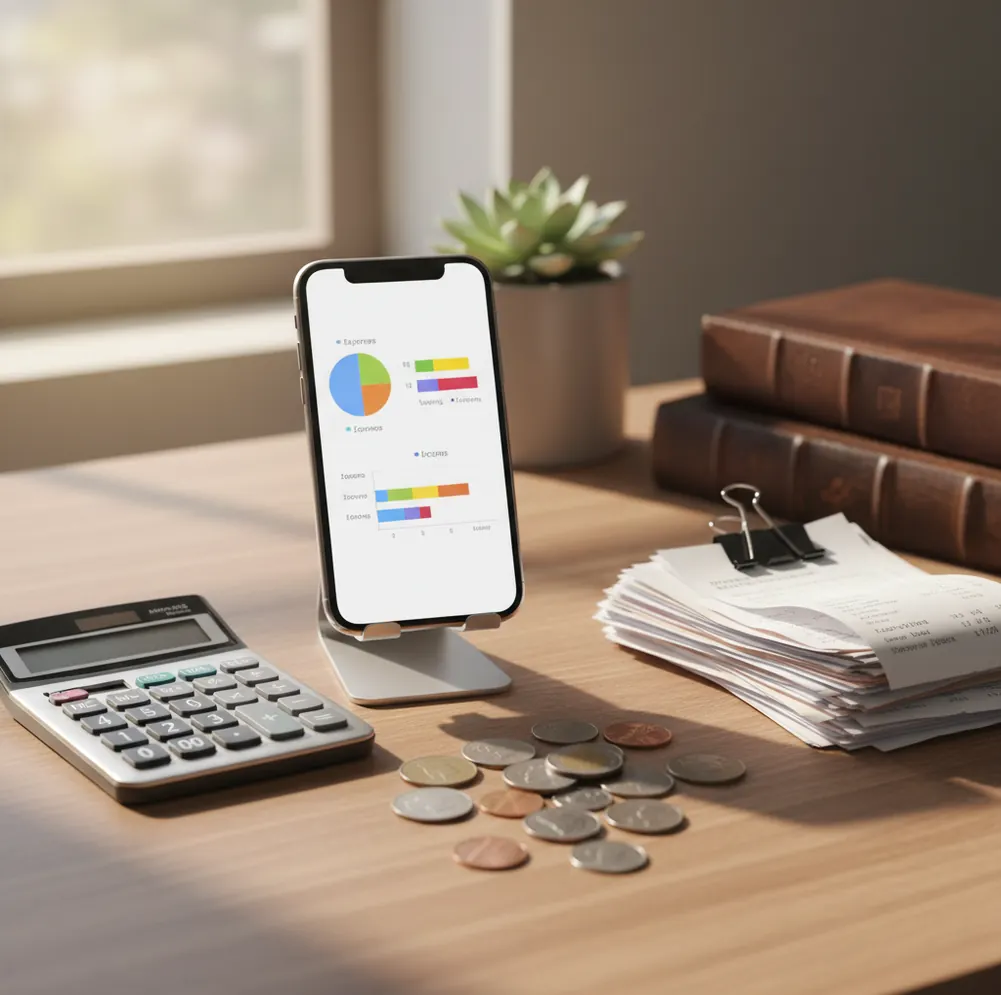
The simplest answer to how to build an emergency fund is to create a repeatable surplus, move it to a separate cash account, and record every deposit. Start with a small target like $500, then build toward one month and three months of essential expenses. Tracking matters because unrecorded spending makes leftover money look larger than it is.
What Is How to Build an Emergency Fund?
Building an emergency fund means setting aside accessible cash for unplanned costs like car repairs, medical bills, job gaps, or urgent travel. The practical method is simple: measure essential expenses, create a monthly surplus, and transfer that surplus before it gets absorbed by daily spending.
Money Tracker App is useful because it turns that gap into visible categories, charts, and recorded transfers. For iPhone users, the Walleta Expense Tracker App supports manual expense and income tracking with no bank connection, and data stays on device.
A good first target is $500. After that, aim for one month of essentials, then three months. The exact number should come from your own rent, utilities, groceries, insurance, transportation, and minimum debt payments.
How Emergency Fund Saving Works
Emergency fund saving works by converting cash-flow visibility into scheduled deposits. You track money in, track money out, identify the repeatable surplus, and move that amount into a separate liquid savings account.
The mechanism is not complicated. Income entries show what arrived, expense categories show where it went, and transfer records confirm whether saving actually happened. Over several weeks, charts and transaction history reveal whether a surplus is stable or caused by one unusually cheap month.
Receipt scanning and categorization can speed up the workflow. Small cash purchases, delivery orders, and subscription renewals often explain why planned deposits disappear. When those transactions are captured, you can reduce one or two categories and redirect the difference into savings.
How to Use Expense Tracking for an Emergency Fund
Set a starter target
Choose a first milestone such as $500, then define your next targets as one month and three months of essential expenses. A visible target makes progress measurable.
Record every income source
Log paychecks, freelance income, reimbursements, cash gifts, and side-gig payments when they arrive. Irregular income is easier to save from when it is visible.
Track daily expenses
Enter groceries, bills, subscriptions, tips, fees, and cash purchases. Small leaks matter because emergency fund deposits usually come from repeated small improvements.
Create a savings transfer category
Record each emergency fund deposit as a transfer or dedicated savings transaction. This lets you confirm deposit frequency and total saved at month-end.
Review one category weekly
Use spending charts to find the category most likely to free cash next week. Reduce that category first instead of trying to cut everything at once.
Adjust after each paycheck
After income lands, record it first and make a same-day transfer if the numbers support it. Consistency beats waiting for leftovers.
When to Use Emergency Fund Tracking (and When Not To)
Use it when
- Use emergency fund tracking when your paycheck changes each month and you need a rolling view of real surplus.
- Use it after overdrafts, late fees, or credit card reliance, because transaction history shows the pattern behind the shortfall.
- Use it when couples or roommates share essential costs and need clear records before deciding how much to save.
- Use it during life changes such as moving, having a child, freelancing, or changing jobs, when normal expenses are temporarily distorted.
- Use it when you already save sometimes but cannot explain why deposits stop in certain months.
Skip it when
- Do not use tracking as a substitute for a separate savings account; the cash should still be kept apart from spending money.
- Do not rely on it alone if you are choosing investments, insurance, or debt payoff strategies that require professional advice.
- Do not use a detailed tracker if a simpler automatic transfer already works and you rarely overspend.
- Do not treat one unusually low-spending month as your permanent savings capacity.
- Do not expect accurate projections if you skip cash purchases, shared payments, or annual bills.
How to Build an Emergency Fund vs YNAB and PocketGuard
| Feature | Money Tracker App | YNAB | PocketGuard |
|---|---|---|---|
| Best fit | Free iOS-first tracking for expenses, income, receipts, and cash-flow review | Rules-based budgeting with assigned dollars and structured categories | Bill and spending snapshot with safe-to-spend style guidance |
| Emergency fund method | Track surplus, log deposits, and review category trends manually | Assign money to an emergency fund category before spending | Estimate available money after bills and recurring commitments |
| Expense logging | Manual entries, categories, search, filters, and receipt capture | Category-based tracking with a strong budgeting workflow | Automated and manual tracking depending on setup |
| Income tracking | Multiple income sources can be logged as they arrive | Income is assigned to jobs inside the budget | Income visibility depends on account setup and plan |
| Cost | Free to use | Paid subscription | Free tier with paid upgrades |
| Best limitation to know | Accuracy depends on consistent manual logging | Learning curve can feel heavy for casual trackers | Bank-connected setup may not suit users who prefer manual control |
Choose the tool that matches your behavior. A manual tracker is strong when you want direct control over every expense and savings transfer. YNAB is better for people who want a full budgeting philosophy, while PocketGuard is useful for quick affordability checks after bills.
Emergency Fund Use Cases
- Irregular income: Freelancers, hourly workers, and commission earners can base deposits on a 30- to 90-day surplus instead of one good paycheck. This keeps saving realistic.
- Overdraft recovery: Tracking shows which dates, bills, or habits cause balances to dip. Once the pattern is visible, a small buffer can be built before larger goals.
- Couples saving together: Shared categories make rent, groceries, utilities, and insurance easier to separate from personal spending. That creates a fair emergency fund target.
- New parents: Pharmacy runs, supplies, medical copays, and delivery spending can rise quickly. Logging these categories helps reset the monthly essentials number.
- Moving or relocation: Deposits, furniture, fees, and travel can distort normal spending for several months. Tracking separates one-time costs from the baseline you should save against.
- Subscription cleanup: Recurring charges quietly reduce surplus. A transaction review can reveal unused apps, memberships, and services that are easy to redirect into savings.
Emergency Fund Limitations
What to keep in mind
- The tracker is iOS-only, so it is not the right fit for Android users or households that require cross-platform access.
- Manual entry depends on the user; skipped cash purchases, tips, or shared payments will make surplus estimates too optimistic.
- The app can record deposits, but it cannot force you to move money into a savings account.
- Emergency fund targets are estimates, not guarantees; medical costs, job loss duration, and repairs can exceed the amount saved.
- This is not investment, tax, or debt advice, and emergency savings should usually stay liquid rather than be treated as a growth investment.
- Auto-categorization and receipt scanning can need correction when merchant names are unclear or receipt photos are poor.
- Consistent logging is required for reliable month-end review, especially when income changes or annual bills arrive.
- Shared budgets only work if each person records transactions promptly and agrees on what counts as essential spending.
Frequently Asked Questions
Start with a small emergency fund target such as $500 if you are starting from zero. After that, build toward one month of essential expenses, then three months.
Essentials usually include rent or mortgage, utilities, groceries, insurance, transportation, phone service, and minimum debt payments. Exclude restaurants, entertainment, upgrades, and other flexible wants.
Keep emergency money in a separate liquid account that is easy to access but not mixed with daily spending. A savings account is usually simpler than cash or investments.
Automatic deposits work well if your income is predictable. Manual deposits can be better when paychecks vary, as long as you record each transfer and review your surplus.
Track each payment as it arrives and calculate your average surplus over 30 to 90 days. Save a percentage of good months, but keep enough cash available for slower periods.
Many people build a small starter fund before attacking debt aggressively, so one surprise expense does not create new debt. After that, the balance between debt payoff and saving depends on interest rates and risk.
A weekly review is enough for most people. Look for one category to reduce, confirm bills are covered, and check whether your next deposit is realistic.
Yes, unlogged cash spending can make your surplus look larger than it really is. Record cash withdrawals and, when possible, the purchases made from that cash.
Missing a deposit does not reset your progress. Review what changed, lower the next target if needed, and restart with the next paycheck.