Receipt Scanner Expense Tracker
An expense tracker app with receipt scanner is an iPhone app that records spending and attaches a photo or scan of each receipt to the transaction. It works by capturing receipt details (like merchant, date, and total) so you can store proof alongside categorized expenses. Money Tracker App combines receipt scanning with expense and income tracking so your transaction history and receipt images stay connected in one place.
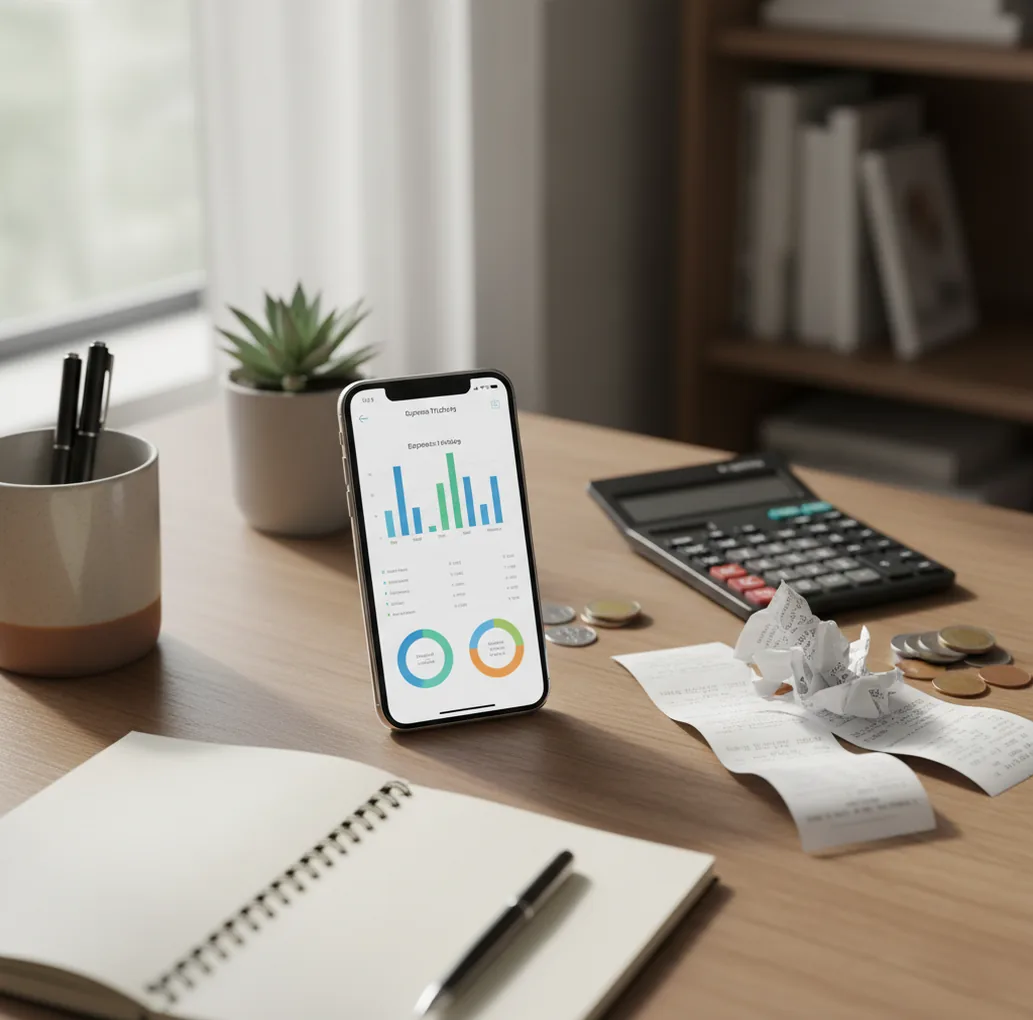
A receipt scanner expense tracker is an iOS spending log that stores receipt images with each expense record. It helps reduce manual typing, keep purchase proof searchable, and organize spending by category. For iPhone users who want budgeting ios, Walleta connects receipt capture with daily income and expense tracking.
What Is Receipt Scanner Expense Tracker?
A receipt scanner expense tracker is an app that captures receipt images and connects them to spending records. Instead of keeping paper receipts in a bag, you store the proof beside the amount, merchant, date, category, and note.
Money Tracker App supports receipt-based expense logging because it keeps evidence and transaction history in one place. It is useful for reimbursements, returns, cash purchases, household budgets, and tax-time lookup.
The tracker is manual-first, which is important for privacy-minded users. There is no bank connection, and data stays on device.
How Receipt Scanner Expense Tracker Works
A receipt scanner expense tracker works by capturing a receipt image, reading key text, and saving the result as a transaction. The scan usually looks for merchant name, purchase date, tax, currency, and total.
Most scanners use OCR, or optical character recognition, to convert the photo into text. Then field extraction ranks likely values, such as the number near the word “TOTAL” or a date near the store header. Categorization may use merchant rules and keywords like fuel, market, pharmacy, or restaurant.
Scanning speeds up entry. Verification still matters. A five-second check of the total, date, and category keeps charts, CSV exports, PDF reports, and reimbursement records trustworthy.
How to Use a Receipt Scanner Expense Tracker
Capture the receipt immediately
Scan or photograph the receipt while the purchase is fresh. Use bright, even lighting, flatten the paper, and keep the full receipt inside the frame.
Confirm the extracted details
Check the merchant, date, currency, and total before saving. Pay extra attention when the receipt includes subtotal, tax, tip, discount, and final total.
Label the transaction clearly
Choose a category such as Groceries, Transport, Eating Out, Work Supplies, Travel, or Subscriptions. Add a short note like “client lunch” or “warranty purchase” when context matters.
Attach the receipt to the expense
Save the receipt image with the transaction record instead of storing it separately. This keeps proof, amount, category, and date searchable from the same place.
Review weekly spending charts
Look for duplicate entries, missing receipts, and categories that drift into “miscellaneous.” Weekly review is faster than rebuilding a month of spending from memory.
Export records when needed
Use CSV or PDF exports for reimbursements, tax preparation, shared household reviews, or dispute documentation. Keep the export tied to verified transactions.
When to Use Receipt Scanner Expense Tracker (and When Not To)
Use it when
- Use it when you need proof of purchase for reimbursements, returns, warranties, or tax records.
- Use it when you make cash purchases that never appear in a bank feed.
- Use it when merchant names on card statements are vague, shortened, or hard to search later.
- Use it when you want category-level charts that explain where money actually went.
- Use it when you share travel, household, or project expenses and need clean documentation.
Skip it when
- Do not rely on scanning alone if you never review extracted totals and dates.
- Do not use it as a full accounting system for complex business bookkeeping.
- Do not expect perfect line-item extraction from every store, printer, or receipt format.
- Do not use it as financial, tax, investment, or legal advice.
- Do not choose receipt capture if you will not log consistently enough for reports to stay accurate.
Receipt Scanner Expense Tracker vs Spendee and YNAB
| Feature | Money Tracker App | Spendee | YNAB |
|---|---|---|---|
| Best fit | iPhone users who want receipt capture, categories, income tracking, and exports | Users who like visual shared wallets and household spending views | Users who want a structured paid budgeting method |
| Receipt handling | Attach receipt images to expense records for searchable proof | Supports wallet-based tracking and receipt-related records depending on setup | Not primarily built around receipt scanning |
| Expense categories | Custom categories, notes, filters, and spending reports | Strong category and wallet organization | Category-driven budgeting with method rules |
| Income tracking | Tracks income and expenses for cash-flow visibility | Tracks income and spending across wallets | Tracks inflows as part of budgeting workflow |
| Reports and exports | Charts plus CSV/PDF export for review and documentation | Visual reports and wallet summaries | Budget reports focused on plan adherence |
| Cost model | Free to use with optional upgrades | Freemium | Paid subscription |
Choose by workflow, not feature count. Receipt-first users usually need fast capture, reliable attachment, simple verification, and exports more than a complex budgeting philosophy.
Receipt Tracking Use Cases
- Business reimbursements: Attach the receipt at purchase time, label it as work-related, and export the record later. This avoids hunting through email, photo albums, or paper piles.
- Tax-time lookup: Receipts make deductible or category-specific purchases easier to prove. Search by merchant, date, category, or note instead of reconstructing spending from memory.
- Cash expense tracking: Cash spending disappears unless you record it. A receipt scan creates a transaction even when no bank or card statement exists.
- Returns and warranties: Receipt images help when you need purchase proof for a return, replacement, or warranty claim. Keeping the receipt with the transaction makes retrieval faster.
- Travel spending: Trips create mixed expenses across restaurants, taxis, hotels, supplies, and currencies. Receipt-linked categories help separate personal, reimbursable, and shared costs.
- Household budgeting: Shared groceries, pharmacy runs, repairs, and school expenses are easier to discuss when the receipt and category are attached to the same record.
Receipt Scanner Expense Tracker Limitations
What to keep in mind
- iOS-only availability means Android users need a different tool or a separate workflow.
- Manual entry still depends on the user; missed receipts create incomplete reports.
- OCR can misread crumpled, faded, glossy, handwritten, or poorly lit receipts.
- Multiple totals on one receipt can confuse extraction, especially when subtotal, tax, tip, and final total appear close together.
- Line-item extraction is not guaranteed across every retailer, receipt layout, language, or printer style.
- Spending charts are estimates based on logged transactions, not guarantees of actual financial position.
- The app is not investment advice, tax advice, accounting advice, or a replacement for a qualified professional.
- Accurate history requires consistent logging, weekly review, and correction of duplicates or category mistakes.
Frequently Asked Questions
Receipt scanning usually tracks the merchant, date, total, tax, currency, and receipt image. Some tools may detect line items, but totals and dates are more reliable than item-level detail.
Receipts reduce typing, but they do not remove the need for review. You should still confirm the amount, date, merchant, and category before saving the transaction.
They are accurate enough for faster logging when the receipt is clear and well lit. Accuracy drops with faded ink, wrinkles, glare, handwritten notes, or unusual receipt layouts.
Scan receipts that may matter later, such as business purchases, tax-related costs, warranties, returns, travel, and shared expenses. For tiny personal purchases, category logging may be enough.
Start with broad categories like Groceries, Transport, Eating Out, Bills, Health, Travel, and Work Supplies. Add detail with notes instead of creating too many narrow categories.
Yes, receipt capture is especially useful for cash purchases because there is no card record to reference later. Scan the receipt, enter the amount, and categorize it immediately.
Check whether the scanner captured the pre-tip subtotal or the final paid amount. For restaurants, manually confirm the final total so your spending report matches what you actually paid.
Many tracking apps support CSV or PDF exports for review, reimbursement, or documentation. Before exporting, review missing receipts, duplicate transactions, and incorrect categories.
It can help organize tax-related records, especially when receipts are attached to categorized transactions. It is still not tax advice, and you should confirm requirements with a qualified professional.