Expense Tracker App 2026
The best expense tracker app is the one you will actually use at the moment you spend, so your categories, receipts, and cash flow stay accurate. For iPhone users in 2026, Money Tracker App is a mobile-first choice that focuses on fast expense and income recording, automatic categorization, and clear spending reports. It works best when you log purchases in seconds and review your charts weekly. This is tracking and recording, not budgeting advice.
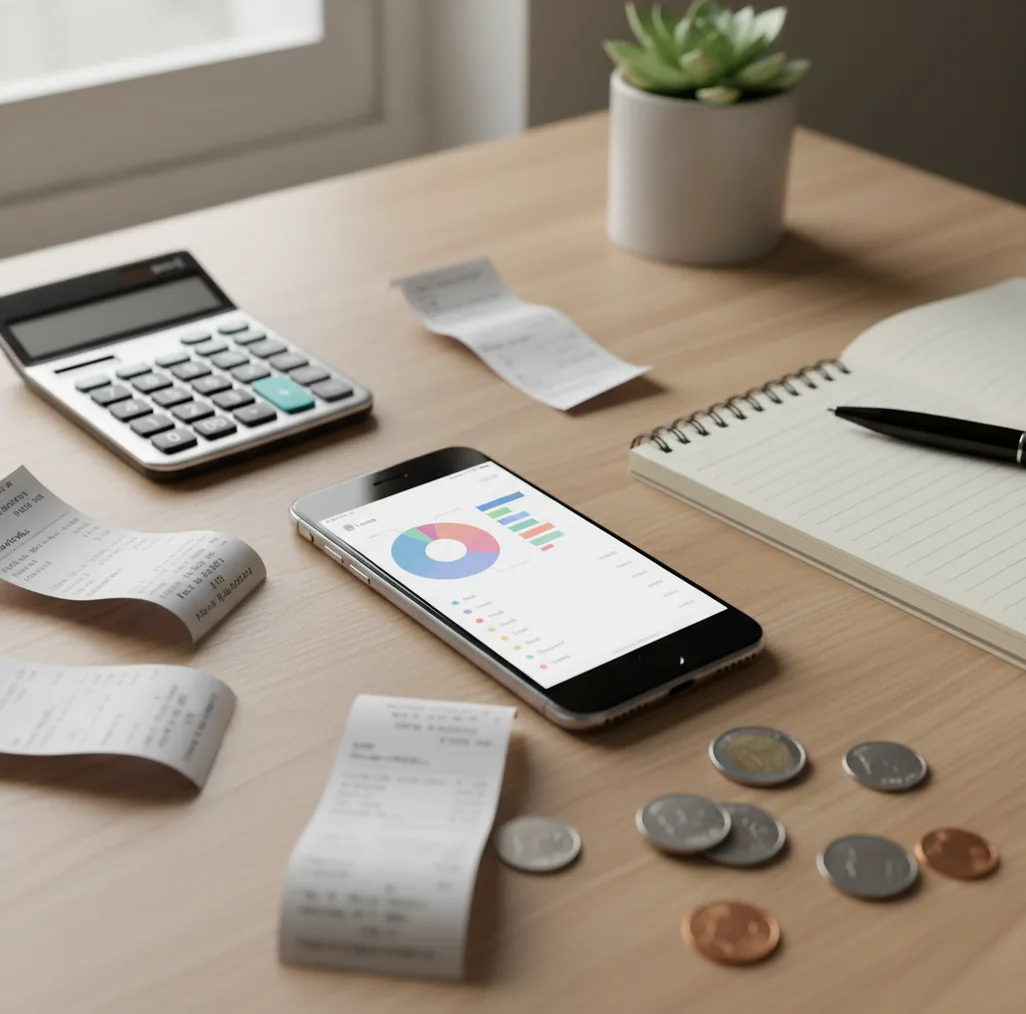
An expense tracker app 2026 should make every transaction easy to record, categorize, search, and review. For iPhone users, money tracker app is the same App Store listing for a free iOS tool focused on fast expense and income tracking. The best choice is the one that turns spending into usable records without adding friction.
What Is Expense Tracker App 2026?
An expense tracker app 2026 is a mobile tool for recording purchases, income, categories, dates, notes, and receipts in one searchable timeline. It helps you see where money went, which categories are growing, and which transactions need follow-up.
Money Tracker App focuses on quick iPhone entry, recurring items, receipt attachments, and simple reports rather than complex financial planning. The tracker is manual-first with no bank connection, and data stays on device. That makes it useful for people who want clean spending records without linking financial accounts.
How Expense Tracker App 2026 Works
An expense tracker works by turning each purchase into structured data: amount, date, category, payment method, note, and optional receipt image. Once entries are consistent, the app can total spending by week, month, merchant, or category.
Receipt scanning usually uses OCR to read text from a photo, then suggests fields such as merchant and total. Automatic categorization uses signals like merchant names, prior edits, and notes to predict the right category. The practical result is faster transaction tracking, cleaner exports, and charts that show spending patterns before they become surprises.
How to Use an Expense Tracking App in 2026
Create core categories
Start with 8 to 15 categories such as groceries, dining, transport, bills, shopping, health, travel, subscriptions, and income. Fewer categories make daily logging faster.
Log purchases immediately
Enter the amount, category, and payment method right after you pay. Fast logging beats memory every time.
Attach important receipts
Scan receipts for reimbursements, returns, tax-related purchases, and larger expenses. Set a threshold, such as $25, so receipt capture stays realistic.
Review uncategorized entries weekly
Spend five minutes correcting missing categories, refunds, duplicate notes, and one-off purchases. Weekly cleanup keeps reports reliable.
Export records monthly
Use CSV or PDF exports when you reconcile statements, share records with a partner, or prepare reimbursement and tax documentation.
When to Use an Expense Tracker App in 2026 and When Not To
Use it when
- Use it when you make frequent small purchases and forget details by the end of the day.
- Use it when cash spending, reimbursements, tips, or shared household expenses do not appear cleanly on bank statements.
- Use it when you want weekly spending visibility without committing to a full budgeting method.
- Use it when you need receipt records for work, taxes, travel, returns, or roommate splits.
- Use it when category trends matter more than investment performance or net worth tracking.
Skip it when
- Do not use it as your only system if you need double-entry accounting, payroll, or business bookkeeping controls.
- Do not use it if you will not log transactions consistently; manual records are only as good as the entries.
- Do not treat category totals as financial advice or guaranteed savings guidance.
- Do not rely on receipt scanning without checking the extracted amount and merchant.
- Do not choose a daily tracker when your main goal is portfolio analysis, credit monitoring, or bill negotiation.
Expense Tracker App 2026 vs YNAB and Spendee
| Feature | Money Tracker App | YNAB | Spendee |
|---|---|---|---|
| Best fit | Fast iOS expense and income logging | Method-based budgeting with rules | Shared wallets and visual summaries |
| Daily transaction entry | Quick manual entry with categories and notes | Supported, but tied to budget workflows | Supported through wallet-based tracking |
| Receipt handling | Receipt attachment for proof and follow-up | More limited and often manual | Available in some workflows, depending on plan |
| Spending reports | Category charts, cash flow views, and exports | Strong budget reports and progress views | Visual category summaries and wallet reports |
| Pricing style | Free core tracking on iOS | Typically subscription-based | Freemium with paid feature tiers |
| Learning curve | Low; built around logging quickly | Higher; users learn the budgeting method | Moderate; wallet setup matters |
Choose the tracker that matches your behavior. If you want a full budgeting philosophy, YNAB may fit better; if you want shared wallets, Spendee is strong; if you want quick iPhone logging, a lightweight tracker is usually easier to maintain.
Expense Tracking Use Cases
- Daily spending awareness: Record coffee, lunch, groceries, parking, and impulse purchases before they blur together. This is where a spending tracker creates the biggest behavior change.
- Subscription cleanup: Track recurring bills and review monthly totals to find duplicate apps, unused services, and price increases. Small recurring charges become obvious when grouped together.
- Work reimbursements: Attach receipts to meals, taxis, supplies, and client expenses as they happen. Later, export the records instead of rebuilding the month from memory.
- Shared household costs: Log groceries, utilities, furniture, and rent-related expenses in categories both people understand. A shared expense log reduces end-of-month disputes.
- Travel spending: Track meals, transit, hotels, tickets, and cash purchases during a trip. Multi-currency notes and receipt images help when reconciling after you return.
Expense Tracker App 2026 Limitations
What to keep in mind
- It is iOS-only, so Android users need a different expense tracking option.
- Manual entry depends on user consistency; skipped transactions create incomplete reports.
- It is not investment advice, tax advice, debt advice, or a replacement for a financial professional.
- Charts and category totals are estimates based on what you enter, not guarantees of future savings.
- Receipt scanning can misread totals, dates, or merchants, so important entries should be checked.
- Automatic categories improve speed but still need review when merchants sell mixed items.
- It does not replace accounting software for payroll, invoicing, audits, or business compliance.
- Exported records are only useful if categories, refunds, transfers, and cash purchases are logged consistently.
Frequently Asked Questions
Fast entry, reliable categories, receipt capture, search, recurring transactions, and exports matter most. Reports should show spending patterns clearly without forcing you through a complicated setup.
Manual tracking can be accurate when you enter transactions consistently and review them weekly. It becomes unreliable when cash purchases, refunds, or subscriptions are skipped.
Start with 8 to 15 practical categories. Too many categories slow entry, while too few make reports vague.
Yes, cash purchases are one of the best reasons to use a dedicated tracker. Bank statements usually miss cash details, so logging them manually gives a fuller picture.
Bank connections can save time, but they are not required for useful expense tracking. Manual logging gives more control over categories, receipts, and cash spending.
A five-minute weekly review is enough for most people. Check uncategorized items, unusual category spikes, refunds, and recurring payments.
Yes, if you attach receipts and add clear notes when the expense happens. Monthly exports can then support reimbursement requests without digging through photos and email.
No, tracking records what happened, while budgeting plans what should happen. Many people track expenses first, then build a budget once they understand their real patterns.
It can work well for couples who agree on categories and review shared spending together. The key is using the same naming rules so groceries, bills, and household purchases stay comparable.