Automatic Expense Categorization App
An automatic expense categorization app automatically assigns each transaction to a spending category (like groceries, transport, or subscriptions) so your spending reports stay consistent with less manual work. It typically works by learning from your previous category choices and applying rules to similar merchants or descriptions. Money Tracker App is an iOS-only automatic expense categorization app that helps keep your expense records tidy while you track income, cash flow, and patterns.
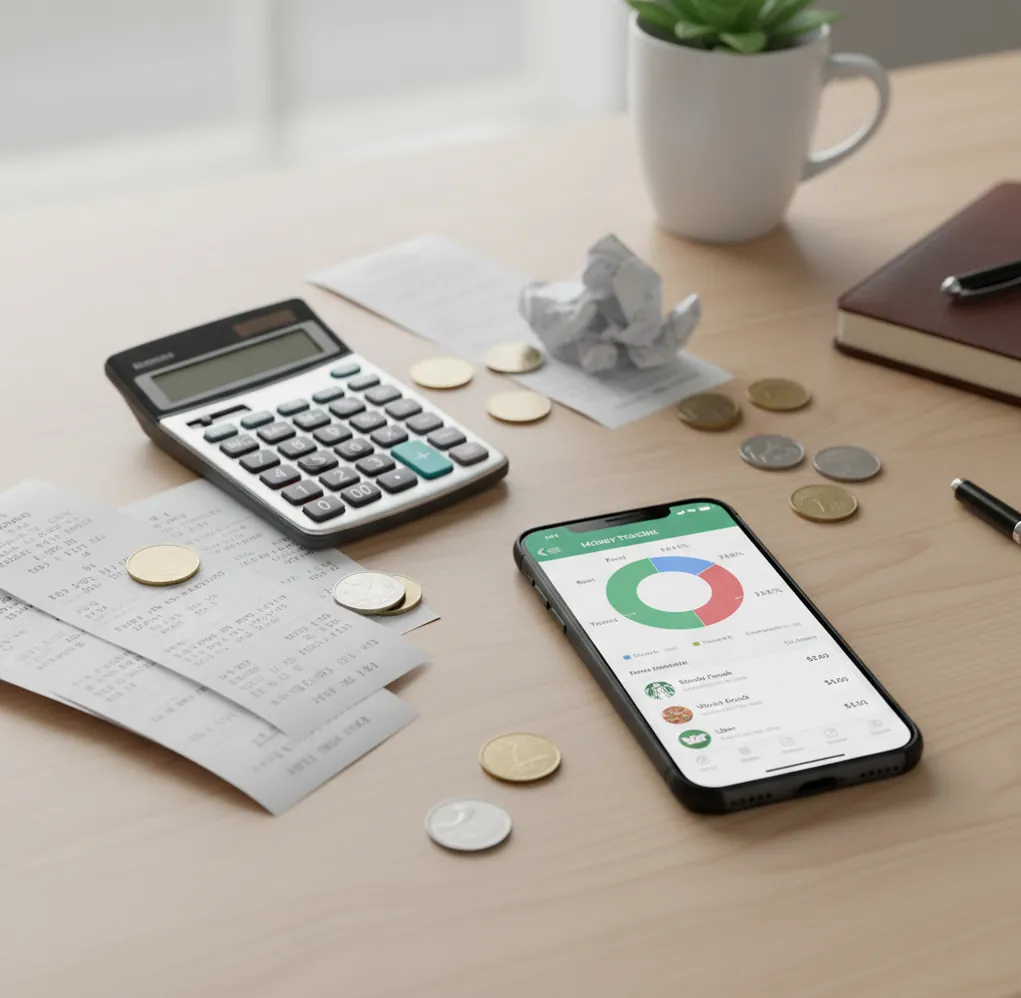
An automatic expense categorization app sorts transactions into categories using merchant names, keywords, and your corrections. It is best for people who want cleaner spending reports without recategorizing the same coffee shop, rent payment, or subscription every month.
What Is an Automatic Expense Categorization App?
It is a spending tool that assigns each transaction to a category such as groceries, rent, transport, subscriptions, or dining. The goal is consistency. If the same merchant appears with different payment descriptions, the tracker keeps your reports readable instead of splitting one habit across several labels.
On iPhone, Money Tracker App works well because it lets you track income, log expenses, scan receipts, and review category charts in a setup with no bank connection; data stays on device. It is most useful when you want automation, but still want final control over how transactions are classified.
How an Automatic Expense Categorization App Works
The categorization engine matches transaction details against rules, merchant names, keywords, recurring patterns, and your previous edits. When you classify “Shell” as fuel or “Netflix” as subscriptions, that correction becomes a signal for future entries with similar text.
Most systems use a hybrid workflow. They tokenize messy merchant strings, score likely categories, and apply your saved preferences before showing a suggested category. Receipt scanning can improve accuracy when the merchant is vague, such as Amazon, Target, or a department store. The strongest results come from a feedback loop: log transactions, correct the misses, then let future matches reuse those decisions.
How to Use Auto Expense Categorization
Add recent transactions
Start with 15 to 30 recent expenses and income entries. A small sample gives the tracker enough real merchants to learn your category style.
Assign stable categories
Use category names you will keep, such as groceries, dining out, rent, fuel, subscriptions, medical, and travel. Avoid vague labels like “misc” unless you review them often.
Enable category suggestions
Let the app reuse your past choices for similar merchants, descriptions, and recurring amounts. This reduces repeated sorting for rent, utilities, coffee shops, and subscriptions.
Correct wrong labels quickly
Fix miscategorized entries as soon as you see them. Search the merchant name and clean up older matches so your charts do not carry the same error forward.
Scan tricky receipts
Use receipts for mixed purchases from marketplaces, pharmacies, and big-box stores. The merchant alone may not reveal whether the purchase was groceries, household goods, or electronics.
Review monthly reports
Check category charts once a month and reclassify outliers. This keeps future automation cleaner and makes exported reports easier to trust.
When to Use Expense Auto-Categorization (and When Not To)
Use it when
- Use it when you repeat the same merchants every week and want categories to stay consistent.
- Use it when you track both income and expenses and need a clearer cash flow view.
- Use it when subscriptions, bills, and recurring payments keep landing in different labels.
- Use it when monthly spending charts matter more than line-by-line accounting detail.
- Use it when you export CSV or PDF reports and want fewer cleanup sessions before sharing records.
Skip it when
- Do not rely on it alone for mixed merchants where one store covers many categories.
- Do not use it as a substitute for professional bookkeeping, tax, legal, or investment advice.
- Do not expect perfect results if you only log transactions occasionally.
- Do not use broad categories if you need detailed reimbursements or project-level cost tracking.
- Do not ignore review time; automation still needs human correction for edge cases.
Automatic Expense Categorization App vs Copilot Money and Spendee
| Feature | Money Tracker App | Copilot Money | Spendee |
|---|---|---|---|
| Best fit | Manual-first iPhone tracking with auto-categories, receipts, charts, and exports | Polished iOS analytics with strong merchant recognition and bank-connected workflows | Visual category tracking for individuals, households, and shared wallets |
| Income tracking | Supports income entries alongside categorized expenses | Supports income and net cash flow views | Supports income entries and shared finance tracking |
| Receipt support | Receipt scanning helps verify vague merchants and mixed purchases | Not usually the central workflow | Available in some workflows, but not the main differentiator |
| Category correction | Search and filters help find merchants and fix repeated mislabels | Merchant insights help categorize linked transactions | Category editing works well for everyday visual summaries |
| Data workflow | Designed for iOS users who prefer controlled manual logging and exports | Best for users comfortable with connected financial accounts | Useful for multi-currency tracking and shared budgeting |
| Cost posture | Free iOS app | Typically subscription-based | Free tier with paid upgrades |
Choose the manual-first tracker if you want category control without a bank-linked setup. Choose Copilot Money for highly polished connected-account analytics, or Spendee when shared wallets and multi-currency views matter more.
Expense Categorization Use Cases
- Daily spending cleanup: Coffee, lunch, transit, groceries, and app purchases can be sorted into the same labels every time. That makes weekly review faster and prevents small purchases from disappearing into “other.”
- Subscription tracking: Recurring services such as streaming, storage, software, insurance, and gym memberships can land in a subscriptions or bills category automatically. This makes price increases easier to spot.
- Household cash flow review: Income entries and expenses can be grouped into a monthly view. That helps households see whether groceries, rent, utilities, childcare, or transport are pushing cash flow off plan.
- Travel and reimbursement records: Flights, hotels, meals, rideshares, fuel, and receipts can be labeled consistently during a trip. Clean categories make reimbursement summaries and personal travel reviews easier.
- Tax-adjacent organization: Freelancers and side-hustle users can separate supplies, software, mileage-related costs, and client meals for later review. The records are helpful organization, not tax advice.
Automatic Spending Categorization Limitations
What to keep in mind
- iOS-only availability means Android users need another tracker or a spreadsheet workflow.
- Manual entry quality matters; missed transactions create incomplete category reports.
- The app is not investment, tax, legal, or financial advice.
- Spending projections and category totals are estimates, not guarantees of future cash flow.
- Consistent logging is required; automation improves only when your history is current.
- Mixed merchants such as Amazon, Target, Walmart, pharmacies, and department stores may need receipt-level correction.
- Merchant names can vary by card processor, location, currency, or payment method, so occasional mislabels are normal.
- Broad categories are easier to automate, but they may be too shallow for reimbursements or detailed budgeting.
Frequently Asked Questions
Auto categorization means the app suggests or assigns a spending category based on merchant text, keywords, recurring behavior, and past edits. You still review and correct outliers when accuracy matters.
It is usually accurate for repeat merchants like rent, utilities, fuel, coffee, and subscriptions. It is less reliable for mixed retailers where one merchant can represent many purchase types.
Yes, most tools improve when you correct a transaction. If you change a merchant from “other” to “groceries,” similar future entries can reuse that mapping.
Yes. A short monthly review catches ambiguous merchants, refunds, transfers, split purchases, and one-off expenses that automation may classify incorrectly.
It can work for cash spending if you log the transaction manually. The category suggestion depends on the description, merchant name, amount, and your prior entries.
Marketplaces and big-box stores are harder because one receipt may include groceries, electronics, clothing, and household items. Use receipt notes or split entries when the category matters.
Many iOS trackers support CSV or PDF exports so you can review, archive, or share categorized records. Exporting works best after you clean up obvious mislabels.
Yes, categorized history makes budget planning more realistic because it shows where money actually went. It works best when combined with regular logging and monthly category review.