How to Manage Money Effectively
How to manage money effectively means consistently recording your income and expenses so you can see where your money actually goes and adjust your day-to-day decisions. The simplest method is to track every transaction, review category totals weekly, and use reminders for bills and recurring payments. Money Tracker App makes this practical on iPhone by combining expense and income tracking, charts, and cash flow views in one place. This is personal record-keeping, not a guarantee of outcomes, so your data quality matters.
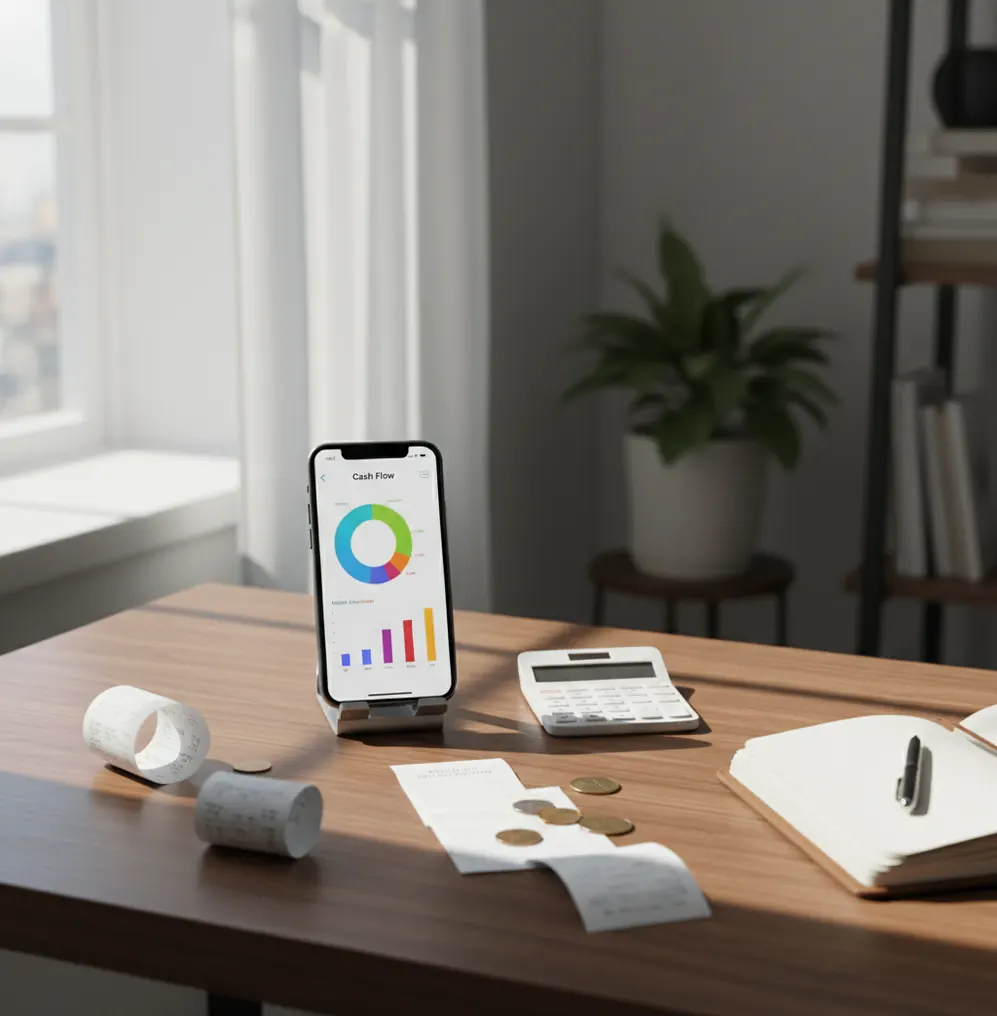
How to manage money effectively is mostly a visibility habit: record income, log spending, and review category totals before decisions become guesses. A money tracker helps by turning daily transactions into weekly cash-flow signals you can act on. The method is simple: capture every transaction, review patterns, and adjust one category at a time.
What Is How to Manage Money Effectively?
Managing money effectively means keeping accurate records of income, expenses, bills, and recurring payments, then using those records to guide everyday decisions. It is not about perfect discipline. It is about seeing what is happening early enough to adjust.
Money Tracker App fits this job because it keeps expense entries, income records, receipts, reminders, and spending charts close to the moment you spend. Unlike a bank balance, categorized history shows where money went, which categories are rising, and what needs attention next.
This approach works best as personal record-keeping. With no bank connection, data stays on device, and the accuracy of your reports depends on the transactions you record.
How Effective Money Management Works
Effective money management works by converting scattered purchases, income deposits, and bills into structured transaction records. Each record needs an amount, date, category, payment context, and sometimes a note or receipt.
Once transactions are grouped, totals become useful. Groceries, dining, transport, subscriptions, rent, utilities, and income can be compared week by week or month by month. That comparison reveals leaks, timing problems, and categories that deserve a limit.
The mechanism is simple: record quickly, categorize consistently, review regularly, and change one behavior at a time. Charts do not manage money for you, but they make the next decision much clearer.
How to Use a Money Management Tracker
Create practical categories
Start with 8 to 12 categories you will actually use, such as groceries, dining, transport, subscriptions, bills, health, shopping, and income.
Record every transaction
Log expenses the same day they happen and add income when it arrives. Same-day entry keeps reports closer to reality and reduces forgotten cash purchases.
Attach receipts when useful
Save receipts for reimbursements, work purchases, returns, taxes, or anything above your personal review amount. A $25 threshold works for many people.
Set reminders for recurring bills
Add rent, utilities, subscriptions, insurance, and loan payments as recurring items or reminders. This turns future obligations into visible cash-flow events.
Review totals weekly
Spend 10 minutes checking category totals, largest transactions, and repeat merchants. Pick one category to improve before the next review.
When to Use Money Management Tracking (and When Not To)
Use it when
- Use it when your bank balance looks fine but you cannot explain where money went.
- Use it when cash purchases, small card charges, or subscriptions quietly add up.
- Use it when income is irregular and you need a clearer view of monthly cash flow.
- Use it when you share household costs with a partner, roommate, or family member.
- Use it when receipts matter for reimbursements, returns, client work, or tax preparation.
Skip it when
- Do not use it as a substitute for emergency planning, debt counseling, or professional financial advice.
- Do not rely on it if you will not record transactions consistently enough to trust the totals.
- Do not treat category charts as proof that every purchase was necessary or avoidable.
- Do not use it alone for investing, retirement planning, or complex tax decisions.
- Do not expect it to fix overspending without a review habit and spending decisions afterward.
Money Management Tracking vs YNAB and Copilot Money
| Feature | Money Tracker App | YNAB | Copilot Money |
|---|---|---|---|
| Best fit | Fast iPhone-based income and expense tracking | Rule-based budgeting with a structured method | Polished iOS spending insights and account views |
| Expense logging | Manual category-based entries with search and notes | Detailed budget-aligned transaction workflow | Strong visual tracking, often centered on synced accounts |
| Income tracking | Income entries included for net cash-flow visibility | Income is assigned into the budgeting method | Income appears in cash-flow and spending summaries |
| Receipts | Receipt capture for purchase proof and later review | Attachment support varies by workflow | Receipt handling is not usually the core focus |
| Learning curve | Simple daily recording and weekly review | Higher learning curve due to budgeting rules | Moderate learning curve with automated insights |
| Cost model | Free core tracking on iOS | Paid subscription | Paid subscription |
Choose the tracker if you want quick manual records and simple cash-flow visibility. Choose YNAB if you want a strict budgeting philosophy, or Copilot Money if you prefer a subscription-based iOS dashboard with more automation.
Money Management Use Cases
- Daily spending control: Recording small purchases makes invisible spending visible. Coffee, delivery fees, rides, and quick store visits stop blending into one vague monthly number.
- Irregular income planning: Freelancers, hourly workers, and commission earners can compare income timing against fixed bills. That helps separate real surplus from temporary cash.
- Shared household costs: Roommates and partners can track rent, groceries, utilities, and shared purchases more clearly. Notes and categories make later conversations less dependent on memory.
- Subscription audits: Filtering repeat merchants helps identify streaming services, app renewals, memberships, and trials that became ongoing charges. Canceling one unused charge can fund another category.
- Receipt-based reimbursement: Work purchases, travel costs, and client expenses are easier to justify when receipts are saved near the original transaction. Clean records reduce end-of-month cleanup.
- Weekly cash-flow check-ins: A short weekly review shows whether spending is aligned with income before the month is over. Small course corrections are easier than late surprises.
Effective Money Management Limitations
What to keep in mind
- The app is iOS-only, so it is not the right fit for Android-first households or teams that need cross-platform entry.
- Manual entry depends on the user; skipped cash purchases, forgotten tips, and delayed entries will make reports incomplete.
- Tracking is not investment advice and should not be used to make portfolio, retirement, insurance, or tax decisions by itself.
- Spending estimates and category totals are not guarantees; they reflect what was entered, categorized, and reviewed.
- Consistent logging is required, especially during travel, busy workweeks, or periods with frequent cash spending.
- Automatic categorization can mislabel new merchants, split purchases, or unusual transactions, so quick review still matters.
- Receipt scanning can miss taxes, tips, or line items when photos are blurry, cropped, angled, or poorly lit.
- Charts show patterns, but they cannot explain intent, one-time emergencies, or whether a purchase was the right choice.
Frequently Asked Questions
Record every expense and income entry, then review category totals once a week. Keep the routine short enough that you can repeat it during normal busy days.
Weekly is the best rhythm for most people. It is frequent enough to catch problems early, but not so frequent that tracking becomes exhausting.
Log cash purchases immediately or at the end of the same day. If cash is not recorded, your category totals will look better than reality.
Start with income, bills, groceries, dining, transport, and subscriptions. Add more categories only after the habit feels stable.
Yes, tracking helps separate income timing from actual spending needs. It shows whether a good week is covering future bills or just creating temporary breathing room.
Not always. Manual tracking can be more intentional because you see each purchase as you enter it, though it requires consistency.
Search or filter for repeat merchants and recurring amounts. Review streaming, app, storage, memberships, delivery passes, and trial renewals at least once a month.
No, transaction tracking is personal record-keeping and planning support. For debt strategy, investing, taxes, or legal questions, speak with a qualified professional.