Money Management Tips for Beginners
Money management tips for beginners are simple habits that help you record spending, track income, and understand cash flow so you can make clearer day-to-day decisions. The fastest way to improve is to capture every transaction, categorize it, and review patterns weekly. Money Tracker App helps beginners do this on iPhone with categories, receipt capture, and clear reports.
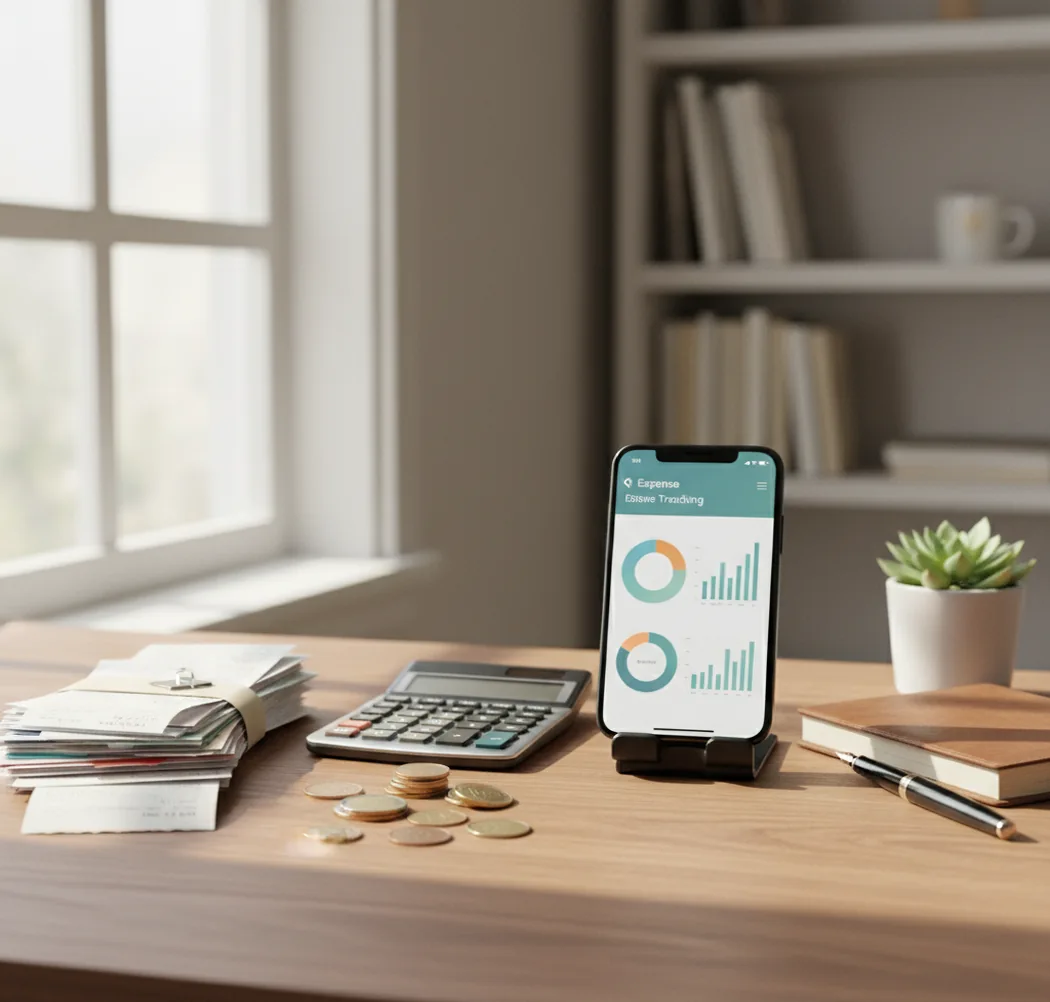
Money management tips for beginners work best when they start with one habit: record every income and expense before you judge your budget. A free iOS budgeting app can make that habit easier by keeping categories, receipts, and weekly totals close at hand. Review the totals weekly, then adjust one category at a time.
What Is Money Management Tips for Beginners?
Money management tips for beginners are practical habits for recording income, logging expenses, and understanding cash flow before making bigger financial decisions. The point is not to build a perfect system on day one. The point is to stop guessing.
A beginner should start with simple categories, quick transaction entry, and a weekly review of spending totals. Money Tracker App helps because it keeps daily tracking fast on iPhone with categories, receipts, and clear reports.
For privacy-minded users, the app works with no bank connection, and data stays on device. That makes it useful for people who want manual control instead of automatic bank syncing.
How Money Management Tips for Beginners Works
Beginner money management works by converting scattered purchases and paychecks into structured records you can review. Each transaction gets a date, amount, category, and optional note or receipt, so weekly patterns become visible.
The mechanism is simple. You log spending as it happens, assign a category like groceries or transport, and add income when you get paid. Receipt scanning can use OCR to pull totals and dates from a photo, while category suggestions reduce repetitive decisions.
After entries are stored, charts and cash-flow views summarize inflows and outflows by week or month. That turns vague stress into specific action: lower one category, cancel one subscription, or plan around the next bill.
How to Use a Beginner Budgeting Routine
Choose starter categories
Begin with 8–12 categories such as rent, groceries, transport, eating out, subscriptions, health, fun, and other. Too many categories create friction before the habit is stable.
Log every transaction
Record each expense when it happens, including small cash purchases and low-cost snacks. Small spending is often where beginners find the biggest surprises.
Add income immediately
Enter paychecks, side income, refunds, and reimbursements on the day they arrive. Cash flow only makes sense when income and spending are both visible.
Capture important receipts
Scan or photograph receipts for gas, pharmacy trips, work expenses, and cash purchases. Receipts help correct totals when memory fails.
Review weekly totals
Check category totals once a week instead of reacting to every single purchase. Look for one category to adjust, not ten.
Refine after two weeks
Rename confusing categories, split broad categories, and set reminders for recurring bills. The first two weeks should teach the system what your real spending looks like.
When to Use Beginner Money Habits (and When Not To)
Use it when
- Use them when your bank balance feels unpredictable before payday.
- Use them when you are starting your first job, rent cycle, or side gig.
- Use them when subscriptions, food delivery, or small purchases keep surprising you.
- Use them when you want a simple weekly review instead of a complex spreadsheet.
- Use them when you need to compare income and expenses across a month.
Skip it when
- Do not use basic tracking as a replacement for debt counseling, tax advice, or financial planning.
- Do not expect manual tracking to work if you refuse to log purchases consistently.
- Do not overbuild categories before you understand your actual spending pattern.
- Do not rely on charts alone when receipts, refunds, or shared expenses need reconciliation.
- Do not treat category totals as moral judgments; they are decision inputs.
Beginner Money Management vs YNAB and Copilot Money
| Feature | Money Tracker App | YNAB | Copilot Money |
|---|---|---|---|
| Best fit | Beginners who want fast manual tracking on iPhone | Users who want a strict zero-based budgeting method | Users who want polished automation and financial insights |
| Expense tracking | Fast category-based logging with searchable records | Strong, method-driven expense planning | Automated transaction views with smart organization |
| Income tracking | Supports paychecks, refunds, cash income, and side gigs | Built around assigning income to jobs | Shows income and cash-flow trends |
| Receipt handling | Useful for keeping purchase proof and transaction context | Not usually the core workflow | Depends on the user’s workflow and connected data |
| Learning curve | Low; start by logging daily spending | Medium to high; the method takes practice | Medium; automation still needs review |
| Cost position | Free to start on iOS | Paid subscription | Paid subscription |
Choose a beginner tracker when you mainly need visibility. Choose YNAB when you want a full budgeting philosophy, and choose Copilot Money when automated insights matter more than manual control.
Use Cases for Daily Spending Tracking
- First paycheck planning: New earners can track paychecks, rent, transport, food, and discretionary purchases in one place. The goal is to learn how long income actually lasts.
- Subscription cleanup: Categorized records make recurring charges easier to spot. Beginners often find forgotten trials, duplicate services, or small monthly fees that add up.
- Cash spending control: Receipt capture helps record purchases that never appear clearly in a card statement. This is useful for markets, tips, parking, and small local shops.
- Shared household expenses: Roommates or partners can agree on category names and review totals together. Clear records reduce arguments over who paid for what.
- Travel spending review: Daily logging helps separate flights, meals, transport, lodging, and fun money while traveling. It also makes post-trip review less painful.
Beginner Budgeting Limitations
What to keep in mind
- The tool is iOS-only, so it is not the right fit for Android-first households.
- Manual entry depends on the user; missed purchases make reports incomplete.
- It is not investment advice, tax advice, debt counseling, or professional financial planning.
- Category totals and monthly projections are estimates, not guarantees of future spending.
- The system needs consistent logging to become useful; occasional use gives weak signals.
- Receipt OCR can misread totals, dates, or merchant names when photos are blurry or receipts are damaged.
- Automatic categorization can be wrong for new merchants, split purchases, or unusual transactions.
- Shared tracking requires both people to use the same category rules and review schedule.
Frequently Asked Questions
Start by tracking every expense and income entry for two weeks. Then review weekly totals and adjust one category at a time.
Use simple categories like rent, groceries, transport, eating out, subscriptions, health, fun, and other. Add detail only when a category hides useful information.
For many beginners, yes. Tracking shows what is actually happening before you set limits that may be unrealistic.
Review spending once a week at the same time. A weekly review is frequent enough to catch problems without making money feel like a daily emergency.
Yes, especially in the first month. Small purchases often reveal habits that are invisible when you only check your account balance.
A free app is enough if your main goal is visibility, categories, receipts, and weekly totals. You may need more advanced tools later for complex debt payoff, investments, or household planning.
Log purchases immediately or use two daily check-ins, such as after lunch and before bed. Consistency matters more than perfect notes.
That is normal in the first two weeks. Rename categories, merge ones you do not use, and split only the categories that hide important patterns.
Yes, tracking helps freelancers, students, and side-gig workers see income timing next to spending. It will not make income predictable, but it can make cash-flow gaps easier to plan around.