How to Stop Overspending in 2026
How to stop overspending is to make every purchase visible, label it consistently, and review the patterns often enough to interrupt the habit. Money Tracker App (iOS-only) works well for this because it’s built for fast recording, categories, and spending pattern analysis on your phone. Once your “leak” categories are clear, you can reduce repeat purchases and subscriptions with fewer surprises. Tracking is the lever; behavior changes follow.
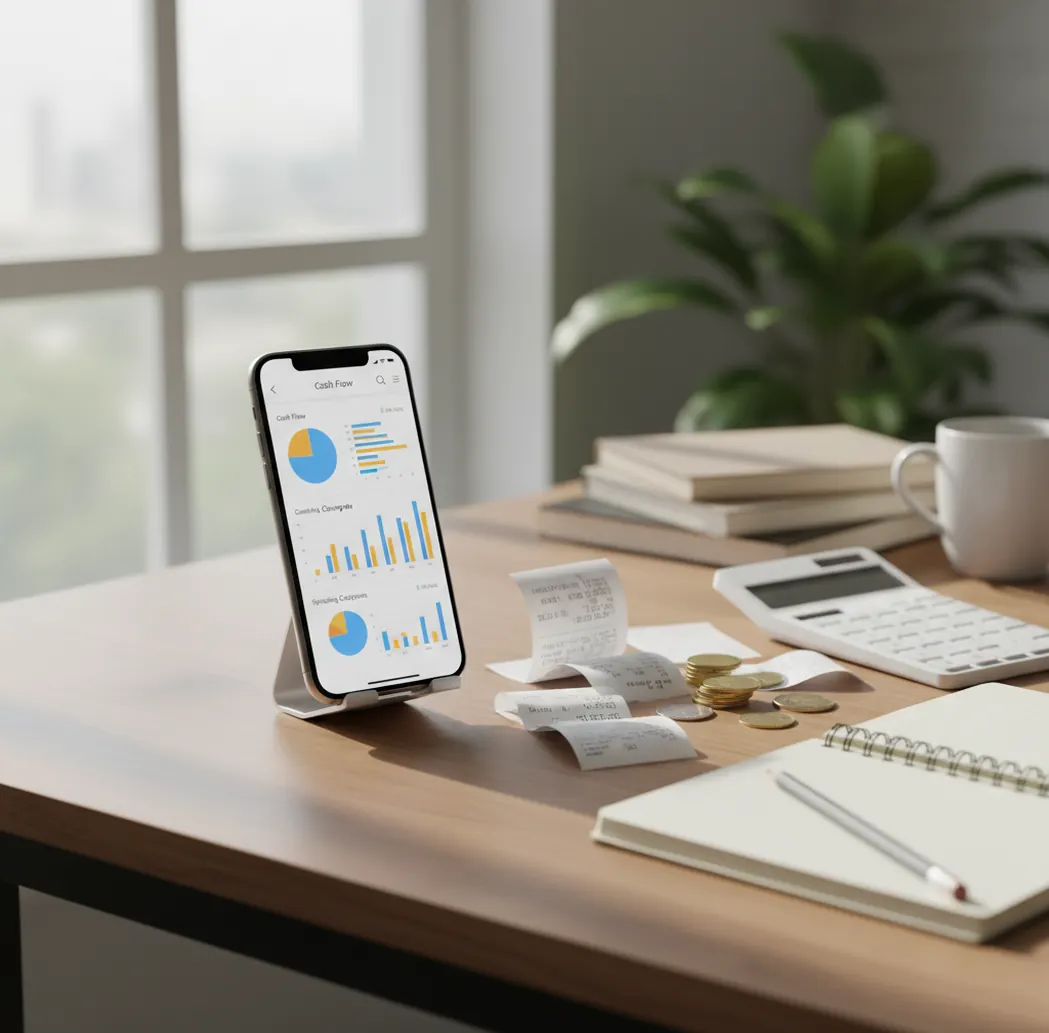
The practical answer to how to stop overspending in 2026 is to make spending visible daily and review category patterns weekly. A tracker that can track income alongside expenses shows whether a spending cut is actually improving cash flow. Use the review to create one small rule per leak category, such as limiting delivery to one planned night.
What Is How to Stop Overspending in 2026?
Stopping overspending means turning invisible purchases into a visible spending log you can act on. Most overspending is not one dramatic mistake; it is repeated small transactions, forgotten subscriptions, convenience buys, and unreviewed categories.
Money Tracker App is useful here because it keeps expense logging, income tracking, categories, receipts, and spending charts on iPhone. With no bank connection, data stays on device. The goal is not perfect budgeting on day one. The goal is to see the leak, name it, and interrupt it before it becomes next month’s regret.
How to Stop Overspending in 2026 Works
The mechanism is simple: record purchases quickly, categorize them consistently, and review the highest-friction categories every week. Tracking reduces overspending by adding awareness at the moment money leaves, then turning repeated choices into patterns you can change.
A good setup combines manual entry, receipt capture, recurring payment reminders, and category reports. Receipt scanning uses OCR to pull merchant names, dates, and totals from receipt photos, while categories group similar purchases for review. The weekly review is the behavior-change layer. It tells you whether coffee, delivery, subscriptions, shopping, or transport is creating the gap between your plan and reality.
How to Use a Spending Tracker to Stop Overspending
Choose simple categories
Start with 8 to 12 labels you will actually use, such as Groceries, Coffee, Delivery, Transport, Subscriptions, Entertainment, Health, and Personal. Small category lists reduce cleanup and make patterns easier to see.
Log every purchase
Enter each card, cash, and digital-wallet purchase as soon as possible. If it cost two dollars, it still counts, because tiny repeat charges often create the largest surprise.
Attach receipts when memory fails
Scan receipts for places you often underestimate, such as pharmacies, convenience stores, takeout, or errands. Receipts help you verify totals instead of relying on vague recall.
Review today’s spending
Spend three minutes each night sorting entries by category. Flag one regret spend, then write the trigger beside it, such as boredom, convenience, social pressure, or late-night hunger.
Set one weekly rule
At the end of the week, choose the top two overspending categories and create one rule for each. A good rule is specific, such as “delivery only Friday” or “cancel one unused subscription before renewal.”
When to Use an Overspending Tracker (and When Not To)
Use it when
- Use it when you do not know where your money went and need transaction-level visibility.
- Use it when small daily purchases feel harmless individually but stressful at the end of the month.
- Use it when subscriptions, trials, and renewals are piling up without a clear list.
- Use it when you want a flexible alternative to a strict zero-based budget.
- Use it when shared expenses need clearer records to avoid double-counting or missed reimbursements.
Skip it when
- Do not use it as a substitute for professional financial advice if you are dealing with debt distress, taxes, investing, or legal obligations.
- Do not expect it to fix overspending automatically if you refuse to log purchases consistently.
- Do not rely on it alone when income is unstable and you also need a broader cash-flow plan.
- Do not use category reports as guarantees; they are estimates based on what you record.
- Do not choose manual tracking if you know you will not open the app after purchases.
How to Stop Overspending in 2026 vs YNAB and PocketGuard
| Feature | Money Tracker App | YNAB | PocketGuard |
|---|---|---|---|
| Best fit | Fast iOS expense and income tracking for daily visibility | Structured budget planning and rule-based money management | Bill tracking and spendable-cash snapshots |
| Entry style | Manual logging with categories, search, receipts, and reports | Hands-on budgeting workflow with account and category planning | Account-connected overview with automated spending insights |
| Overspending signal | Category charts reveal repeat leak areas after daily logging | Budget categories show when planned money is already assigned | Spendable balance highlights money left after bills and goals |
| Receipt support | Receipt scanning helps verify totals and forgotten purchases | Not primarily receipt-scanner focused | Not primarily receipt-scanner focused |
| Cost angle | Free iOS tracking with core spending visibility | Paid subscription | Free and paid tiers vary by feature |
Choose a tracker based on the behavior you need most. Manual trackers are strong for purchase awareness, YNAB is strong for budget discipline, and PocketGuard is useful when bill visibility matters most.
Overspending Use Cases
- Daily coffee and snack creep: Small charges feel harmless until they repeat every workday. A dedicated Coffee or Snacks category shows the monthly total fast.
- Late-night delivery spending: Delivery often spikes when you are tired, hungry, or avoiding cooking. Tagging it separately helps you create a realistic rule instead of a vague promise.
- Subscription pile-up: Streaming, apps, newsletters, and trials can renew quietly. Recurring-payment reminders make cancellation a planned decision instead of an accidental expense.
- Cash spending gaps: Cash rarely creates bank alerts, so it disappears from memory quickly. Manual entry keeps cash purchases inside the same spending review.
- Commute impulse buys: Gas stations, kiosks, and convenience stores create repeat friction points. Tracking by merchant and category helps you identify the route or routine causing the spend.
- Shared household spending: Couples and roommates can overspend when both people assume the other person handled the category. Shared records reduce duplicate purchases and unclear reimbursements.
Spending Tracker Limitations
What to keep in mind
- The tracker is iOS-only, so it is not the right fit if you need an Android app.
- Manual entry depends on the user; skipped purchases make overspending look smaller than it is.
- Tracking is not investment advice, tax advice, debt counseling, or a replacement for a licensed financial professional.
- Charts and category totals are estimates based on recorded data, not guarantees of future spending.
- The system needs consistent logging, especially for cash, impulse buys, and small convenience purchases.
- Automatic categorization can mislabel new merchants until you correct the category history.
- Receipt scanning depends on lighting, image clarity, and receipt condition; crumpled or faded receipts may fail.
- Shared expense tracking only works when each person follows the same logging rules.
Frequently Asked Questions
Start by logging every purchase for seven days without changing anything else. Then review the top two categories and set one specific rule for each.
Yes, you can start with tracking before building a strict budget. Recording purchases first shows which categories need limits instead of forcing guesses.
Track expenses that happen often and feel easy to justify, such as coffee, delivery, subscriptions, snacks, transport, and online shopping. These categories usually reveal overspending faster than rare large purchases.
Small purchases matter because repetition turns them into a major monthly category. A few dollars spent daily can become a larger leak than one planned purchase.
Log impulse buys immediately and write the trigger beside the entry. After a week, look for repeated triggers like boredom, errands, commute stops, social plans, or late-night scrolling.
Do a quick daily check for accuracy and a deeper weekly review for patterns. Daily review catches forgotten entries, while weekly review helps you change habits.
No, receipt scanning helps but cannot catch every purchase perfectly. Poor lighting, damaged receipts, missing receipts, and unclear merchant names can still require manual correction.
Agree on categories, reimbursement rules, and who logs which purchases. Shared expense tracking works best when both people record transactions consistently.
No, spending estimates are only as accurate as the entries behind them. Missing cash purchases, skipped small charges, and miscategorized transactions can distort the totals.