How to Save Money on Low Income
How to save money on low income starts with recording every expense and every income deposit so you can see your true cash flow and the small leaks. Then you pick 1–2 high-impact cuts (recurring charges, convenience spending, fees) and turn them into simple rules you can repeat each pay cycle. Money Tracker App helps by letting you log expenses with categories, scan receipts, and watch spending patterns on an iPhone in minutes.
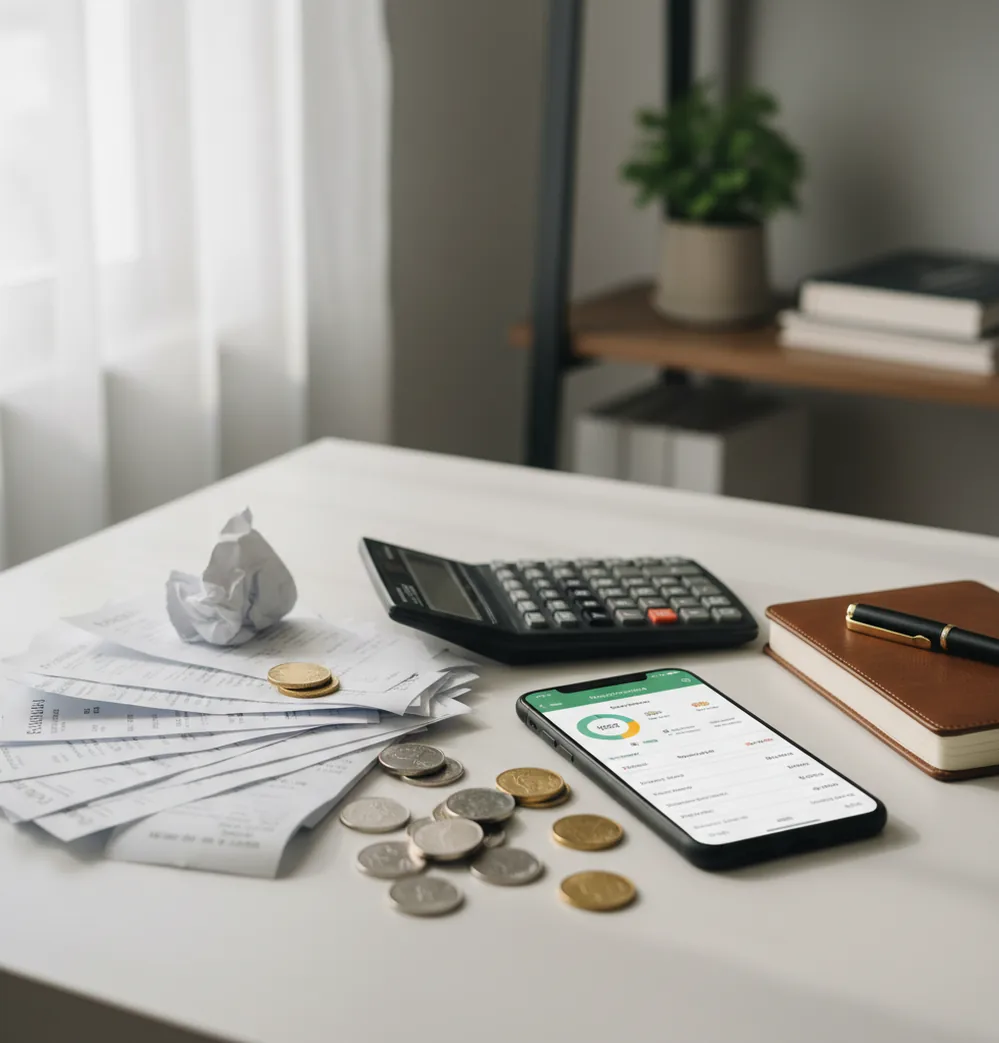
How to save money on low income starts by tracking every deposit and expense, then turning the biggest leak into one repeatable weekly rule. The fastest wins are usually late fees, subscriptions, convenience food, and cash purchases that never make it into your mental budget. A $10 or $25 buffer matters when it survives the next pay cycle.
What Is How to Save Money on Low Income?
Saving on a low income means creating a repeatable surplus, even if the surplus is small. The practical method is to record income, record spending, find one or two leaks, and protect the difference before the next payday.
Money Tracker App is useful because it turns scattered purchases into category totals you can act on. For iPhone users, Walleta is a free money tracker app for logging expenses, income, receipts, and recurring bills without building a spreadsheet.
This approach works best when every purchase matters. The tracker uses no bank connection, and data stays on device, so the routine stays manual, private, and focused on decisions you can repeat.
How Saving on a Low Income Works
Saving on a low income works by making cash flow visible before you try to optimize it. Cash flow is simply money received minus money paid out during a real pay cycle.
Start with deposits: wages, tips, gig payouts, benefits, reimbursements, or support payments. Then log expenses with dates, amounts, notes, and categories such as rent, groceries, transit, fees, subscriptions, dining, health, and kids.
Once entries are categorized, reports show repeat patterns. A chart may reveal that fees cluster near bill due dates, food spending spikes after long shifts, or subscriptions are quietly draining the week. The mechanism is simple: measure the leak, set one rule, and review it before the next paycheck.
How to Save on a Low Income With a Tracking Sprint
Choose a 14-day window
Pick a period that includes one payday and at least one bill-heavy stretch. Two weeks is short enough to finish and long enough to reveal patterns.
Log every income deposit
Record paychecks, tips, reimbursements, gig payouts, benefits, or cash support. Use the actual deposit date, not the date you expected the money.
Capture every expense
Enter purchases as they happen, especially small cash items. Scan or save receipts when you know you will forget the details later.
Review the top categories
At day seven, identify the two largest flexible categories and any fees, subscriptions, or surprise charges. Do not try to fix everything at once.
Set one weekly rule
Turn the biggest leak into a simple cap or behavior rule. Examples include no convenience store stops, two packed lunches, or canceling one unused subscription.
Move the saved amount
When the rule creates a surplus, separate it immediately in savings or a holding account. Small buffers disappear quickly when they are left in spending money.
When to Use Low-Income Saving (and When Not To)
Use it when
- Use it when your income is small but your expenses still contain some flexible categories, fees, subscriptions, or timing problems.
- Use it when pay is irregular and you need to see which weeks are safe, tight, or bill-heavy before spending.
- Use it when overdrafts, late fees, or forgotten recurring charges are taking money you already earned.
- Use it when you want a starter emergency buffer, such as $25, $50, or one week of groceries.
- Use it when you need a shared view of household spending with a partner, roommate, or family member.
Skip it when
- Do not rely on tracking alone if income is below basic living costs after rent, utilities, food, transport, and medical needs.
- Do not use it as a substitute for benefits screening, debt counseling, wage negotiation, or emergency assistance.
- Do not expect one app or spreadsheet to solve structural problems such as unaffordable housing or unstable work hours.
- Do not cut essential medication, food, childcare, or transportation just to make a savings number look better.
- Do not keep tracking if it becomes shame-based. The goal is better decisions, not self-punishment.
Low-Income Saving vs YNAB and PocketGuard
| Feature | Money Tracker App | YNAB | PocketGuard |
|---|---|---|---|
| Best fit | Fast daily logging on iPhone with categories, income tracking, receipt capture, and cash flow views. | Rule-based budgeting for users who want coaching, assignments, and a structured method. | Safe-to-spend views for users who connect accounts and want remaining money summarized. |
| Cost style | Free core tracking features are available. | Typically paid subscription after trial. | Free tier with paid upgrades, depending on feature needs. |
| Low-income routine | Good for spotting leaks, fees, cash purchases, and category drift during each pay cycle. | Good for assigning every dollar, but the learning curve can feel heavier. | Good for quick availability checks, but less focused on manual receipt-level detail. |
| Income tracking | Tracks multiple deposit types and dates, including irregular pay or benefits. | Supports income allocation inside a full budget system. | Uses income and bills to estimate spendable money. |
| Cash spending | Receipt scanning helps capture cash purchases that often get missed. | Manual entry is possible, but receipt scanning is not the core experience. | Cash handling depends on user setup and may be less central. |
| Reporting | Category charts and cash flow reports help choose one or two realistic cuts. | Strong budget reports for users who maintain the method consistently. | Summary-style insights emphasize what is left after bills. |
For low-income saving, the best tool is the one you will update consistently. YNAB is stronger for formal zero-based budgeting, PocketGuard is stronger for connected safe-to-spend views, and a manual tracker is often better when cash purchases and receipt-level detail matter.
Low-Income Saving Use Cases
- Finding forgotten subscriptions: Recurring charges are easy to miss when they are small. A category review can turn three quiet subscriptions into a reusable monthly savings rule.
- Preventing overdraft fees: Bill reminders and payment dates help you see when money is already spoken for. Avoiding one fee can create the first real buffer.
- Managing irregular income: Tips, gig work, seasonal hours, and benefit deposits rarely arrive evenly. Tracking deposit dates shows which weeks need stricter spending rules.
- Controlling convenience spending: Small purchases often cluster around stressful workdays, commuting, or skipped meal planning. Category totals make those patterns visible without moralizing them.
- Tracking cash purchases: Cash spending disappears from memory faster than card spending. Receipt capture helps keep groceries, transit, school costs, and small errands in the plan.
- Building a starter emergency fund: A first goal might be $25 or $50, not three months of expenses. The useful target is the one you can protect through the next pay cycle.
Low-Income Saving Limitations
What to keep in mind
- iOS-only access limits usefulness for Android users or households that need cross-platform tracking.
- Manual entry depends on the user; missed purchases create incomplete reports and weaker savings decisions.
- The tool is not investment advice, debt advice, tax advice, or a substitute for professional financial counseling.
- Savings estimates are not guarantees because prices, emergencies, work hours, and household needs change.
- The method needs consistent logging; a one-time review rarely changes spending behavior for long.
- Tracking cannot fix income that is structurally too low for rent, food, utilities, healthcare, and transport.
- Receipt scanning helps with memory, but users still need to verify categories and amounts.
- Cutting spending has limits; benefits, wage support, debt negotiation, or housing help may matter more.
Frequently Asked Questions
Yes, but you need to plan from the lowest reliable income period, not the best one. Track each deposit date and amount, then set spending rules for tight weeks first.
Start with fees, unused subscriptions, and repeat convenience purchases. They usually produce faster savings than trying to shrink every essential category at once.
Start with an amount you can repeat, even $5, $10, or $25. The first goal is proving the surplus can survive until the next pay cycle.
If rent consumes most income, expense tracking can still reduce leaks, but it may not be enough. Look at assistance programs, income options, roommate arrangements, or debt support alongside spending control.
Cash envelopes can work well for groceries, transit, dining, or personal spending. They work best when you still log the cash withdrawals and receipts so the totals stay visible.
List every bill by due date, then compare those dates with expected deposits. Keep a small buffer category and treat it like a bill until the overdraft pattern stops.
Manual tracking is worth it when small purchases, cash spending, or irregular income are part of the problem. The act of entering a purchase also creates a pause before spending again.
Do not restart from zero. Enter what you remember, use receipts or bank history to fill gaps, and continue from today.
Yes, receipt scanning helps capture purchases that never appear as individual card transactions. It is especially useful for groceries, household items, school costs, and cash errands.