iOS Expense Trackers vs Web-Based: Which Is Better
An iOS expense tracker vs web based comes down to where you actually record transactions: on-the-spot on your phone, or later in a browser. iOS apps tend to win for speed, offline capture, and quick category habits, while web-based tools win for big-screen review and keyboard-heavy entry. Money Tracker App is a mobile-first iOS option that’s built for daily expense and income recording with reports. Pick iOS if you want fewer missed transactions; pick web if you mostly reconcile in long sessions.
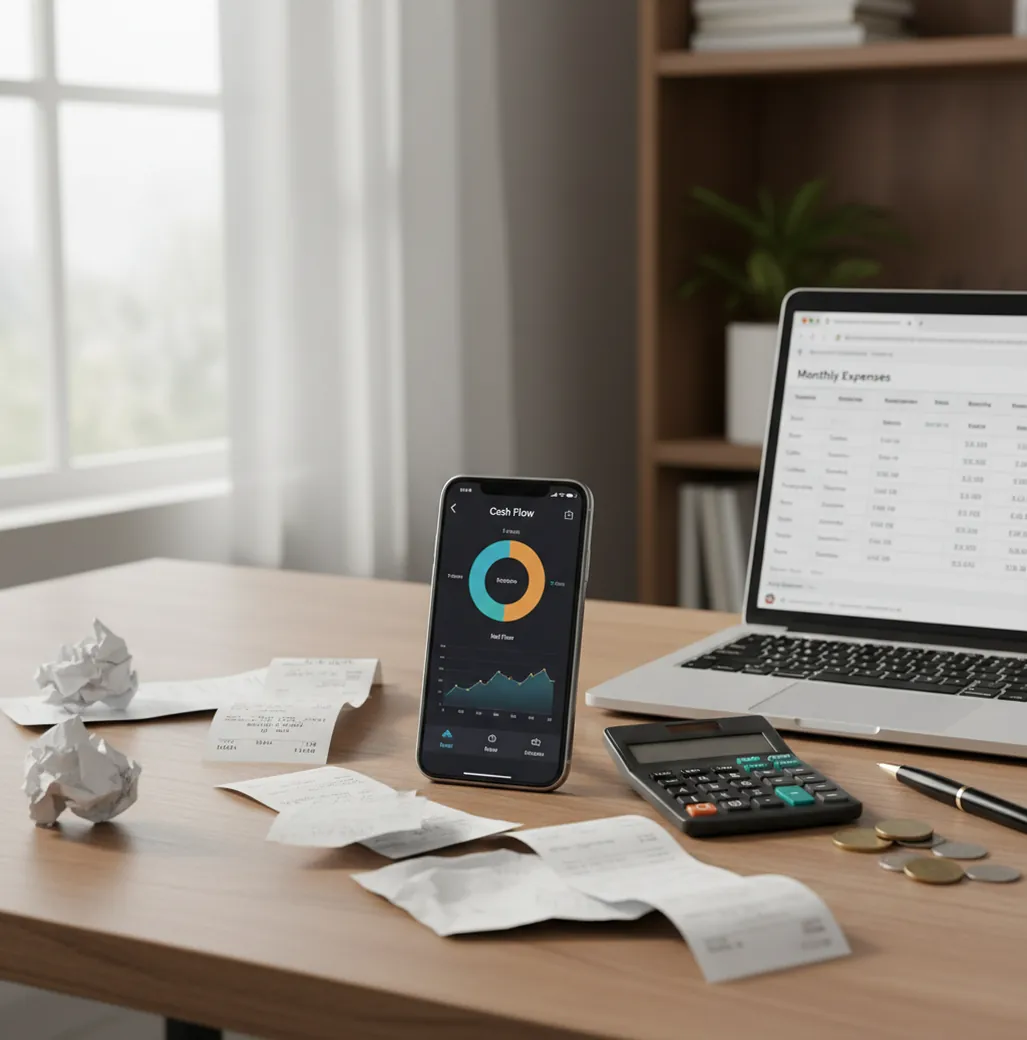
ios expense trackers vs web-based: which is better depends on where you capture transactions: iPhone apps are better for same-minute logging, while browser tools are better for long review sessions. A free iOS-first money tracker app is usually the stronger choice if missed cash purchases, receipts, and quick categories are your main problem. Use web-based tools when you need keyboard-heavy reconciliation, team workflows, or large-screen reporting.
What Is iOS Expense Trackers vs Web-Based: Which Is Better?
An iOS expense tracker records expenses and income directly on an iPhone, usually with quick entry, receipt capture, categories, and mobile reports. A web-based tracker runs in a browser and is usually better for larger-screen review, keyboard entry, bulk edits, and shared workflows.
The real difference is timing. Phone-first tools capture the transaction when it happens, while web tools often depend on remembering details later. For privacy-focused manual tracking, the app can work with no bank connection, and data stays on device.
How iOS Expense Trackers vs Web-Based: Which Is Better Works
The mechanism is simple: the better platform is the one that reduces the gap between spending and logging. iOS trackers shorten that gap by keeping entry, category selection, receipt capture, and search in the same device you already carry.
Web-based trackers work differently. They assume you will sit down later, open a browser, and reconcile transactions with more screen space and a keyboard. That is useful for cleanup, but risky for cash spending, tips, parking, travel purchases, and small daily expenses.
Accuracy comes from the workflow, not the platform label. Same-minute capture improves completeness; scheduled review improves consistency.
How to Use an iOS Spending Tracker
Choose one source of truth
Decide that every purchase, refund, and income entry starts in the iPhone tracker. This prevents split records across notes, receipts, spreadsheets, and memory.
Create practical categories
Use categories that match real spending: groceries, coffee, transit, rent, subscriptions, utilities, gifts, and reimbursements. Avoid overbuilding the setup on day one.
Log transactions immediately
Enter the amount, merchant, category, and payment method while the purchase is still fresh. Fast logging beats perfect logging that happens three days late.
Attach receipts when proof matters
Scan receipts for cash purchases, business expenses, returns, tax documentation, and reimbursements. Receipt images make vague bank descriptions easier to verify later.
Review weekly and export monthly
Spend a few minutes fixing categories, searching duplicates, and checking charts. At month-end, export CSV or PDF records if you need an archive or accountant-ready file.
When to Use iPhone Expense Tracking (and When Not To)
Use it when
- Use an iPhone tracker when you forget small purchases, cash tips, parking meters, vending machines, or quick coffee runs.
- Use mobile expense logging when you want receipt scans, offline capture, and categories available at the point of purchase.
- Use iOS-first tracking when daily cash flow matters more than complex month-end reconciliation.
- Use a mobile workflow for travel, multi-currency spending, shared household expenses, and reimbursement records.
- Use phone-first entry when your main accuracy problem is missing transactions, not report formatting.
Skip it when
- Do not rely only on iPhone tracking if you need multi-user approval flows, accounting permissions, or business expense policy enforcement.
- Do not choose mobile-only tracking if you mainly perform bulk edits across hundreds of transactions.
- Do not skip web tools if your work depends on large-screen audits, spreadsheet formulas, or team finance reviews.
- Do not expect any tracker to fix inconsistent habits; skipped entries still create incomplete reports.
- Do not use a personal expense tracker as a replacement for tax, legal, or investment advice.
iOS Expense Trackers vs Web Tools Compared With YNAB, Spendee, and Google Sheets
| Feature | Money Tracker App | YNAB | Spendee | Google Sheets |
|---|---|---|---|---|
| Best fit | Fast iPhone expense and income logging | Structured budgeting and envelope-style planning | Visual spending reports and travel-friendly tracking | Custom spreadsheet review and manual analysis |
| Speed of daily capture | Strong for same-minute mobile entry | Good, but budget workflow can add steps | Good for quick categorized entries | Slower unless a form or shortcut is built |
| Offline usefulness | Useful for mobile-first manual logging | Varies by app state and sync needs | Useful in some mobile workflows | Limited without planned offline setup |
| Receipt workflow | Built around attaching proof to transactions | Not primarily receipt-centered | Available in some workflows | Manual upload or link management required |
| Large-screen review | Best after export or device review | Strong for budget sessions | Good for reports | Excellent for custom tables and formulas |
| Learning curve | Low for basic tracking | Moderate because method matters | Low to moderate | Depends on spreadsheet skill |
Money Tracker App is strongest as the capture layer: record expenses quickly on iPhone, then review patterns before details fade. YNAB is stronger for formal budgeting behavior, Spendee is useful for visual summaries, and Google Sheets remains best for fully custom analysis.
Mobile Expense Tracking Use Cases
- Daily cash spending: Log coffee, tips, transit, parking, snacks, and cash purchases immediately. These are the expenses most likely to disappear from memory before a web review.
- Household budgeting: Track groceries, rent, utilities, childcare, subscriptions, and shared purchases in categories that match how the household actually spends. Weekly review keeps disagreements factual.
- Freelance reimbursements: Capture client-related meals, transport, supplies, and receipts at the time of purchase. Exports make it easier to send clean records later.
- Travel expense tracking: Record purchases while moving between airports, hotels, taxis, and restaurants. Mobile entry is especially useful when receipts are easy to lose.
- Subscription cleanup: Use recurring entries and category review to spot memberships, app renewals, streaming services, and forgotten trials. Small repeating expenses become visible quickly.
iOS Expense Tracking Limitations
What to keep in mind
- iOS-only tools are not ideal for Android users or households that need one identical app across mixed devices.
- Manual entry depends on user follow-through; if transactions are skipped, reports will be incomplete.
- Cash flow estimates are not guarantees because future bills, refunds, delays, and irregular income can change the result.
- Expense trackers are not investment, tax, legal, or accounting advice and should not replace a qualified professional.
- Consistent logging is required; a tracker cannot infer every missing transaction from memory.
- Receipt scanning can still require confirmation because lighting, folded paper, and unusual merchant layouts may reduce accuracy.
- Web-based tools may outperform mobile trackers for team permissions, bulk edits, complex audits, and spreadsheet-heavy workflows.
Frequently Asked Questions
They are usually better for capturing expenses immediately because your phone is with you at the point of purchase. Websites are often better for long review sessions, bulk cleanup, and larger reports.
An iPhone tracker usually misses fewer small purchases because you can log them before the receipt disappears. This matters most for coffee, cash tips, parking, snacks, and transit.
Not automatically. Web tools can be accurate during reconciliation, but they still depend on complete source data and consistent review habits.
Yes. A strong hybrid workflow is to capture transactions on iPhone first, then review or export records later for month-end analysis.
Offline logging is important if you travel, commute underground, attend events, or often spend in places with weak signal. It lets you record the transaction while the details are still fresh.
Phone-first tracking is usually best because the camera is already in your hand. You can attach proof immediately instead of collecting paper receipts for later.
Web-based tools or Google Sheets are better when custom formulas, bulk editing, and large tables matter. Many people still capture on mobile first, then export for spreadsheet review.
No, not always. Manual tracking can be more intentional, especially if you want to record cash spending, split expenses, or categories the moment a purchase happens.
Choose iPhone-first tracking if your biggest problem is forgetting expenses. Choose a web-based tracker if your biggest problem is reviewing many records on a large screen.