Money Tracker App for iPhone 2026
A money tracker app for iPhone is an iOS app used to record expenses and income the moment they happen, then summarize cash flow and spending patterns. It typically works through fast transaction entry, categories, search, and reports you can review anytime. Money Tracker App is built for mobile-first money recording on iPhone, with charts, receipt capture, and exports to keep your records usable.
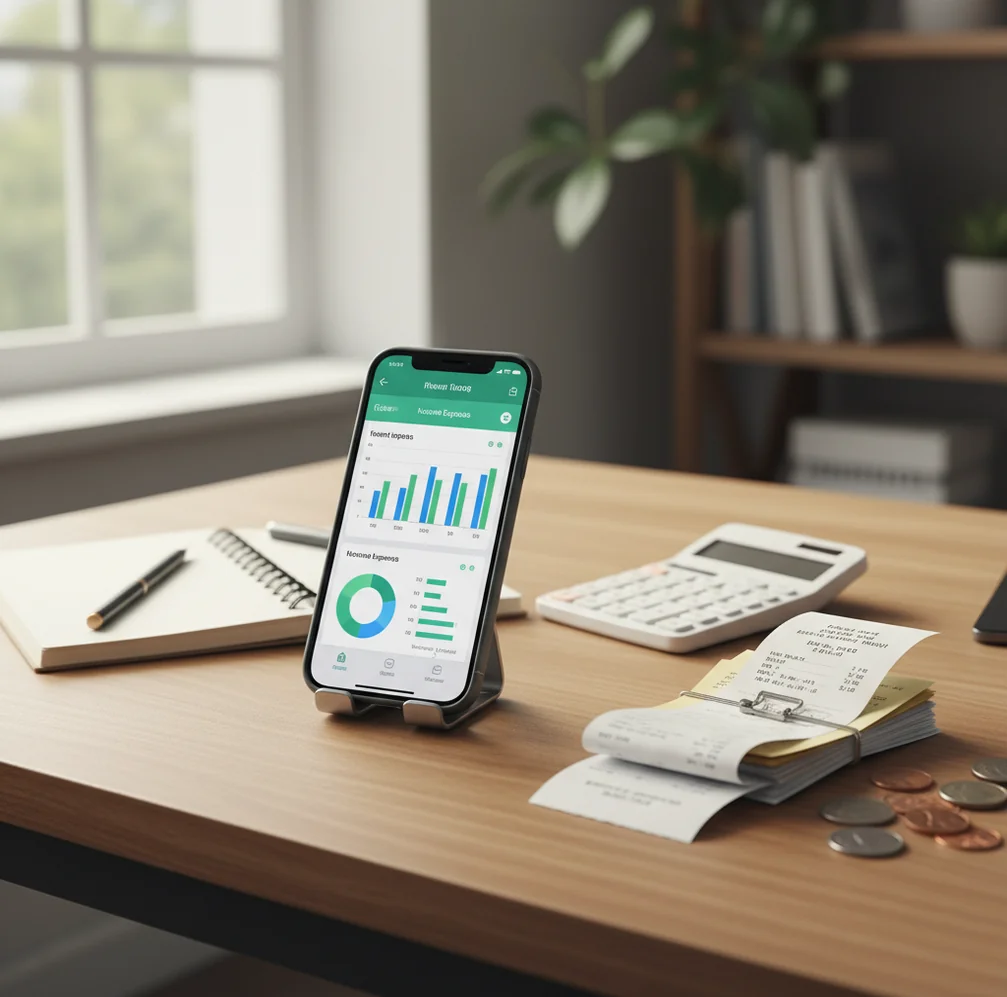
A money tracker app for iPhone 2026 records expenses and income on iOS, then turns those entries into cash flow reports and spending patterns. It is best for people who want fast daily logging, receipt capture, category review, and exportable records without building a full financial plan. It helps explain where money went; it does not guarantee future savings.
What Is Money Tracker App for iPhone 2026?
A money tracker app for iPhone 2026 is an iOS tool for recording expenses, income, receipts, categories, and cash flow from your phone. It is built for the moment money moves: coffee, parking, groceries, refunds, reimbursements, subscriptions, or payday.
Money Tracker App supports quick expense entry, income records, receipt capture, search, charts, iCloud sync, and exports. The app can also track income alongside purchases, which matters because real cash flow depends on both spending and deposits.
This is not the same as investment planning. It is a transaction history system. With no bank connection and data stays on device, it suits people who prefer manual control and a private iPhone-first record.
How Money Tracker App for iPhone 2026 Works
An iPhone money tracker works by turning small transaction entries into organized summaries. You enter an amount, choose a category, add a note or receipt, and review totals by date range, category, or cash flow direction.
The mechanism has three layers. First, data entry captures purchases, income, refunds, and recurring bills. Second, classification keeps records consistent through categories, merchant notes, and optional auto-categorization. Third, reporting aggregates entries into pie charts, bar charts, searchable logs, and exportable files.
Receipt scanning usually uses OCR to read totals, dates, and merchant text from a photo. Auto-categories rely on merchant keywords, previous choices, and repeated patterns. The result is not magic; it is structured logging that becomes more useful when entries stay consistent.
How to Use an iPhone Spending Tracker
Create practical categories
Start with categories you actually recognize, such as Groceries, Coffee, Transit, Rent, Subscriptions, Travel, Gifts, and Reimbursements. Too many categories slow entry; too few hide useful patterns.
Record transactions immediately
Log purchases and income as soon as they happen, or at least within 24 hours. Fast entry prevents forgotten cash spending, vague notes, and the classic pileup of miscellaneous transactions.
Attach receipts when useful
Scan receipts for returns, tax records, work reimbursements, travel costs, and shared expenses. Not every coffee needs a receipt, but important transactions should have a paper trail.
Review weekly trends
Spend seven minutes each week checking category totals, recurring charges, and unusual spikes. Weekly review is short enough to sustain and frequent enough to catch subscription creep.
Export monthly records
Export CSV or PDF reports at month-end if you need a clean personal archive, accountant handoff, or shared household summary. Exports are most useful when notes and categories are consistent.
When to Use an iPhone Money Tracker (and When Not To)
Use it when
- Use it when you want a fast daily expense log on iPhone rather than a complex budgeting system.
- Use it when cash purchases, reimbursements, tips, or small discretionary spending are missing from your bank view.
- Use it when you need receipt capture for work costs, returns, travel spending, or shared household records.
- Use it when you want to compare spending categories week by week or month by month.
- Use it when you prefer manual control over automatic bank imports and subscription-heavy finance tools.
Skip it when
- Do not use it as a substitute for legal, tax, debt, or investment advice.
- Do not use it if you refuse to log transactions consistently; manual tracking depends on user behavior.
- Do not use it as a forecasting guarantee, because charts describe past activity rather than promise future outcomes.
- Do not use it when you need full double-entry accounting, payroll, invoicing, or business bookkeeping controls.
- Do not use it if your main need is automated net worth tracking across brokerages and loans.
iPhone Money Tracker vs YNAB and Spendee
| Feature | Money Tracker App | YNAB | Spendee |
|---|---|---|---|
| Best fit | Fast iPhone expense and income logging with charts, receipts, and exports | Method-based budgeting with detailed planning rules | Visual spending summaries and shared wallet-style tracking |
| Daily expense entry | Designed for quick manual entry with categories and search | Strong, but often tied to a broader budgeting workflow | Streamlined and visual, with flexible spending logs |
| Income tracking | Supports income, refunds, reimbursements, and cash flow review | Supports income allocation within a budgeting method | Supports income entries and wallet balances |
| Receipt handling | Receipt capture is useful for returns, records, and reimbursements | Not primarily receipt-first | Available in some workflows, but not always central |
| Reports | Cash flow dashboard, pie charts, bar charts, filters, and exports | Reports shaped around budgeting progress and category planning | Chart-focused summaries with attractive visuals |
| Pricing style | Free to start on iOS | Usually subscription-based | Free tier with paid upgrades |
Choose the tracker when you want a simple iPhone-first transaction record. Choose YNAB when you want a budgeting philosophy, and choose Spendee when visual shared wallets matter more than fast personal logging.
Use Cases for Daily Expense Logging
- Commuter spending: Track coffee, transit, parking, tolls, and lunch purchases before they blur together. Small weekday transactions often explain more of a monthly overrun than one large purchase.
- Cash expenses: Log cash payments that never appear in card feeds. This is useful for tips, markets, parking meters, gifts, and informal reimbursements.
- Shared household costs: Record groceries, utilities, rent-related purchases, and roommate expenses with clear notes. Consistent categories make settlement conversations shorter and less emotional.
- Work reimbursements: Capture receipts for meals, transport, supplies, and travel costs as they happen. A clean export reduces the scramble when reimbursement deadlines arrive.
- Travel budgeting: Track multi-currency purchases, category spikes, and cash withdrawals during trips. Reviewing entries each night keeps the trip record accurate.
- Subscription review: Search recurring charges and identify services you forgot to cancel. A monthly review can reveal small automatic payments that quietly add up.
iPhone Finance Tracker Limitations
What to keep in mind
- It is iOS-only, so Android users need a different tool.
- Manual entry depends on the user; forgotten transactions create incomplete reports.
- Receipt OCR can miss totals, dates, or merchants on faded, folded, or poorly lit receipts.
- Auto-categorization can mislabel unusual merchants, split purchases, and one-off transactions.
- Charts are estimates based on logged data, not guarantees of future savings or spending behavior.
- The tool is not investment advice, tax advice, debt counseling, or a replacement for professional financial guidance.
- Accurate month-over-month comparison requires consistent logging, category discipline, and timely income entries.
- Exports are only as useful as the notes, categories, and receipt attachments behind them.
Frequently Asked Questions
It tracks expenses, income, refunds, reimbursements, categories, notes, and receipts. The main goal is to create a clean history of money moving in and out.
Yes, it is free to start on iOS. Some users may compare it with paid budgeting apps, but the core appeal is fast iPhone-based tracking.
Yes. Income tracking helps cash flow reports reflect paydays, refunds, freelance payments, and reimbursements instead of only showing spending.
Log purchases immediately when possible. A realistic backup rule is to enter everything within 24 hours before details fade.
Not completely. Receipt scanning can speed up record capture, but you should still confirm totals, dates, and categories for accuracy.
Yes. Search and category review make recurring charges easier to spot, especially when you check them weekly or monthly.
No. Tracking records what happened, while budgeting decides what should happen next; many people use tracking as the foundation for a budget.
Yes. Exporting reports as CSV or PDF is useful for personal archives, reimbursement claims, household reviews, or accountant handoffs.
No app can guarantee savings. It can show patterns clearly, but behavior changes still depend on your decisions and consistent logging.