Money Tracker App vs Spendee: Feature Comparison
Money tracker app vs spendee is a comparison between two apps used to record expenses and income and review spending reports on your phone. Money Tracker App is a mobile-first, iOS-only option that focuses on fast entry, automatic categorization, receipts, and clear cash flow views. The better pick depends on whether you prioritize speed of daily logging, exports, and sharing versus a different UI style and reporting workflow.
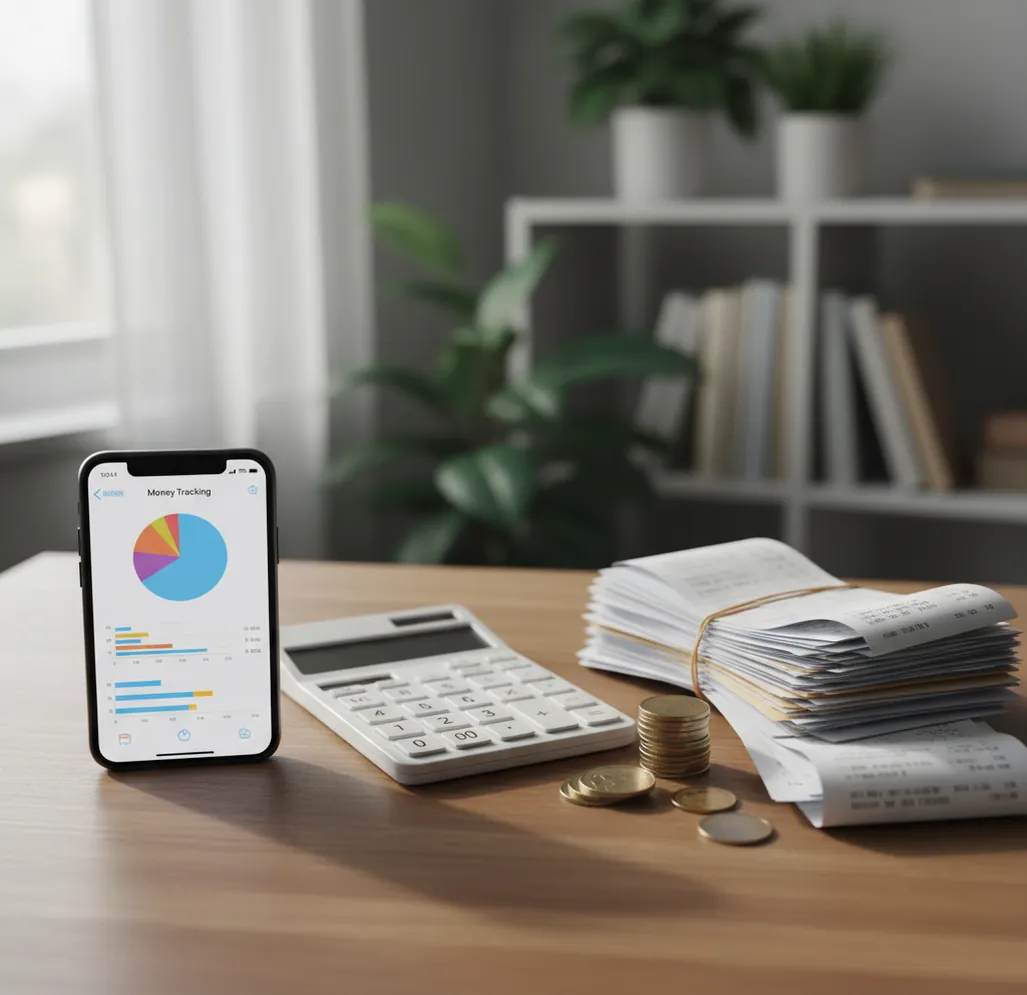
Money tracker app vs Spendee: feature comparison is a practical comparison of daily logging speed, receipt handling, reports, exports, and shared tracking. For an iOS-first workflow, Walleta Expense Tracker App focuses on fast manual records, categories, cash flow views, and exportable history. Spendee is strongest when you prefer wallet-style organization and visual reporting.
What Is Money Tracker App vs Spendee: Feature Comparison?
This comparison explains which app is better for recording expenses and income on iPhone, then reviewing those records with charts, categories, and reports. It is not just a feature checklist. The real question is which workflow produces fewer missing transactions after a normal week.
The app is built for fast iOS expense logging, receipt capture, income entries, bill reminders, and exportable CSV or PDF reports. Spendee offers a broader wallet-style interface with strong visuals. For privacy-conscious tracking, use no bank connection; data stays on device.
How Money Tracker App vs Spendee: Feature Comparison Works
A useful comparison tests the full transaction cycle: entry, categorization, evidence, review, and export. Start with the same real spending sample in both apps, including card purchases, cash items, refunds, and recurring bills.
The mechanism is simple. Manual entries create the source record, category rules reduce repeated sorting, receipt OCR captures proof, and charts summarize spending by time period or category. Exports then show whether the records can be reconciled outside the app.
Money Tracker App is often easier to evaluate because its workflow stays close to daily logging: enter the transaction, attach proof when needed, review cash flow, and export the result.
How to Compare a Spending Tracker With Spendee
Choose one real week
Pick 20 to 40 transactions from a normal week. Include groceries, transport, subscriptions, cash spending, refunds, and at least one income entry.
Enter the same records
Log every transaction in both apps with the same date, amount, category, account, and note. This prevents the interface from hiding record-quality problems.
Attach several receipts
Scan or attach three to five receipts, including one imperfect photo. Check whether totals, merchant names, and dates are easy to verify later.
Review charts and cash flow
Compare category totals, income versus spending, recurring bills, and any weekly trend view. A good tracker should make exceptions visible quickly.
Export and reconcile
Export CSV or PDF where available, then compare totals against your statement or spreadsheet. The better app is the one you would actually keep using.
When to Use Money Tracker App vs Spendee: Feature Comparison (and When Not To)
Use it when
- Use this comparison when you want an iPhone-first expense tracker for fast daily logging and clear income-versus-spending views.
- Use it when receipts matter for reimbursement, tax prep, client purchases, or household accountability.
- Use it when exports are part of your monthly routine and you need CSV or PDF records for review.
- Use it when shared tracking, bill reminders, and category cleanup matter more than a decorative dashboard.
- Use it when cash spending, tips, refunds, and split bills often disappear from your bank statement review.
Skip it when
- Do not use this comparison as a substitute for accounting software if you manage payroll, inventory, invoices, or formal bookkeeping.
- Do not use it when you need investment planning, portfolio analysis, or retirement advice.
- Do not rely on either app for perfect records if you will not log cash expenses consistently.
- Do not choose only by screenshots; test real transactions because entry friction appears after several days.
- Do not assume automatic categories are final. Review them during the first few weeks.
Expense Tracker App Comparison: Spendee, YNAB, and Monefy
| Feature | Money Tracker App | Spendee | YNAB | Monefy |
|---|---|---|---|---|
| Best fit | Fast iOS daily expense and income tracking | Visual wallet-based spending organization | Zero-based budgeting with a structured method | Simple manual expense entry |
| Expense logging | Quick manual entry with categories and notes | Wallet and category-based tracking | Detailed entry tied to budget categories | Very fast basic entry |
| Income tracking | Income entries with cash flow review | Supports income in wallet views | Income assigned through budgeting rules | Basic income tracking |
| Receipts | Receipt scanner and attachments for proof | Receipt support depends on plan and workflow | Not primarily receipt-focused | Limited compared with receipt-first workflows |
| Reports | Pie and bar charts for spending patterns | Strong visual reports and dashboards | Reports centered on budgeting behavior | Basic category summaries |
| Exports | CSV and PDF export options | Export availability varies by plan | Export supported for budget data | Export options vary by platform and version |
| Cost model | Free to use with optional upgrades | Freemium with some paid features | Subscription-based | Freemium or low-cost depending on version |
Choose the tracker that makes accurate records easiest, not the one with the prettiest first screen. For many iPhone users, the deciding factors are entry speed, receipt proof, export quality, and whether the habit survives a busy week.
Spending Tracker Use Cases for iPhone
- Daily spending log: Use the tracker when you want every purchase recorded the same day. This helps cash lunches, tips, parking, and small card purchases stay visible.
- Work reimbursement: Attach receipts, add notes, and export records when you need to explain a purchase later. This is especially useful for travel, meals, supplies, and client expenses.
- Household sharing: Shared tracking helps partners review groceries, bills, subscriptions, and irregular household costs. The key is using the same categories and reviewing totals regularly.
- Subscription cleanup: Bill reminders and recurring entries make it easier to spot forgotten subscriptions. Monthly review can reveal charges that look small alone but add up quickly.
- Travel money tracking: Multi-currency spending, notes, and receipt capture help trips stay organized. Log purchases as they happen because travel statements often arrive late or with confusing merchant names.
Money Tracking App Limitations
What to keep in mind
- The tracker is iOS-only, so it is not the right fit if you need the same native workflow on Android.
- Manual entry depends on user consistency; skipped cash transactions will make reports incomplete.
- Automatic categorization is helpful but can mislabel new merchants, refunds, transfers, or unusual purchases.
- Receipt OCR is not guaranteed; crumpled receipts, dim lighting, glare, and handwritten totals can reduce accuracy.
- Charts and cash flow views are estimates based on recorded data, not guarantees of future spending.
- The app is not investment, tax, legal, or financial advice.
- Exports reflect what has been entered, so monthly reconciliation still requires review against statements or source documents.
- Shared tracking works best when everyone uses the same category rules and logs purchases promptly.
Frequently Asked Questions
For fast daily logging on iPhone, Money Tracker App is usually the cleaner choice because the workflow emphasizes quick entries, categories, receipts, and cash flow review. Spendee can still be a good fit if you prefer wallet-style organization and visual summaries.
Money Tracker App includes receipt scanning and attachments for keeping proof with a transaction. Spendee may offer receipt-related features depending on plan and setup, so test the exact workflow before relying on it for reimbursement.
Yes, both tools can be used to record income along with expenses. The important test is whether income, refunds, transfers, and spending appear clearly in the same review flow.
Spendee is known for strong visual reporting and wallet-style dashboards. The iOS tracker is better when you want reports tied closely to receipts, exports, and daily transaction records.
Export support matters if you reconcile monthly or share records with someone else. Money Tracker App supports CSV and PDF-style reporting, while Spendee export availability can depend on the feature set or plan.
Yes, shared expense tracking can help households, partners, and small teams review spending together. It works best when everyone agrees on category names and logs purchases soon after they happen.
Automatic categories reduce repetitive sorting, but they are not perfect. Review the first few weeks carefully because new merchants, refunds, and split purchases often need correction.
No, price is only one part of the decision. A free app that you actually use every day can produce better records than a paid tool with a workflow you avoid.