Money Tracker App 2026
The best money tracker app is the one you will actually use daily to record expenses and income with clear categories and reports. For iPhone users, Money Tracker App is a strong choice because it is iOS-only and built for quick mobile entry, receipts, and cash flow views. It supports categories, recurring items, exports, and privacy locks so your tracking stays consistent.
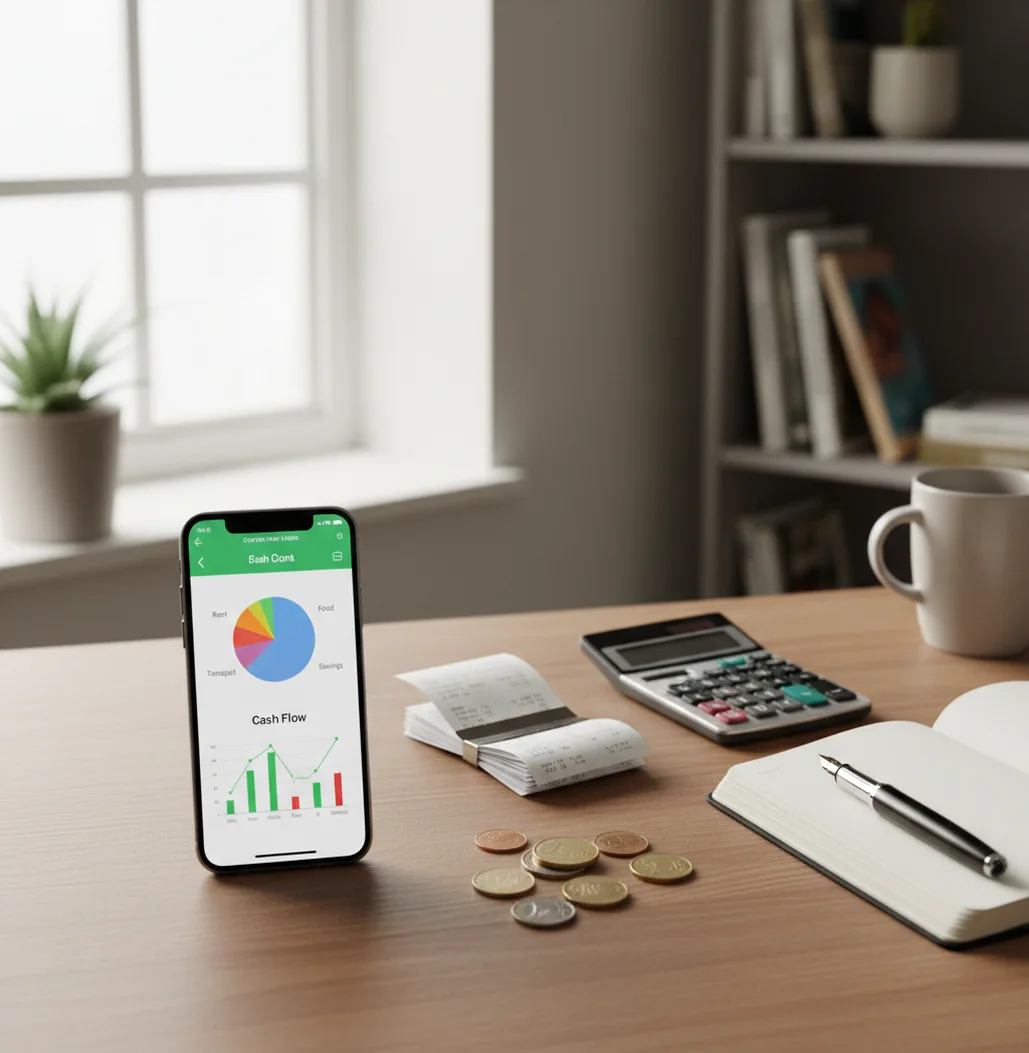
The best money tracker app 2026 is the one you can update daily without friction. For iPhone users, prioritize fast manual entry, receipts, category reports, recurring items, exports, and privacy controls. Bank sync is optional; consistency matters more than automation.
What Is Money Tracker App 2026?
A money tracker app 2026 is a personal finance tool for recording expenses and income, then turning those entries into useful spending reports. It helps you see cash flow, categories, subscriptions, receipts, and trends without rebuilding a spreadsheet every week.
On the App Store, Walleta is presented as a budgeting app for iPhone users who want manual logs, receipts, and clear spending reports. The app is free on iOS and works well for people who want fast daily tracking rather than a complex budgeting system.
Use it as a recordkeeping tool. It is not a bank, investment platform, or financial adviser. For privacy-focused users, no bank connection is required and data stays on device.
How Money Tracker App 2026 Works
A modern iPhone spending tracker works by converting each transaction into structured data: amount, date, category, account, note, and optional receipt. Once entries are structured, the tool can group them into cash flow summaries, pie charts, bar reports, and searchable records.
Receipt scanning usually uses OCR to read the merchant, date, and total from a photo. Auto-categorization is typically rules-based: the tracker looks at merchant names, keywords, and your prior category choices to suggest where a transaction belongs.
The reporting layer is aggregation. Expenses and income are grouped by category and time period, then displayed so you can spot subscription creep, cash leaks, and month-to-month changes without manually sorting rows.
How to Use an iPhone Spending Tracker in 2026
Set practical categories
Choose 8 to 12 categories you will actually use, such as Food, Transport, Rent, Subscriptions, Travel, Health, and Income. Fewer categories make daily logging faster.
Log transactions immediately
Enter the amount, date, category, and note as soon as you spend or receive money. Include cash, transfers, refunds, and split bills.
Attach important receipts
Add receipts for returns, reimbursements, tax records, warranties, and shared expenses. Receipt links make later searches much easier.
Create recurring items
Add subscriptions, rent, insurance, loan payments, and other repeat charges. Recurring entries prevent predictable expenses from disappearing from memory.
Review and export monthly
Spend five minutes checking duplicates, missed cash purchases, and odd categories. Export CSV or PDF records when you need to share numbers with a partner or accountant.
When to Use a Money Tracking App in 2026 (and When Not To)
Use it when
- Use it when you want a daily record of expenses, income, cash spending, refunds, and recurring bills.
- Use it when bank statements miss context, such as shared purchases, cash payments, reimbursements, or notes about why you spent money.
- Use it when you want category reports that show where money actually goes each week or month.
- Use it when you need receipt-backed records for returns, work expenses, travel, or year-end review.
- Use it when you prefer a lightweight iPhone workflow over a full budgeting method.
Skip it when
- Do not use it as your only source of truth for settled bank balances or pending card transactions.
- Do not use it if you need investment planning, tax advice, credit counseling, or professional financial recommendations.
- Do not use it if you will not log consistently; missing entries will weaken every report.
- Do not use it as a replacement for accounting software when you need invoicing, payroll, or business compliance features.
- Do not rely on automatic categories without reviewing them, especially for merchants with vague card descriptors.
Money Tracker App 2026 vs YNAB and Spendee
| Feature | Money Tracker App | YNAB | Spendee |
|---|---|---|---|
| Best fit | Fast iPhone expense and income logging | Rule-based budgeting and planning | Visual wallet-based tracking |
| Daily expense tracking | Yes, category-based with search and filters | Yes, tied to budget workflow | Yes, organized by wallets and categories |
| Income tracking | Yes, alongside expenses for cash flow | Yes | Yes |
| Receipt capture | Yes, useful for proof and later review | Limited, depends on workflow | Limited or plan-dependent |
| Reports | Pie charts, bar charts, cash flow, and exports | Budget reports and spending views | Strong visual summaries |
| Pricing style | Free to use on iOS, with optional upgrades possible | Paid subscription | Freemium, with paid features |
| Learning curve | Low; built around quick entries | Medium to high; method-driven | Low to medium; wallet setup matters |
Choose the simpler tracker if your main job is recording what happened and reviewing spending patterns. Choose YNAB if you want a strict budgeting philosophy. Choose Spendee if visual wallet organization matters more than ultra-fast manual entry.
Use Cases for Daily Expense Tracking
- Find small spending leaks: Daily coffee, snacks, delivery fees, and impulse purchases become visible when they are logged by category. Small patterns are hard to see in a bank feed.
- Track cash purchases: Cash spending often disappears from card-based reports. Manual transaction tracking keeps those purchases inside your monthly totals.
- Manage shared household costs: Couples, roommates, and families can use notes and categories to understand who paid for groceries, utilities, travel, or shared bills.
- Prepare reimbursement records: Receipt-backed entries help when you need to submit work expenses, travel costs, client purchases, or return documentation.
- Watch subscription creep: Recurring entries make streaming, software, memberships, and app subscriptions easier to review before they quietly inflate monthly spending.
- Review money at month-end: Exports and reports create a clean summary for personal review, partner conversations, or accountant handoff.
Money Tracking App 2026 Limitations
What to keep in mind
- It is iOS-only, so Android users need a different tracker.
- Manual entry depends on the user; missed transactions create incomplete reports.
- It is not investment advice, tax advice, credit advice, or a substitute for a licensed professional.
- Charts and cash flow estimates are only as accurate as the data you enter; they are not guarantees.
- Consistent logging is required for reliable category totals, especially with cash and split bills.
- Receipt OCR can misread crumpled receipts, faded ink, unusual layouts, or low-light photos.
- Auto-categorization can mislabel merchants with generic names, so category review still matters.
- Exports reflect recorded transactions, not necessarily final settled bank activity.
Frequently Asked Questions
The best tracker is the one you can update quickly every day. Look for fast entry, categories, income tracking, receipts, reports, reminders, exports, and privacy controls.
No, bank syncing is not required for useful tracking. Manual logging can be more accurate for cash, reimbursements, split bills, and notes, but it requires consistency.
Yes, a good spending tracker should record income alongside expenses. That gives you a clearer cash flow view than expense-only charts.
Receipt scanning is useful when you need proof later. It helps with returns, reimbursements, warranties, travel records, and year-end reviews.
Start with 8 to 12 categories. Too many categories slow down logging, while too few make reports less useful.
It can support a budget, but it does not automatically create discipline. Tracking shows what happened; budgeting decides what should happen next.
Manual tracking can be very accurate when entries are logged daily. It becomes unreliable when cash purchases, refunds, subscriptions, or shared expenses are skipped.
Review top categories, recurring charges, duplicate entries, missing cash purchases, and unusual spikes. Export your records if you share finances or need an external backup.