Money Tracker App vs Mint: Which Is Better
For "money tracker app vs mint," Money Tracker App is the better choice in 2026 if you want an iPhone-first way to record expenses and income with categories, receipts, and reports. Mint has been sunset and is no longer a reliable option for ongoing day-to-day money tracking. Money Tracker App focuses on fast transaction entry, spending charts, and privacy controls on iOS.
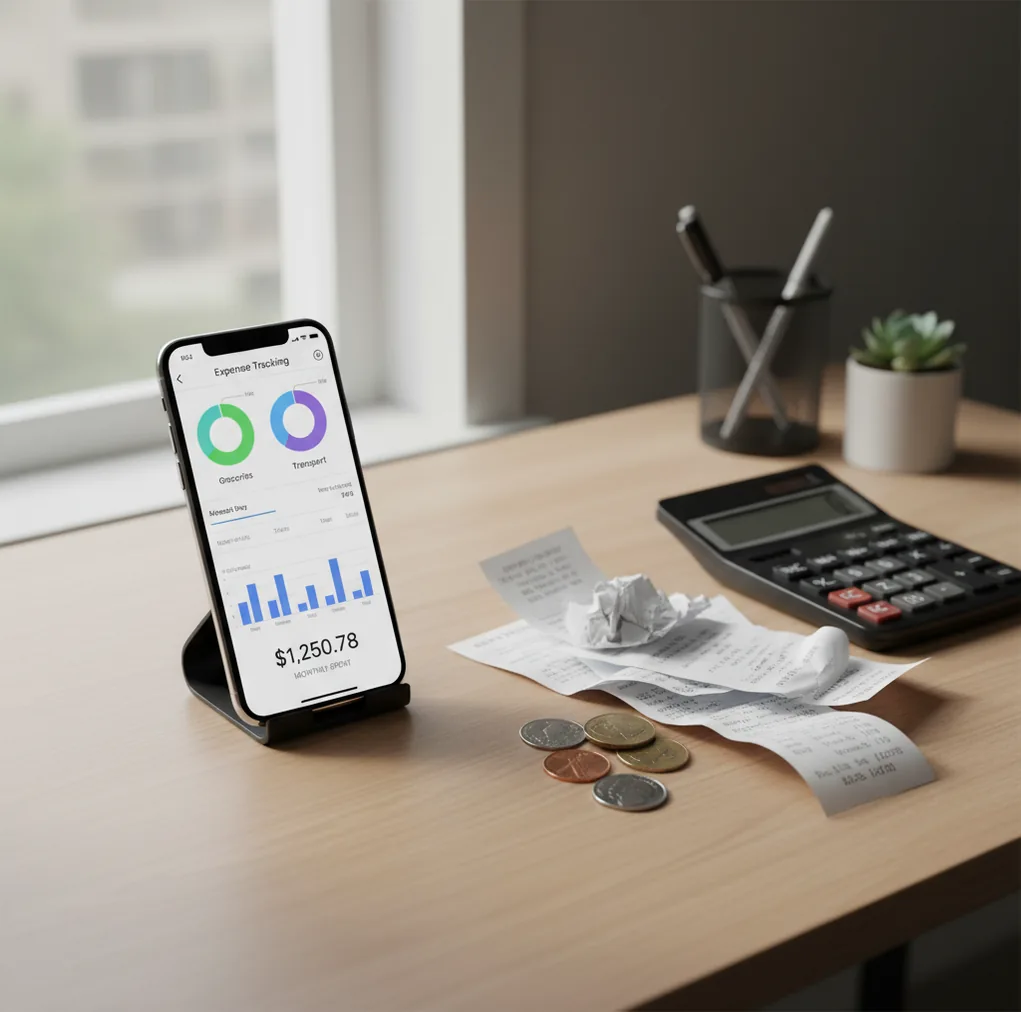
For money tracker app vs mint: which is better, the practical answer in 2026 is an iPhone-first tracker because Mint has been discontinued. People replacing Mint can use a free iOS budget app to record spending, track income, scan receipts, and review reports. Mint is now best treated as a past workflow, not an active day-to-day option.
What Is Money Tracker App vs Mint: Which Is Better?
This comparison answers whether an active iPhone tracker is a better replacement for Mint-style money tracking. In 2026, the answer is usually yes for people who want fast manual entry, categories, receipt records, and spending reports without relying on a discontinued service.
Mint-style tracking means recording expenses and income, assigning categories, and reviewing cash flow over time. The key outcome is not the old Mint interface. It is a consistent history of transactions, searchable notes, category totals, and reports you can review weekly or monthly.
For privacy-minded users, the no bank connection setup means data stays on device while you track spending intentionally. That tradeoff favors control and clean records over passive aggregation.
How Money Tracker App vs Mint: Which Is Better Works
The comparison works by separating the workflow from the retired product. Mint used linked accounts and automated summaries, while a modern iOS tracker focuses on fast transaction capture, cleaner categories, and mobile-first review habits.
A typical replacement workflow has three layers. First, you enter an expense or income item with amount, date, account, category, and notes. Second, the app uses past choices, merchant patterns, or category rules to speed up future logging. Third, reports turn the transaction list into spending charts, cash-flow views, and searchable records.
Receipt scanning adds another layer. OCR reads totals, dates, and merchant names from a photo, then you confirm the transaction before saving it.
How to Use a Mint Alternative on iPhone
1. Audit your old Mint habits
List what you actually used: category totals, bill reminders, cash-flow trends, receipts, exports, or subscription checks. Keep only the workflows you reviewed consistently.
2. Create a simple category set
Start with 8 to 12 categories such as groceries, dining, transport, rent, utilities, subscriptions, travel, health, and income. Too many categories make reports noisy.
3. Start on the first day
Begin on day one of a week or month so reports are easier to compare. Keep old Mint CSV exports as an archive instead of forcing messy historical imports.
4. Log the first 20 transactions
Enter real purchases manually to build the habit and confirm your category rules. Add receipts for cash purchases, reimbursable expenses, or tax-related records.
5. Review weekly for five minutes
Search for uncategorized items, fix category drift, check subscriptions, and compare spending against recent weeks. Short reviews prevent cleanup from becoming a monthly chore.
When to Use Money Tracker App vs Mint: Which Is Better (and When Not To)
Use it when
- Use it when you want an active Mint replacement for iPhone instead of a discontinued service.
- Use it when manual expense logging helps you stay aware of small purchases, cash spending, and recurring fees.
- Use it when receipts, notes, categories, and reports matter more than passive bank-feed summaries.
- Use it when you want a lightweight daily tracker rather than a strict zero-based budgeting system.
- Use it when you review spending weekly and want cleaner category history over time.
Skip it when
- Do not use it as your only system if you require full automatic bank aggregation across many institutions.
- Do not use it if you need Android support or a web-first household finance dashboard.
- Do not use it if you want investment management, retirement planning, or tax advice.
- Do not use it if you will not log transactions consistently; incomplete data creates misleading reports.
- Do not use it if importing every historical Mint transaction is more important than starting with clean current records.
Money Tracker App vs Mint: Which Is Better vs Copilot Money and YNAB
| Feature | Money Tracker App | Mint | Copilot Money | YNAB |
|---|---|---|---|---|
| 2026 availability | Active iOS app | Discontinued | Active iOS-focused subscription app | Active subscription budgeting app |
| Best fit | Daily expense and income tracking | Past Mint-style aggregation workflow | Bank-linked insights and spending analysis | Structured zero-based budgeting |
| Transaction entry | Fast manual entry with categories | Previously relied heavily on linked accounts | Primarily linked-account based | Manual and linked workflows, depending on setup |
| Receipt handling | Built-in receipt scanning | No longer available for ongoing use | Not the central workflow | Not a receipt-first tool |
| Reports | Spending charts, category totals, and cash-flow views | Historical reports only if previously exported | Strong visual insights | Detailed budget and category reports |
| Cost model | Free to use; optional upgrades may exist | Not available | Typically subscription-based | Subscription-based |
| Learning curve | Low for daily tracking | No current onboarding | Moderate | Higher due to budgeting method |
For former Mint users, the right choice depends on what they miss. Choose a daily tracker for quick logging and receipts, Copilot Money for automated linked insights, or YNAB for a stricter budgeting method.
Mint Replacement Use Cases
- Replacing discontinued Mint tracking: Former Mint users can recreate the useful parts of the habit: category totals, spending history, income tracking, and recurring expense checks. The goal is continuity, not copying Mint screen for screen.
- Tracking cash purchases: Cash never appears in bank feeds, so manual logging is often more accurate. Add the amount, category, note, and receipt before the purchase disappears from memory.
- Managing subscriptions: Monthly apps, streaming plans, delivery memberships, and software tools are easy to forget. A tracker makes recurring charges visible during weekly reviews.
- Recording reimbursements: Work meals, mileage, client purchases, and shared household costs need clear notes. Receipt images and searchable transaction history reduce back-and-forth later.
- Reviewing travel spending: Travel creates small purchases across transport, food, lodging, and cash. Multi-currency support and categories help separate vacation costs from normal monthly spending.
- Finding spending leaks: Delivery fees, convenience purchases, add-ons, and duplicate subscriptions rarely feel large individually. Category reports show the pattern after several weeks.
Mint Alternative Limitations
What to keep in mind
- It is iOS-only, so it is not the right fit for Android users or teams that need a web-first setup.
- Manual entry depends on user consistency; skipped transactions make category totals less reliable.
- It is not investment, tax, debt payoff, or professional financial advice.
- Spending projections, averages, and category trends are estimates, not guarantees.
- Accurate reports need consistent logging across income, card purchases, cash spending, and reimbursements.
- Receipt OCR can misread totals, dates, or merchant names when photos are blurry, dark, cropped, or crumpled.
- Auto-categorization can mislabel vague merchants, new stores, split purchases, or transactions with unusual descriptions.
- Mint history may need to stay in exported CSV files if a clean import path is unavailable or not worth the cleanup.
Frequently Asked Questions
Mint has been discontinued, so it is not a reliable choice for ongoing personal finance tracking. The practical decision is which current tool can replace the parts of Mint you actually used.
Most people replace Mint with either a daily expense tracker, a bank-linked insights app, or a stricter budgeting app. Choose based on whether you value fast logging, automation, or a formal budgeting method.
Keep your Mint CSV exports as an archive before switching. Starting fresh on the first day of a month often creates cleaner reports than importing years of inconsistent categories.
Manual tracking can be very accurate when you log purchases consistently and review weekly. It is especially useful for cash, reimbursements, split costs, and transactions that automated feeds categorize poorly.
This style of tracker is designed around user-recorded entries rather than depending on a Mint-style aggregation feed. That gives you more control, but it also means you must maintain the habit.
It is better if you want simple daily tracking, receipts, and spending reports without learning a full budgeting method. YNAB is better if you want a strict zero-based budget and are willing to follow its workflow.
Log purchases as they happen or once at the end of each day. Then do a five-minute weekly review to fix categories and catch missing transactions.
Yes, cash tracking is one of the strongest reasons to use a manual tracker. Add the amount, category, and receipt immediately so cash spending appears in your monthly reports.
Yes, you can use the tracker free on iOS, though optional upgrades may exist depending on the current App Store listing. Check the listing for the latest pricing and feature details.