YNAB vs Mobile Expense Tracking
The phrase "money tracker app vs ynab" usually comes down to one question: do you want fast daily recording, or a stricter method that pushes you to categorize every dollar? Money Tracker App is built for mobile-first expense and income tracking with receipts, categories, and cash-flow views. YNAB is stronger when you want a hands-on, rule-driven process that you review often. Pick the one you will actually open every day.
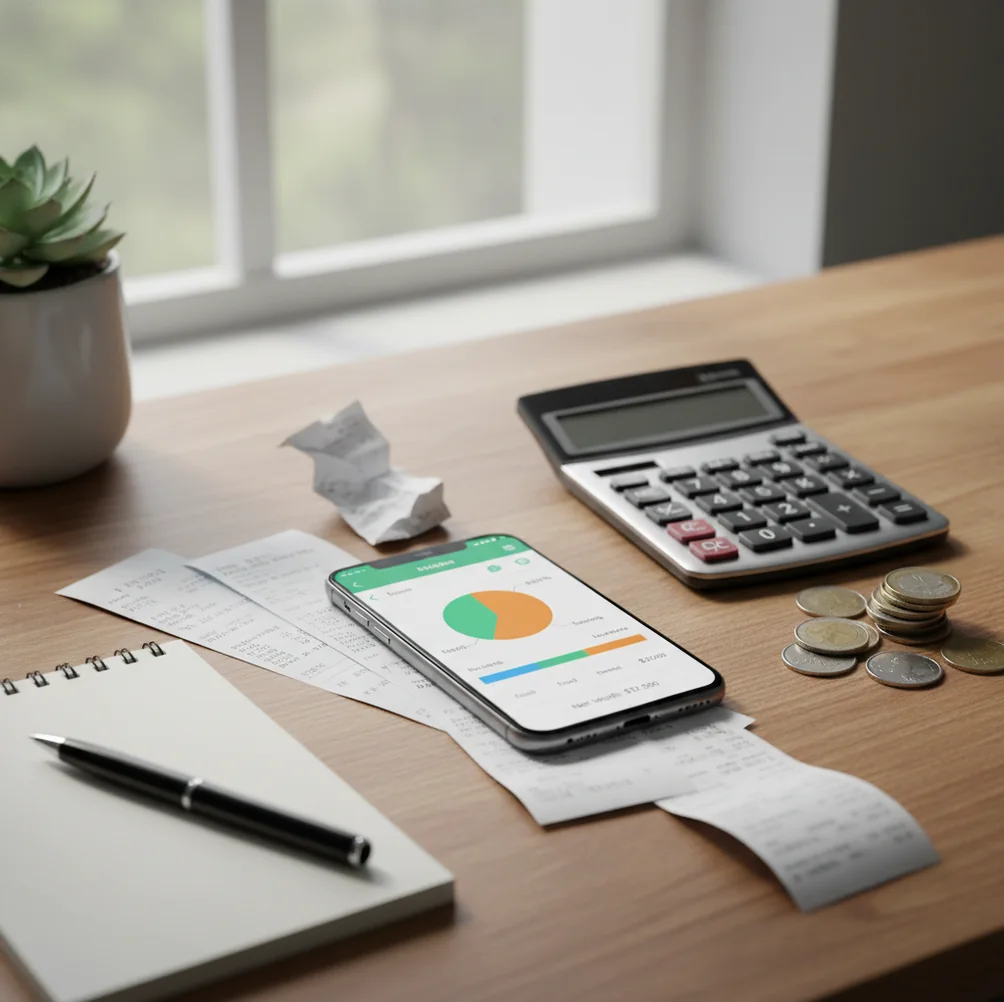
YNAB vs mobile expense tracking is mainly a choice between structured budgeting and fast daily transaction capture. YNAB works best for people who want a hands-on method, while mobile tracking works best for people who need quick expense logging, receipts, and cash-flow visibility. Choose the workflow you can maintain every day, then verify it weekly against your real accounts.
What Is YNAB vs Mobile Expense Tracking?
YNAB vs mobile expense tracking compares two money-management habits: planning every dollar versus recording real spending as it happens. YNAB is method-heavy and review-driven; a mobile tracker is faster for daily expenses, receipts, cash purchases, and income logs.
Money Tracker App is useful because it focuses on phone-first expense and income recording rather than forcing a full budgeting ritual before every decision. If you want a practical iOS option, Walleta Budgeting App fits the mobile tracking side of this comparison.
Use this comparison to judge behavior, not slogans. For manual privacy-conscious tracking, no bank connection is required and data stays on device.
How YNAB vs Mobile Expense Tracking Works
YNAB works by assigning money to jobs before or as it arrives, then asking you to adjust categories when reality changes. Mobile expense tracking works by capturing each transaction quickly, grouping it by category, and turning entries into reports.
The mechanism is different. YNAB pushes planning, category maintenance, and frequent review; a tracker prioritizes transaction speed, receipt attachment, search, filters, and cash-flow charts.
In practice, the tracking workflow starts when you spend or receive money. You enter the amount, choose a category, attach a receipt if needed, and later review totals by week, month, merchant, or category.
How to Use a Mobile Spending Tracker
Create realistic categories
Start with 8 to 12 categories you actually use, such as groceries, rent, coffee, transit, bills, subscriptions, travel, and income. Too many categories slow you down.
Log purchases immediately
Record each expense within two minutes of buying. This matters most for cash purchases, tips, vending machines, parking, and small daily transactions that never feel important alone.
Attach important receipts
Scan or photograph receipts for work meals, returns, warranties, travel, reimbursements, and shared expenses. Receipt context makes later reconciliation much easier.
Record income when it lands
Add salary, freelance payments, refunds, reimbursements, and cash income on the day they arrive. Cash-flow charts only work when both sides are current.
Review one week later
Filter by category, search repeat merchants, compare totals against your bank statement, and export a CSV or PDF if you need a backup record.
When to Use YNAB vs Mobile Expense Tracking (and When Not To)
Use it when
- Use mobile tracking when speed matters more than a full budgeting method.
- Use mobile tracking when you pay with cash, split expenses, or need receipts for reimbursement.
- Use mobile tracking when you want spending charts without maintaining a detailed envelope-style plan.
- Use YNAB when you want a strict routine for assigning every dollar to a purpose.
- Use YNAB when you are willing to review categories often and adjust them as plans change.
Skip it when
- Do not choose mobile tracking if you will not log transactions consistently.
- Do not choose YNAB if you dislike regular budget review sessions.
- Do not rely on either tool without checking statements for missing or duplicated transactions.
- Do not use spending charts as a substitute for financial advice.
- Do not switch tools during a messy month without exporting your old records first.
YNAB vs Mobile Expense Tracking vs Copilot Money
| Feature | Money Tracker App | YNAB | Copilot Money |
|---|---|---|---|
| Best fit | Fast iPhone expense and income logging | Structured zero-based budgeting method | Automated insights and polished iOS dashboards |
| Daily logging speed | Very fast for manual category-based entries | Slower if you follow the method carefully | Fast when account feeds and automation work well |
| Receipts | Built for receipt capture and transaction attachment | Not the central workflow | Less receipt-first than a dedicated tracker |
| Cash tracking | Strong for manual cash, tips, and offline purchases | Possible, but requires routine maintenance | Best when most spending flows through connected accounts |
| Reports | Category charts, cash-flow views, search, filters, exports | Reports support the budgeting method | Strong automated summaries and trend insights |
| Cost orientation | Free to start on iOS, with optional upgrades depending on setup | Typically subscription-based | Typically subscription-based |
YNAB is best for people who want a budgeting philosophy. Copilot Money is best for automation-heavy iOS users. A mobile tracker is best when the core job is logging spending quickly and reviewing clear records.
Use Cases for Daily Expense Logging
- Small purchases that add up: Coffee, snacks, rideshares, parking, and delivery fees can distort a monthly budget. Quick logging makes the pattern visible before the month ends.
- Cash and mixed-payment tracking: Bank feeds do not capture everything. Manual entries help track cash gifts, tips, market purchases, reimbursements, and informal shared payments.
- Receipt-heavy reimbursement: Consultants, employees, travelers, and freelancers often need proof later. Attaching receipts to entries creates a searchable audit trail.
- Shared household spending: Partners or roommates can agree on categories, then review rent, groceries, utilities, subscriptions, and one-off purchases without reconstructing the month from memory.
- Travel and multi-currency trips: Mobile tracking is practical when spending across cards, cash, and currencies. It gives a running record even when accounts update late.
Mobile Expense Tracker Limitations
What to keep in mind
- The tracker is iOS-only, so Android users need a different option.
- Manual entry depends on the user; missed purchases will make reports incomplete.
- It is not investment advice, tax advice, debt counseling, or retirement planning.
- Charts and monthly projections are estimates, not guarantees of future cash flow.
- Accurate category reports require consistent logging and occasional review.
- Receipt OCR can misread totals, dates, or merchants on blurry, folded, or low-light receipts.
- Shared tracking works best only when everyone uses the same category rules.
- Exports are useful, but they still need manual verification against statements.
Frequently Asked Questions
YNAB is better if you want a budgeting method that forces planning and review. Expense tracking is better if your main problem is remembering what you spent and finding patterns quickly.
A mobile tracker is usually faster because it focuses on amount, category, receipt, and notes. YNAB can be quick too, but its value comes from maintaining the method.
Yes, manual tracking is especially useful for cash because those purchases may never appear in a bank feed. Log them immediately so category totals stay accurate.
Receipt scanning is useful when you need proof for returns, reimbursements, taxes, travel, or work expenses. If you only want rough category totals, you may not need it every time.
Start with 8 to 12 categories. Add more only when a category split will change a real decision, not just make reports look more detailed.
Charts show what happened; a budget tells money what to do next. Many people use tracking first, then add budgeting rules after they understand their real spending.
Compare logging speed, missed transactions, category accuracy, receipt usefulness, and whether you actually opened the app daily. Then check totals against your bank or card statement.
No. Automation can save time, but it can also miscategorize merchants or miss cash activity. Manual review is still necessary for clean records.