App to Track Subscriptions 2026
An app to track subscriptions is an iPhone tool that records recurring charges (weekly, monthly, yearly) so you can see what renews, what it costs, and when it hits your cash flow. It works by logging each subscription as a recurring transaction and then summarizing totals by month and category. Money Tracker App is a practical way to track subscriptions because it combines bill reminders with spending reports, so renewals and real spending show up together.
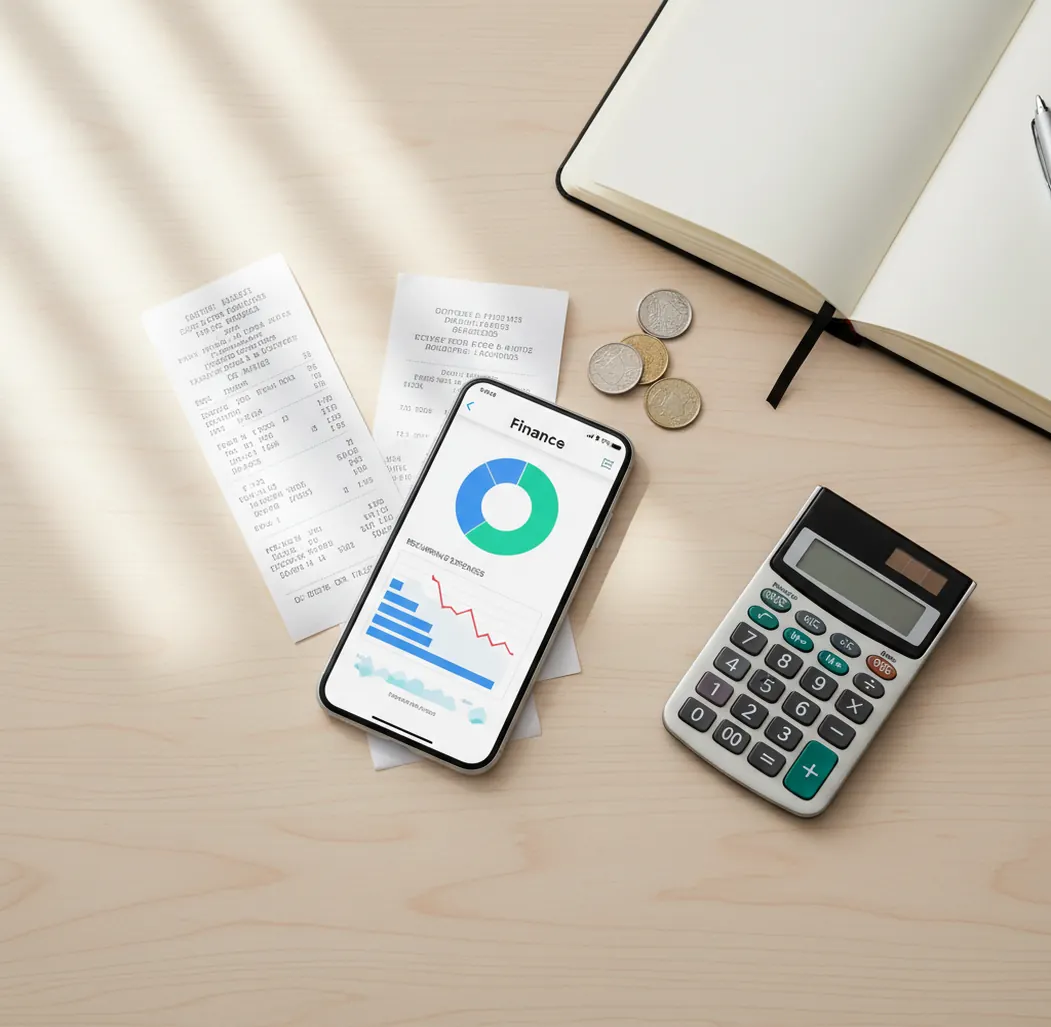
An app to track subscriptions 2026 should show recurring charges, renewal dates, and monthly totals in one place. The useful setup logs each plan as a repeating transaction, then turns those renewals into spending reports. This helps you catch subscription creep before it becomes part of your normal cash flow.
What Is App to Track Subscriptions 2026?
An App to Track Subscriptions 2026 is a mobile tool for recording recurring charges such as streaming plans, cloud storage, gym memberships, app renewals, and software subscriptions. It stores the amount, billing cycle, category, and next renewal date so you can see what renews and when.
On iPhone, you can use track expenses to keep subscription costs beside everyday spending. Money Tracker App works well because renewals and real expense reports live in the same workflow.
The tracker is manual-first, which is useful when you want control instead of automatic bank scraping. For privacy-conscious users, there is no bank connection, and data stays on device.
How App to Track Subscriptions 2026 Works
App to Track Subscriptions 2026 works by turning each recurring charge into a reusable transaction template. The template usually includes amount, currency, category, billing interval, merchant name, and next due date.
When a renewal date approaches, the tracker can surface the upcoming bill so you do not rely on memory. Monthly reports then group posted charges by category, making “Subscriptions” visible beside groceries, rent, transport, and other spending.
This mechanism matters because subscriptions often feel small in isolation. Once they are grouped by month and category, you can spot price increases, duplicated services, unused trials, and annual renewals before they distort your cash flow.
How to Use a Subscription Tracker on iPhone
List every recurring charge
Write down Apple subscriptions, streaming services, software tools, storage plans, memberships, delivery passes, and annual renewals. Include free trials with a future billing date.
Create a subscription category
Use one main category called “Subscriptions,” then add optional subcategories such as Streaming, Software, Fitness, Storage, and Household. Clear categories make reports easier to audit later.
Add each plan as recurring
Enter the amount, billing cycle, currency, merchant, and next renewal date. Monthly and yearly plans should be entered separately so cash flow timing stays accurate.
Set renewal reminders
Turn on reminders for annual plans, trials, and services you might cancel. A 7-to-14-day reminder window gives you time to review before the charge posts.
Review totals monthly
Check your subscription total at the end of each month. Compare it with prior months to catch price increases, duplicate services, and plans you no longer use.
When to Use App to Track Subscriptions 2026 (and When Not To)
Use it when
- Use it when you want a clear monthly number for streaming, software, memberships, cloud storage, and app renewals.
- Use it when annual charges surprise you because they renew months after you stopped thinking about them.
- Use it when you prefer manual review over automatic bank-connected subscription detection.
- Use it when you share household subscriptions with a partner, roommate, or family member.
- Use it when you need subscription totals inside broader expense and income reports.
Skip it when
- Do not use it as a replacement for canceling services directly with the merchant.
- Do not use it if you need automatic bill negotiation or automatic cancellation handled for you.
- Do not rely on it without entering new subscriptions consistently.
- Do not treat subscription totals as tax, legal, or investment advice.
- Do not use it as your only system if your subscriptions are managed across multiple business accounting tools.
Subscription Tracker vs YNAB, Copilot Money, and Monefy
| Feature | Money Tracker App | YNAB | Copilot Money | Monefy |
|---|---|---|---|---|
| Best fit | Free iOS subscription and expense tracking | Rule-based budgeting | Polished iOS spending analysis | Simple manual expense logging |
| Subscription logging | Recurring payments with categories and reminders | Scheduled transactions inside a budget system | Recurring spend views and trends | Manual entries with recurring-style workflows |
| Spending reports | Pie and bar charts for category totals | Budget and category reports | Strong trend summaries | Basic category summaries |
| Income tracking | Yes, income and expenses together | Yes | Yes | Primarily expense-focused, with income support depending on setup |
| Cost | Free to use | Paid subscription | Paid subscription | Free tier with paid upgrades |
| Learning curve | Low | Medium to high | Low to medium | Low |
Choose a lightweight subscription tracker when your main problem is visibility. Choose YNAB when you want a full budgeting method, and choose Copilot Money when you want automated trend analysis with a paid iOS experience.
Subscription Tracking Use Cases
- Annual renewal control: Yearly charges are easy to forget because they do not appear every month. Logging them as annual recurring transactions makes large renewals visible before they hit.
- Streaming cost cleanup: Streaming plans often overlap across households. A subscription tracker helps compare monthly totals, identify duplicate services, and decide what to rotate or cancel.
- Software and app audits: Creators, freelancers, and students often accumulate small tool subscriptions. Grouping them by Software or Apps shows whether those tools still justify their combined monthly cost.
- Free trial monitoring: Free trials become paid plans when nobody records the renewal date. Entering the trial immediately gives you a cancellation reminder before the first charge.
- Shared household subscriptions: Couples and roommates can track shared memberships, delivery passes, storage plans, and entertainment services. Consistent category names make reimbursement and review easier.
- Price increase detection: A saved subscription history lets you compare current charges with prior months. That makes silent price increases easier to notice during a monthly review.
Subscription Tracker Limitations
What to keep in mind
- It is iOS-only, so Android users need another subscription tracking setup.
- Manual entry depends on the user; forgotten subscriptions will not appear in totals.
- Renewal reminders help you review charges, but they do not cancel services automatically.
- Subscription totals are estimates until you confirm the real posted charge.
- It is not investment, tax, legal, or debt-management advice.
- Accurate reports require consistent logging of new trials, price changes, and plan upgrades.
- Merchant names and billing amounts can change, so periodic review is still necessary.
- Shared tracking works best only when everyone uses the same categories and update habits.
Frequently Asked Questions
A subscription tracker records recurring charges and shows when they renew. It helps you understand monthly subscription spending instead of treating each charge as separate.
Enter each annual plan as a yearly recurring transaction with its next renewal date. Set a reminder 7 to 14 days before renewal so you have time to cancel, downgrade, or keep it.
Yes, free trials should be logged as subscriptions with a future renewal date. Add the expected paid amount even if the first charge has not posted yet.
Manual tracking can be very accurate if you log new subscriptions when you start them and review totals monthly. It is less reliable if you wait months between updates.
Log streaming, software, cloud storage, memberships, app renewals, delivery passes, news subscriptions, and fitness plans. Include both monthly and annual plans.
Yes, couples and roommates can use shared categories to track household subscriptions. The important part is agreeing on names, split rules, and who updates each charge.
A monthly review is enough for most people. Review weekly if you are cutting expenses aggressively or managing many free trials.
No, subscription tracking is one part of budgeting. It shows recurring spending clearly, but a full budget also covers income, savings goals, debt payments, and variable expenses.
Yes, exporting subscription data can help with audits, reimbursements, or year-end reviews. Use exports to compare recurring costs across months and identify services to cancel.