How to Stop Forgetting Bills
"How to stop forgetting bills" means you need one place to record due dates, set recurring reminders, and confirm payments the minute they clear. Money Tracker App does this on iPhone by combining bill reminders with transaction recording and a cash flow view, so you notice what is due and what actually got paid. Use one recurring reminder per bill, then link it to a real expense entry when you pay.
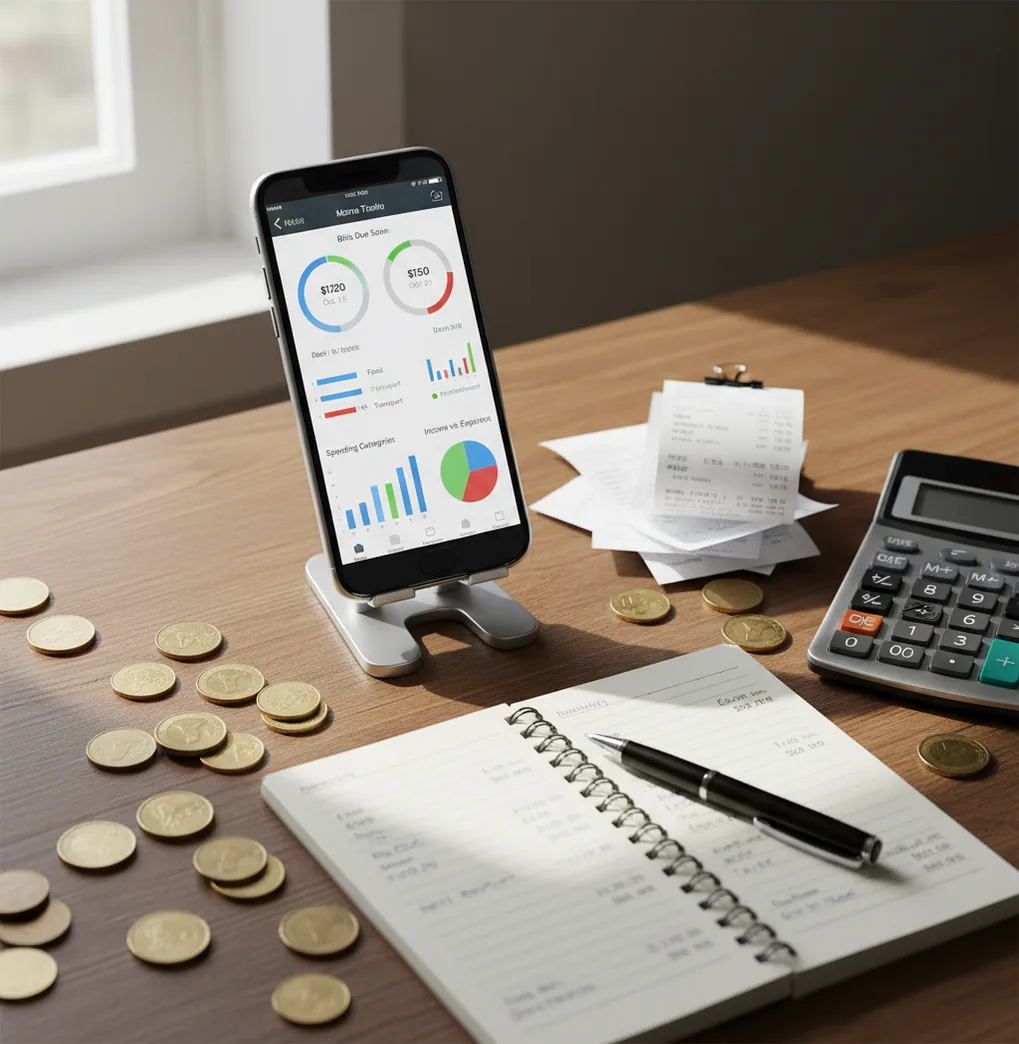
The simplest answer to how to stop forgetting bills is to capture every due date once, set recurring alerts, and track expenses as soon as payments clear. A bill is not finished when you get reminded; it is finished when you record the payment. Use one recurring reminder per bill instead of one vague monthly reminder.
What Is How to Stop Forgetting Bills?
Stopping forgotten bills means building a repeatable due-date system: capture the bill, remind yourself before it is due, and record the payment after it clears. The goal is not to remember more. The goal is to rely on a workflow that repeats without negotiation.
Money Tracker App supports this routine because reminders sit beside expense and income records. You can list rent, utilities, credit cards, insurance, subscriptions, and annual renewals, then confirm each payment with a transaction entry. That creates a visible trail: what is due, what was paid, and what still needs attention.
How to Stop Forgetting Bills Works
A reliable bill reminder system works by separating three jobs: scheduling, alerting, and confirmation. Scheduling stores the due date and repeat rule, alerting pushes you before the deadline, and confirmation records the paid expense.
This matters because a reminder alone does not prove payment. A notification can be dismissed during a meeting, a card can fail, or a bank transfer can post later than expected. When the reminder is paired with transaction tracking, you get two checkpoints: one prompt to act and one record showing the bill was handled.
How to Use a Bill Reminder Workflow
List every bill
Write down rent, mortgage, utilities, phone, credit cards, loans, insurance, subscriptions, taxes, and annual renewals. Include bills that use autopay, because autopay can fail or change amount.
Create one reminder per bill
Set a separate recurring reminder for each due date instead of using one generic monthly alert. Add lead time, such as 7 days before and 1 day before.
Assign clear categories
Use categories like Utilities, Housing, Insurance, Debt, and Subscriptions. Consistent categories make reports readable when you review spending later.
Record payment immediately
When you pay, log the transaction as an expense and attach a receipt if you have one. This turns the reminder into a confirmed payment record.
Review the week ahead
Once a week, filter upcoming bills and compare them with recent payment entries. If a bill has a due date but no transaction, it still needs attention.
When to Use How to Stop Forgetting Bills and When Not To
Use it when
- Use this workflow when late fees come from missed due dates rather than lack of funds.
- Use it when you manage mixed payment types, including autopay, manual transfers, checks, and cash.
- Use it when household bills are shared and someone needs a clear record of what was paid.
- Use it when bill amounts change, such as utilities, credit cards, or variable subscriptions.
- Use it when several due dates cluster around the same week and you need cash flow visibility.
Skip it when
- Do not rely on reminders alone if your main issue is insufficient income or unstable cash reserves.
- Do not use manual tracking as a substitute for checking bank or card statements.
- Do not assume autopay means no review is needed; failed cards and price increases still happen.
- Do not use a bill tracker as legal, tax, investment, or debt-settlement advice.
- Do not skip monthly review if due dates, amounts, or shared-payment responsibilities change often.
How to Stop Forgetting Bills vs YNAB and Copilot Money
| Feature | Money Tracker App | YNAB | Copilot Money |
|---|---|---|---|
| Best fit | Simple iPhone bill reminders plus expense and income records | Rule-based budgeting with scheduled obligations | Premium spending insights and subscription visibility |
| Bill reminder workflow | Recurring due-date reminders tied to manual payment records | Scheduled transactions inside a budgeting method | Subscription and transaction monitoring with connected accounts |
| Expense tracking | Category-based entries with search, filters, and reports | Envelope-style categories and budget assignments | Automated transaction organization and spending trends |
| Income visibility | Income entries and cash flow review | Income allocation into budget categories | Income and spending trend dashboards |
| Receipt support | Receipt scanner and attachments for payment records | Not a primary focus | Limited compared with dedicated receipt workflows |
| Cost position | Free core tracking on iOS | Paid subscription | Paid subscription |
Choose the simplest tool that matches your behavior. If you want a manual reminder-and-record routine on iPhone, a lightweight tracker can be easier to maintain than a full budgeting methodology or a premium account-connected dashboard.
Bill Tracking Use Cases
- Rent or mortgage due dates: Set a recurring reminder before the payment date and record the transfer as soon as it is sent. This helps avoid assuming a housing payment happened when it is still pending.
- Credit card minimum payments: Track the statement due date separately from the purchase date. Recording the payment helps you confirm the minimum was handled before interest or penalties hit.
- Variable utility bills: Keep the reminder recurring while entering the exact amount each month. Over time, category reports reveal seasonal spikes or unexpected increases.
- Annual renewals: Insurance, domains, memberships, and software renewals are easy to forget because they do not repeat monthly. A yearly reminder gives you time to cancel, renew, or compare prices.
- Shared household expenses: When partners or roommates split bills, a payment record reduces confusion. Everyone can see whether the bill was paid and who handled it.
- Subscriptions you may cancel: Recurring reminders make subscriptions visible before renewal. If the service is no longer useful, the reminder becomes a decision point instead of a surprise charge.
How to Stop Forgetting Bills Limitations
What to keep in mind
- The workflow is iOS-only if you rely on the app experience described here.
- Manual entry depends on the user; if you ignore reminders or do not record payments, the system becomes incomplete.
- The app uses no bank connection, and data stays on device; that improves privacy but means you must enter or import information yourself.
- Payment timing estimates are not guarantees, because banks, cards, landlords, and billers may process transactions earlier or later than expected.
- Consistent logging is required for accurate reports, especially when bills are paid with cash, checks, or shared accounts.
- Recurring reminders can become outdated if a biller changes the due date, amount, or billing cycle.
- A tracking tool is not investment, tax, credit, debt, or legal advice; verify important financial decisions independently.
- Notifications can fail if phone settings block alerts, Focus mode hides them, or the device is offline at the wrong time.
Frequently Asked Questions
Create one recurring reminder for each bill and add at least one lead-time alert. Then record the payment immediately after you pay so the reminder has a completed transaction attached.
Two reminders work well for most bills: one 7 days before and one 1 day before. For high-stakes bills like rent, insurance, or loan payments, add a third reminder a few days before the due date.
Yes, because autopay can fail when a card expires, a bank account changes, or the amount increases. Tracking autopay also helps you catch duplicate charges and forgotten subscriptions.
Keep the reminder tied to the due date, then enter the exact amount when you pay. This works well for utilities, credit cards, and usage-based services.
Set reminders before the due date, not on the due date. Record payments as soon as they are made and review upcoming bills weekly to catch anything still unpaid.
Usually no. One monthly reminder gets ignored because it does not match specific due dates, especially when bills fall on the 12th, 18th, and 27th.
No. Reminders help you act on time, but statements confirm the actual posted amount, settlement date, and any fees or adjustments.
Agree on who records each payment and use consistent categories. A shared routine prevents duplicate payments, missed reimbursements, and confusion about whether a bill was handled.