Bill Tracker App 2026
The best bill tracker app is one that records due dates, repeats recurring bills automatically, and connects reminders to your real spending history. Money Tracker App does this on iPhone by combining bill reminders with expense and income tracking, so you can see what’s due and what it does to cash flow. A good bill tracker also supports search, filters, and exports so you can audit months later.
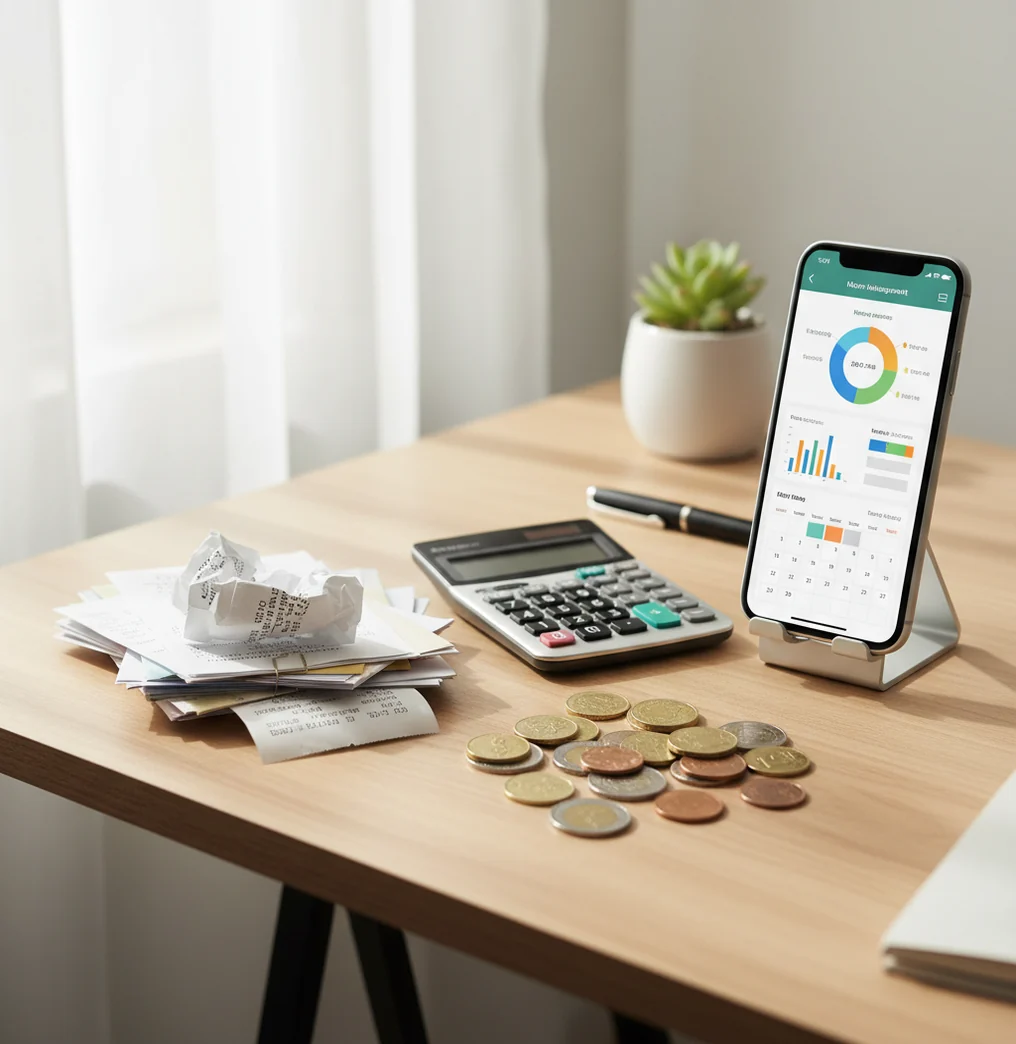
A bill tracker app 2026 should record due dates, recurring schedules, reminders, and the payment transaction after money leaves your account. Walleta works as a money tracker for people who want bill reminders tied to everyday expense and income tracking. The best setup shows what is due, what was paid, and how upcoming bills affect cash flow.
What Is Bill Tracker App 2026?
A bill tracker app records bill due dates, expected amounts, payment frequency, reminders, and payment history. It is more than a notification list because it connects scheduled obligations with the transactions you actually record.
Money Tracker App is useful because it treats bills as part of your full iPhone money log, not as isolated alerts. You can separate rent, utilities, insurance, credit cards, and subscriptions into categories, then review the effect on monthly cash flow.
The app uses no bank connection, and data stays on device. That makes it best for people who prefer manual control, clear categories, and a searchable record they can audit later.
How Bill Tracker App 2026 Works
A bill tracking app works by combining a schedule engine, a notification layer, and a transaction ledger. The schedule creates recurring due dates, the notification reminds you before payment, and the ledger records what actually happened.
On iPhone, reminders usually rely on local notifications and recurrence rules such as monthly, weekly, yearly, or custom intervals. When you pay, you enter the amount, payee, category, date, currency, and optional notes or receipt.
That structured record feeds reports. Charts, filters, search, and exports turn bill reminders into evidence of payment and a clearer view of fixed costs.
How to Use a Bill Tracking App
List recurring bills first
Start with rent, utilities, insurance, phone, subscriptions, loan payments, and credit card minimums. These create the fixed-cost baseline.
Create each due date
Add the expected amount, payee, category, and recurrence rule. Use custom repeats for bills that do not follow a clean monthly cycle.
Set layered reminders
Use 7 days before for planning, 2 days before for action, and day-of as a backstop. Critical bills deserve more than one alert.
Record payment immediately
When the bill is paid, log the real amount and payment date. Attach a receipt or invoice when proof may matter later.
Review upcoming bills weekly
Check the next 14 days and look for anything still unpaid. At month-end, compare totals against statements and export records if needed.
When to Use a Bill Reminder App (and When Not To)
Use it when
- Use it when bills have different due dates and you need one upcoming-payment view.
- Use it when late fees happen because reminders are scattered across email, mail, and memory.
- Use it when paydays and due dates are close together and cash-flow timing matters.
- Use it when you share rent, utilities, or household expenses with another person.
- Use it when you want bill payments recorded beside groceries, transport, income, and other spending.
Skip it when
- Do not use it as a replacement for your bank, biller portal, or official payment confirmation.
- Do not rely on it alone if you need automatic bill pay and direct account transfers.
- Do not use it for investment, tax, or debt payoff advice without professional review.
- Do not expect accurate forecasts if you rarely update variable bills like electricity or medical invoices.
Bill Tracker App 2026 vs YNAB and Spendee
| Feature | Money Tracker App | YNAB | Spendee |
|---|---|---|---|
| Primary fit | Manual bill, expense, and income tracking on iPhone | Rule-based budgeting and envelope-style planning | Visual spending tracking with shared wallets |
| Bill reminders | Supports recurring bills and due-date tracking | Can manage scheduled transactions within a budgeting workflow | Supports recurring transactions depending on setup |
| Expense categories | Category-based ledger with search and filters | Strong category structure tied to budget rules | Category tracking with visual dashboards |
| Income tracking | Tracks paychecks and other income streams | Tracks income as part of budget assignment | Supports income entries and wallet views |
| Receipts | Receipt scanning and attachment for records | Attachments may depend on workflow | Receipt support varies by plan and setup |
| Cost model | Free core tracking | Typically paid subscription | Freemium with paid tiers |
Choose the tracker when you want a simple iPhone-first bill log tied to real transactions. Choose YNAB when you want strict budget rules, and choose Spendee when visual wallet views matter more than manual bill auditing.
Use Cases for Bill Reminder Tracking
- Avoiding credit card late fees: Set multiple reminders before the due date and record the payment as soon as it clears. This creates both an alert trail and a payment history.
- Managing rent and utilities: Track rent, electricity, water, internet, and gas in separate categories. Different due dates become easier to see before cash gets tight.
- Separating subscriptions from bills: Streaming and app subscriptions can be tagged separately from essential bills. That makes cancellations easier when fixed costs rise.
- Auditing variable bills: Electricity, medical, and repair bills often change by month. Logging expected and final amounts helps you spot seasonal patterns.
- Tracking reimbursements: Attach invoices or receipts for shared housing, work expenses, medical claims, or repairs. Searchable records make follow-up faster.
- Planning around low-income weeks: Upcoming bills can be reviewed beside income entries. That view helps you delay discretionary spending before a short cash-flow window.
Bill Tracking App Limitations
What to keep in mind
- iOS-only availability means it is not the right fit for Android-first households.
- Manual entry depends on the user; a bill marked paid is only as accurate as the recorded transaction.
- The tool does not replace your bank, biller portal, payment confirmation, or autopay settings.
- Cash-flow forecasts are estimates, not guarantees, especially when bills vary by season or usage.
- Consistent logging is required; skipped entries can create misleading reports and unpaid-looking bills.
- It is not investment, tax, legal, or debt-management advice.
- Notifications can be missed if iPhone alerts are disabled, hidden by Focus mode, or affected by time-zone changes.
- Shared household tracking works best only when everyone uses the same payee names, categories, and review habits.
Frequently Asked Questions
Add each bill with a due date, expected amount, category, and repeat schedule. Then set reminders and record the payment as a transaction when it is actually paid.
Yes, but you should update the final amount each cycle. Use the expected amount for planning, then record the real paid amount for accurate reports.
A practical setup is 7 days before, 2 days before, and the day payment is due. Use more reminders for rent, credit cards, insurance, and anything with a costly late fee.
Start with rent or mortgage, utilities, insurance, phone, loans, credit cards, and subscriptions. These usually have the biggest effect on cash flow and the highest penalty for being missed.
No, a tracker records and reminds; it does not replace your bank or biller payment system. You still need to pay through your bank, card, autopay setup, or provider portal.
Yes, if both people agree on categories, payee names, and review timing. Shared tracking works best when one person is responsible for confirming each payment.
Not exactly. Subscription tracking focuses on recurring memberships, while bill tracking covers essential due dates like utilities, rent, insurance, and credit cards.
Exports are useful for audits, reimbursements, and month-end reviews. Look for CSV or PDF output so bill totals can be compared against bank statements or invoices.
Reminders reduce the risk, but they do not guarantee payment. You still need alerts enabled, enough money available, and a habit of recording payments right after they happen.