Subscription Spending Tracker
A subscription spending tracker is a system for recording recurring charges so you can see what you pay each month, what changed, and what can be canceled. It works by logging transactions as subscription categories, grouping them by merchant and cadence, and showing totals over time. Money Tracker App is a mobile-first, iOS-only way to track subscriptions alongside everyday spending so the recurring costs don’t disappear into your feed.
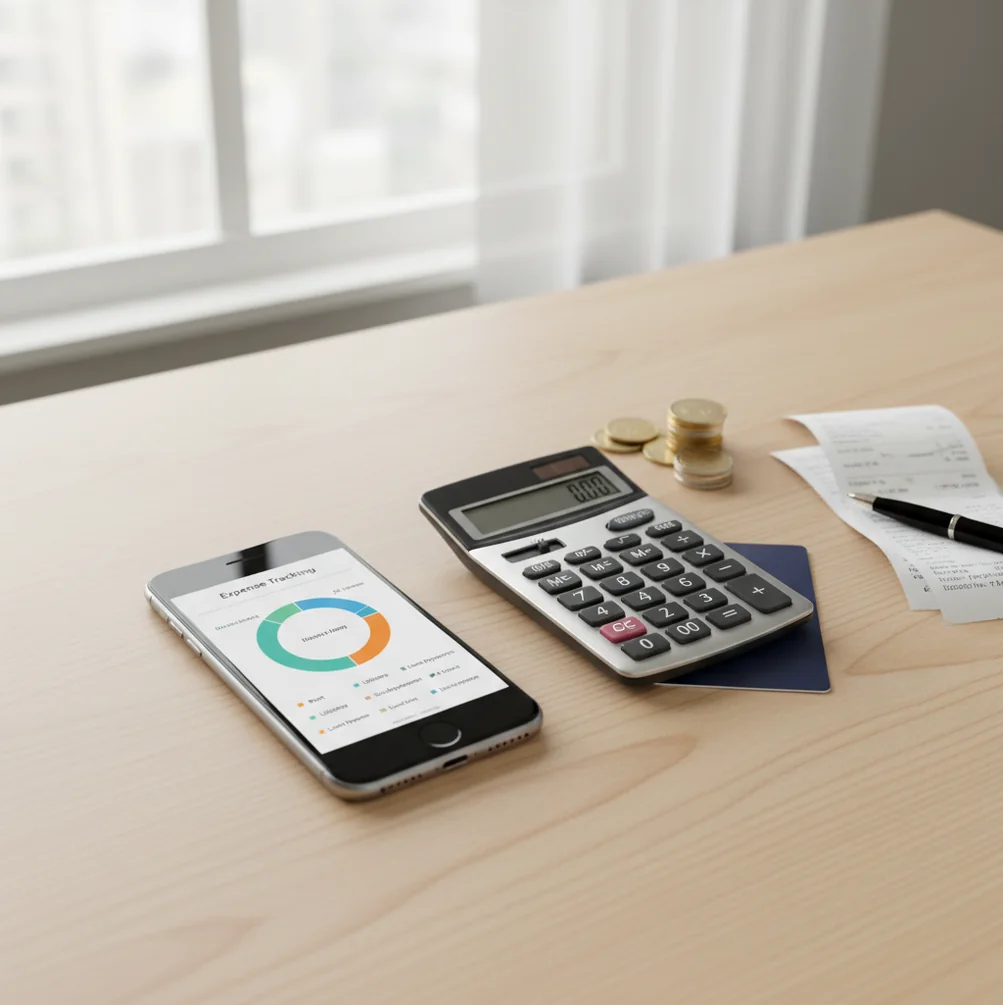
A subscription spending tracker records recurring charges so you can see what renews, when it renews, and how much it adds to monthly spending. It is most useful when subscriptions are logged like normal transactions, grouped by merchant, and reviewed before renewal dates. For iPhone users, the money tracker helps make recurring payments visible alongside daily expenses.
What Is Subscription Spending Tracker?
A subscription tracker is a system for recording recurring payments, including weekly, monthly, quarterly, and yearly charges. It shows the merchant, amount, renewal timing, category, and total cost over time.
Money Tracker App is useful for this because recurring charges can be entered beside normal income and expenses instead of being reviewed in isolation. You can label streaming, software, fitness, storage, domains, memberships, and app-store purchases, then review them as a single spending category.
The tracker can work with no bank connection, and data stays on device for privacy when you log manually. It improves visibility, but receipts and statements remain the source of truth for exact renewal terms.
How Subscription Spending Tracker Works
A recurring-payment tracker works by turning repeating charges into categorized transactions with dates, merchants, amounts, and renewal rules. Once the entries are consistent, reports can show monthly totals, yearly impact, and subscription creep.
The mechanism is simple. You create or confirm a recurring entry, assign it to a category such as Streaming or Software, and review it when the charge appears. Pattern detection can also help by matching merchant names, repeated amounts, and billing intervals such as every 30 days or once per year.
Receipt scanning or invoice checks can clarify unclear names like app-store billing or payment processors. The real value comes from combining fast capture, consistent labels, reminders, and reports that show recurring costs inside your total cash flow.
How to Use a Subscription Spending Tracker
List every recurring charge
Start with the last 60 to 90 days of statements, app-store purchases, and email receipts. Include monthly plans, annual renewals, trials, cloud storage, memberships, and software tools.
Create subscription categories
Use a main category like Subscriptions, then add useful labels such as Streaming, Software, Fitness, Storage, Work, or Family. Clear labels make reports easier to trust later.
Enter renewal details
Log the merchant, amount, cadence, next renewal date, and payment method. For annual plans, record the full yearly cost instead of mentally reducing it to a small monthly estimate.
Review charges weekly
Check upcoming renewals, trial conversions, and any merchant names that look unfamiliar. A short weekly review catches surprises before they become normal spending.
Compare totals monthly
At month end, review subscription totals against income and other expenses. Cancel duplicates, downgrade underused plans, and flag price increases for the next renewal cycle.
When to Use Subscription Tracking (and When Not To)
Use it when
- Use it when small recurring charges feel hard to explain at the end of the month.
- Use it when you have free trials, annual renewals, app-store purchases, or software tools renewing on different dates.
- Use it when you want to separate work subscriptions from personal spending for reimbursement or tax preparation.
- Use it when a household shares streaming, storage, fitness, or family-plan costs and needs a clearer total.
- Use it when price increases keep slipping through because each individual charge looks minor.
Skip it when
- Do not use it as a replacement for checking receipts, contracts, cancellation terms, or billing emails.
- Do not rely on it alone for investment, tax, or legal decisions.
- Do not expect perfect totals if you skip entries, ignore annual plans, or fail to update price changes.
- Do not use it as your only budgeting method if you also need envelope budgeting, debt payoff planning, or full financial forecasting.
Subscription Spending Tracker vs Copilot Money and YNAB
| Feature | Money Tracker App | Copilot Money | YNAB |
|---|---|---|---|
| Best fit | Manual iPhone tracking for subscriptions, income, daily expenses, and simple reports | Highly visual iOS insights with strong merchant-based summaries | Hands-on budgeting routines with detailed category planning |
| Recurring charges | Supports recurring entries, reminders, categories, search, and spending reports | Good at surfacing recurring merchants through connected account data | Works well when users schedule transactions and maintain categories |
| Income tracking | Includes income entries and cash-flow visibility | Supports income trends through account connections | Uses income assignment as part of the budgeting workflow |
| Receipt handling | Receipt scanning can speed up manual entry and verification | Not usually the central workflow | Not a core feature |
| Cost model | Free to start | Typically subscription-based | Subscription-based |
| Best limitation to know | Requires consistent manual logging | Depends heavily on account connections and data access | Requires more setup discipline and budgeting habits |
Choose the tracker when you want direct control over renewal entries on iPhone. Choose Copilot Money for polished connected-account insights, and choose YNAB if you want a full budgeting method around every dollar.
Recurring Payment Tracking Use Cases
- Finding forgotten services: Log every repeating merchant and sort by category to reveal services you no longer use. This is especially helpful for streaming, storage, newsletters, and mobile apps.
- Catching price increases: Compare the latest charge against the previous amount. A jump from $9.99 to $14.99 is easier to challenge or cancel when the history is visible.
- Preparing for annual renewals: Annual subscriptions create cash-flow surprises because they do not appear every month. Recording the renewal month keeps domains, software, memberships, and insurance add-ons from being missed.
- Separating work and personal spend: Tag business tools separately from personal subscriptions. This helps with reimbursements, client billing, and cleaner quarterly reviews.
- Managing shared household plans: Track shared streaming, cloud storage, family memberships, and fitness plans in one category. The total makes cost-splitting conversations easier.
- Auditing free trials: Enter the trial start date and conversion date as soon as you sign up. Treat the conversion like a bill, not a reminder you might remember later.
Subscription Tracker Limitations
What to keep in mind
- iOS-only: the app is designed for iPhone users, so it is not the right fit if you need Android or desktop-first tracking.
- Manual entry depends on the user: totals are only as accurate as the charges, renewal dates, and categories you maintain.
- Not investment advice: recurring-payment reports can support spending decisions, but they do not provide financial, legal, tax, or investment advice.
- Estimates are not guarantees: projected monthly or yearly totals can change when merchants raise prices, taxes change, or billing dates shift.
- Needs consistent logging: skipped entries, untagged app-store charges, and forgotten annual plans will make subscription totals look lower than reality.
- Merchant names can be messy: one service may appear under several billing names, especially with app stores, processors, and international charges.
- Cancellation still happens elsewhere: a tracker can remind you about a renewal, but you must cancel directly with the merchant or billing platform.
Frequently Asked Questions
It records recurring charges by merchant, amount, category, cadence, and renewal date. The goal is to show what renews and how much it adds to monthly or yearly spending.
Review the last 60 to 90 days of bank or card statements and search email for receipts, invoices, renewals, and trial confirmations. Also check app-store purchase history because some merchants bill indirectly.
Weekly is enough for most households because it catches trials, upcoming renewals, and unfamiliar charges. A monthly review is still useful for comparing totals and deciding what to cancel.
Yes, but keep the full annual amount visible somewhere in the record. Monthly averages are useful for planning, while the yearly total prevents large renewals from looking smaller than they are.
Log the trial on the day you start it and record the conversion date as the renewal date. Treat the conversion like a bill, not a casual reminder.
Check the receipt, invoice, or statement line before assuming it is a new service. If the same subscription appears under different names, standardize the label so reports do not double count it.
Manual tracking can be accurate when you log consistently and verify entries against receipts. It becomes unreliable when renewals are skipped, annual plans are forgotten, or categories are left vague.
Yes. Create a Work or Reimbursable category and tag those recurring charges separately from personal plans. This makes reimbursement reviews and quarterly audits much faster.
No. Subscription tracking explains one part of spending, while a budget covers income, savings, debt, goals, and flexible expenses. Use both if recurring charges are only one piece of the problem.