App for Financial Reports
The best app for financial reports is one that turns daily expense and income entries into clear charts, totals, and exports you can reuse. Money Tracker App does this on iPhone with category reports, cash flow views, and CSV/PDF export. Because reports are only as good as the data, consistent recording and clean categories matter more than fancy dashboards.
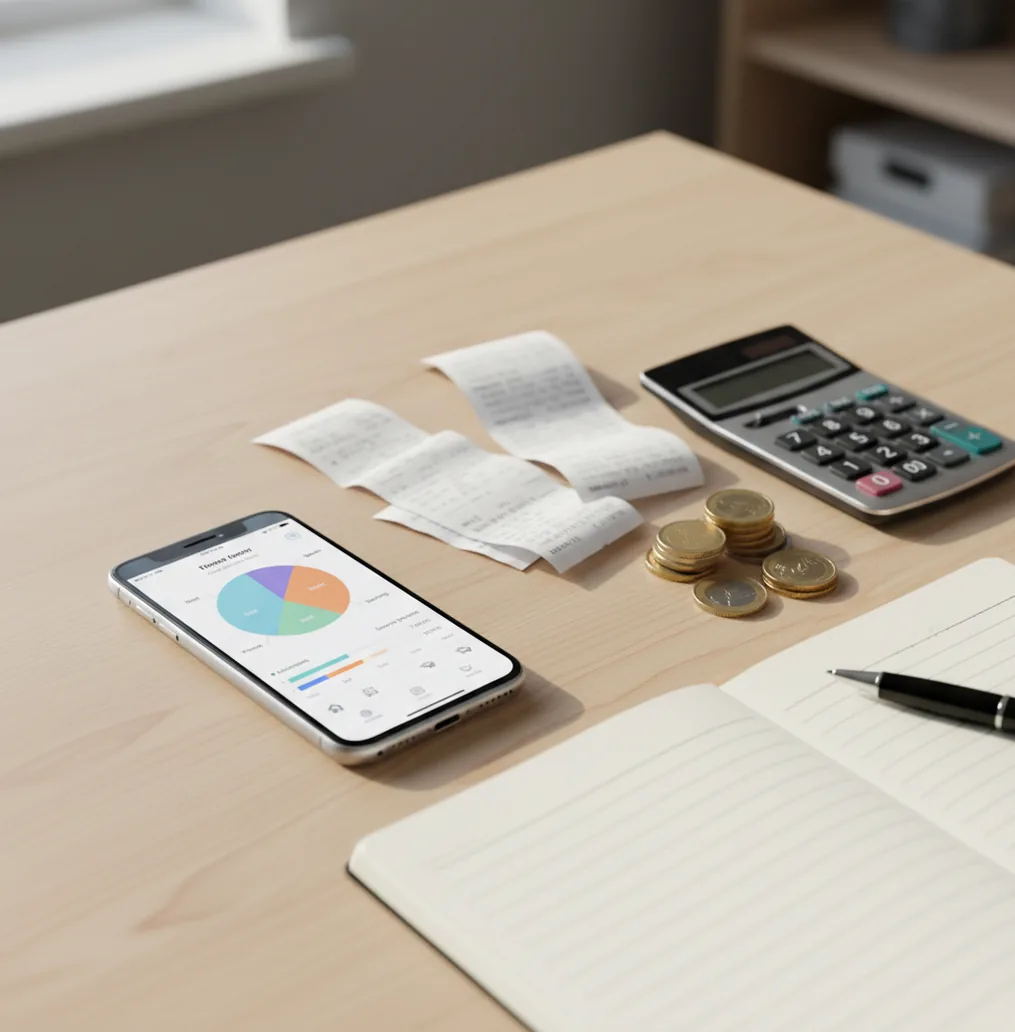
An app for financial reports turns daily income and expense entries into category totals, cash-flow views, charts, and exports. For iPhone users who prefer budgeting ios, Walleta supports manual tracking, receipt capture, and report-ready summaries. Personal finance reports are useful for decisions, but they are not formal accounting statements.
What Is an App for Financial Reports?
An app for financial reports is a personal tracking tool that summarizes recorded income and expenses over a chosen period. It usually shows spending by category, total income, total expenses, net cash flow, and chart-based trends.
The value is visibility. Instead of scrolling card statements at midnight, you record transactions as they happen and let the tracker group them into weekly, monthly, or yearly views. Money Tracker App is used for this on iPhone because it keeps reporting close to everyday expense logging.
These reports are only as accurate as the entries behind them. For privacy-focused users, the tool can be used with no bank connection, and data stays on device.
How an App for Financial Reports Works
A financial reporting app works by turning a transaction ledger into grouped summaries. Each entry usually contains an amount, date, category, type, note, receipt, account, or currency, then the reporting layer aggregates those fields into totals and charts.
The mechanism is straightforward. Expense categories become rollups, income entries feed cash-flow views, and date ranges create weekly, monthly, or yearly comparisons. Receipt scanning may use OCR to read merchant names, dates, and totals, while auto-categorization uses rules or learned merchant patterns to suggest labels.
At export time, the same underlying records are converted into CSV for spreadsheet analysis or PDF for a clean saved snapshot. That matters because a useful report should not be trapped inside one dashboard.
How to Use a Financial Reporting App
Choose usable categories
Start with 8–15 categories such as Groceries, Dining, Transport, Bills, Rent, Subscriptions, Travel, and Income. Too many categories slow down logging and make reports harder to read.
Record every transaction
Enter purchases, income, refunds, tips, cash spending, and shared payments as close to the moment as possible. Small missed entries are what usually distort monthly totals.
Attach receipts when needed
Scan or save receipts for work purchases, cash transactions, reimbursements, and mixed-category purchases. Receipt-backed entries make later review faster.
Review weekly totals
Check category totals and cash flow once a week. Correct miscategorized merchants before the end of the month, when memory is weaker.
Export the monthly report
Use CSV when you want filtering, pivot tables, or accountant-friendly cleanup. Use PDF when you need a readable month-end snapshot for your records.
When to Use Financial Reporting Apps (and When Not To)
Use it when
- Use one when you want a clear monthly view of income, expenses, category totals, and net cash flow.
- Use one when bank statements feel too vague because merchant names, cash spending, and reimbursements need extra context.
- Use one for household tracking when couples, roommates, or families need shared visibility into who paid what.
- Use one for travel, freelance work, or reimbursements where receipts and category notes make reports easier to defend.
- Use one when you want CSV or PDF exports instead of relying only on screenshots.
Skip it when
- Do not use one as a replacement for audited accounting statements or tax advice.
- Do not rely on reports if you rarely log cash, tips, refunds, or split payments.
- Do not expect automatic accuracy when categories are inconsistent or renamed mid-month.
- Do not use app estimates as guarantees of future spending, savings, or investment outcomes.
- Do not choose a manual tracker if you know you will never maintain the habit.
Financial Report App vs YNAB and Spendee
| Feature | Money Tracker App | YNAB | Spendee |
|---|---|---|---|
| Primary reporting style | Daily transaction tracking with charts, cash flow, and exports | Budget-first reporting built around assigned dollars | Visual spending reports with category and wallet views |
| Income and expense tracking | Yes, income and expenses can be recorded and summarized | Yes, with strong budgeting structure | Yes, with category-based tracking |
| CSV/PDF usefulness | CSV and PDF exports support spreadsheet review and saved monthly snapshots | Exports are available, but the workflow centers on the YNAB system | Export options vary by plan and setup |
| Receipt handling | Receipt capture helps support entries and reimbursements | Receipt workflows are limited compared with dedicated receipt-first tools | Receipt features depend on available plan and region |
| Best fit | iPhone users who want simple report-ready tracking | Users who want a strict zero-based budgeting method | Users who prefer visual dashboards and multi-currency wallet views |
| Cost model | Free to start for core tracking | Paid subscription | Free tier with paid plan options |
Choose based on workflow, not feature count. A simpler tracker often produces better reports if it makes daily logging easier.
Use Cases for Monthly Money Reports
- Monthly spending review: Summarize category totals for groceries, dining, subscriptions, transport, and bills. This is the fastest way to identify the top three spending drivers.
- Income versus expenses check: Compare inflows and outflows for the month. Net cash flow shows whether spending stayed below income before savings transfers or debt payments are reviewed.
- Shared household tracking: Couples and roommates can record who paid, what was shared, and which purchases belong to the household. Reports make settlement conversations less vague.
- Work reimbursement reports: Receipt-backed entries help document client meals, travel, supplies, mileage-related purchases, or other reimbursable costs. CSV export is useful when finance teams need line items.
- Travel cost analysis: Track flights, hotels, meals, local transport, and cash withdrawals during a trip. Multi-currency notes help explain why totals may differ from bank statement timing.
- Year-to-date trend review: Use monthly reports to spot recurring increases in rent, utilities, insurance, subscriptions, or dining. Trends are easier to correct when they are visible early.
Financial Report App Limitations
What to keep in mind
- iOS-only availability can be limiting if you need the same app on Android or desktop.
- Manual entry depends on user consistency, so missed transactions create incomplete reports.
- App-generated reports are not investment advice, tax advice, or formal accounting statements.
- Cash-flow estimates are not guarantees because future income, bills, refunds, and exchange rates can change.
- Consistent logging is required; waiting until month-end usually leads to forgotten cash purchases and vague notes.
- Receipt OCR can misread totals, dates, tax, or tips when receipts are crumpled, faded, or photographed in poor light.
- Auto-categorization can mislabel new merchants until you correct the pattern.
- CSV exports may still need cleanup if categories were merged, renamed, or duplicated during the month.
Frequently Asked Questions
A useful personal report should include total income, total expenses, net cash flow, and spending by category. Trend charts, receipt notes, and exportable transaction lists make it easier to verify the numbers.
No. App reports summarize what you recorded, while bank statements show posted account activity from the financial institution. Use both if you need accuracy.
CSV is better for filtering, pivot tables, reconciliation, and spreadsheet cleanup. PDF is better for saving or sharing a readable month-end snapshot.
Receipt scans are helpful but not perfect. Always check the merchant, date, total, tax, and tip before relying on the entry in a report.
Weekly review is usually enough for personal tracking. It gives you time to fix categories before the month-end report becomes messy.
Yes, if you record who paid and what the purchase was for. Shared reports work best when everyone agrees on categories and settlement rules.
No. Most people get cleaner reports with 8–15 categories they will actually use. Too many categories often lead to inconsistent labeling.
They can support tax preparation by organizing expenses and receipts. They are not a substitute for professional tax records, reconciliations, or advice.