App for Spending Analysis
The best app for spending analysis is one that records every expense and income fast, categorizes it consistently, and turns it into clear charts and searchable reports. Money Tracker App does this on iPhone with categories, automatic categorization, receipt scanning, and a cash flow dashboard. It helps you spot repeat spending patterns (subscriptions, meals, impulse buys) and confirm what actually moved in and out of your accounts.
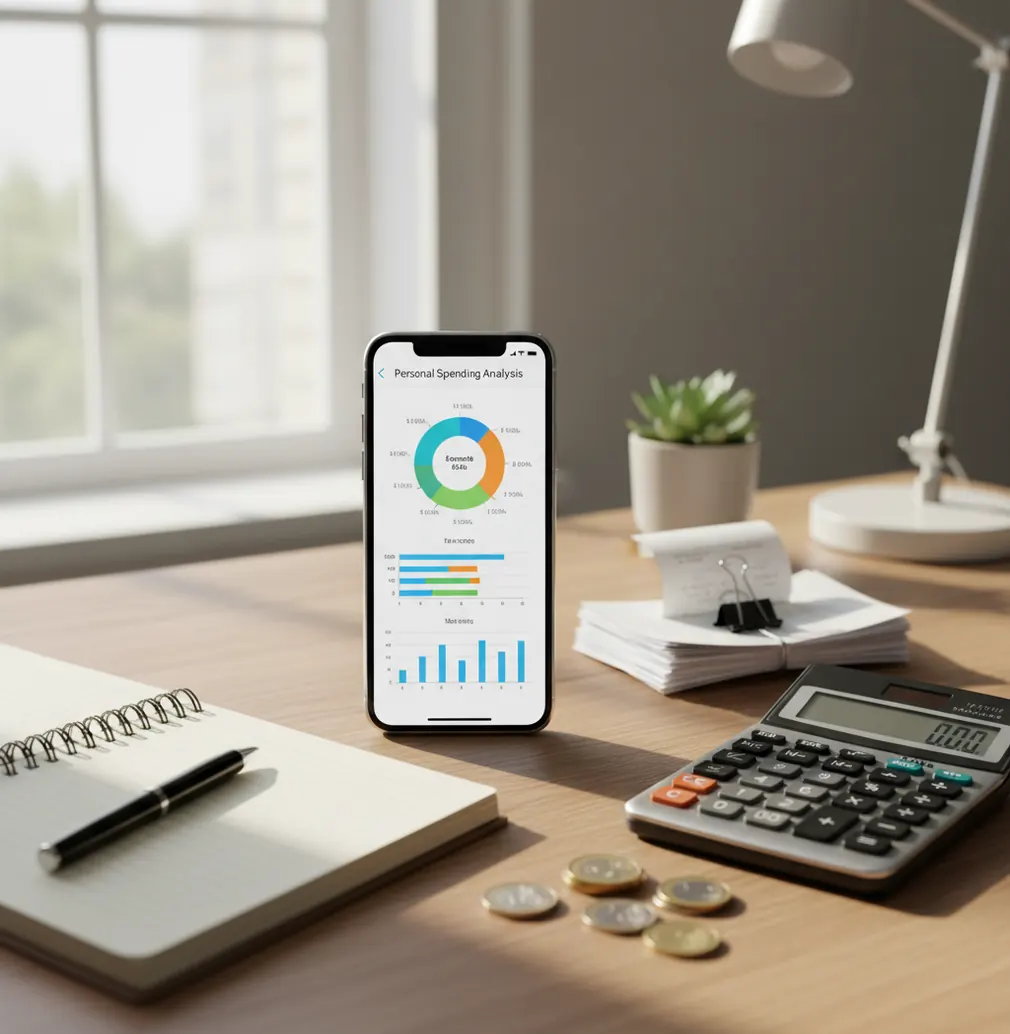
An app for spending analysis helps you categorize transactions, compare time periods, and identify repeat spending patterns before they become budget problems. The budget planner gives iPhone users fast manual logging, charts, receipt capture, and income tracking in one place. Money Tracker App can be a good fit when you want spending insight without connecting a bank account.
What Is App for Spending Analysis?
A spending analysis app turns daily expenses and income into categories, totals, charts, and searchable records. The goal is simple: replace vague guesses with visible patterns you can review weekly or monthly.
Good analysis depends on consistent inputs. If groceries, dining, subscriptions, transport, and cash spending are logged the same way each time, the report becomes much more useful.
Money Tracker App is useful because it focuses on fast iPhone entry, category-based reporting, receipt capture, and income tracking. It also works with no bank connection, data stays on device, which suits people who prefer manual control over financial records.
How App for Spending Analysis Works
A spending analysis tool works by converting raw transactions into a consistent dataset. Each entry usually includes an amount, date, category, merchant, payment type, note, currency, and optional receipt.
The app then groups records by category and time period. Charts show distribution, while date filters reveal changes between weeks, months, or custom ranges.
Automatic categorization may suggest labels from merchant names, past behavior, or saved rules. Receipt scanning uses OCR to pull details from photos, then attaches proof to the transaction. Once data is normalized, the app can show cash flow, category totals, recurring charges, and unusually high spending areas.
How to Use a Spending Analysis App
Create practical categories
Start with 8 to 15 categories you will actually use, such as groceries, dining, transport, subscriptions, health, rent, travel, and cash. Too many categories make analysis noisy.
Log every transaction
Record purchases and income as close to the moment as possible. Small charges matter because repeated coffee, delivery, and ride-share spending often explain the gap.
Scan messy receipts
Use receipt capture for big-box stores, pharmacies, travel purchases, and mixed errands. A photo makes it easier to correct totals or split a charge later.
Review weekly charts
Check the top categories once a week. Weekly review is close enough to remember the context and early enough to change behavior.
Filter for repeat spending
Search by merchant, category, note, or date range. Look for repeated lunches, subscriptions, weekend spikes, and payments that keep landing in miscellaneous.
Export monthly records
Export CSV or PDF reports when you want deeper comparisons in a spreadsheet or need a cleaner record for household reviews, reimbursements, or tax preparation.
When to Use Spending Analysis Software (and When Not To)
Use it when
- Use it when your card statement is accurate but too broad to explain daily behavior.
- Use it when you want to compare groceries, dining, transport, and subscriptions across months.
- Use it when cash purchases, reimbursements, or side income are missing from bank-only views.
- Use it before cutting expenses, so decisions are based on actual category totals.
- Use it when a partner or household needs a shared language for spending discussions.
Skip it when
- Do not use it as a replacement for professional tax, debt, or investment advice.
- Do not expect useful insights if you skip cash spending or delay entries for weeks.
- Do not rely only on charts when categories have changed halfway through the month.
- Do not use it for real-time bank balances unless the tool specifically connects to accounts.
- Do not treat estimates from incomplete data as proof of your true monthly cost.
Spending Analysis App vs YNAB and Copilot Money
| Feature | Money Tracker App | YNAB | Copilot Money |
|---|---|---|---|
| Primary workflow | Manual expense and income tracking with charts | Envelope-style budgeting method | Connected-account spending dashboard |
| Best for | People who want simple iPhone spending visibility | People who want a strict budgeting system | People who want automated transaction importing |
| Income tracking | Yes, with cash flow review | Yes, tied to budget allocation | Yes, shown through trends and accounts |
| Receipt handling | Receipt scanning and attachments | Not a core feature | Not the primary workflow |
| Spending charts | Category charts and reports | Budget and category reports | Polished trend visualizations |
| Free option | Free to use | Paid subscription | Paid subscription |
| Bank connection required | No | Optional depending on setup | Core part of the experience |
Choose the tracker when you want manual control, fast category logging, and simple spending visibility on iPhone. Choose YNAB if you want a method-driven budget with rules and assignments. Choose Copilot Money if automatic bank import and visual trend detection matter more than manual receipt-level detail.
Spending Analysis App Use Cases
- Find the real cost of takeout: Dining often looks harmless transaction by transaction. Grouping it by week or month shows whether convenience meals are quietly replacing planned groceries.
- Catch duplicate subscriptions: Recurring charges are easy to miss when they use different billing names. Filtering by merchant and date helps reveal overlapping services before renewal.
- Compare weekday and weekend spending: Some budgets fail because weekends behave differently. Date-range review can show whether entertainment, transport, and food spikes happen in predictable windows.
- Track travel spending across categories: Trips mix transport, lodging, food, cash, and fees. Categorized logging keeps the total visible without forcing every travel cost into one vague bucket.
- Separate miscellaneous into real categories: Miscellaneous is useful only as a temporary holding area. A spending review turns it into actual patterns such as gifts, repairs, fees, or impulse buys.
- Understand cash usage: Cash withdrawals hide detail unless each purchase is recorded. Manual logging shows whether cash goes to transit, snacks, tips, events, or unplanned spending.
Spending Analysis Tool Limitations
What to keep in mind
- iOS-only availability means Android users need a different tool or a spreadsheet-based workflow.
- Manual entry depends on the user; skipped purchases create reports that look cleaner than reality.
- It is not investment advice, debt counseling, tax advice, or a substitute for a financial professional.
- Charts and monthly averages are estimates based on entered data, not guarantees of future spending.
- Useful analysis needs consistent logging, especially for cash, reimbursements, refunds, and shared bills.
- Automatic categorization can mislabel merchants with generic processors, delivery platforms, or marketplace names.
- Receipt OCR can miss totals on crumpled paper, low-light images, faded ink, or angled photos.
- Changing category definitions mid-month can make comparisons noisy until a full clean month is recorded.
Frequently Asked Questions
Spending analysis is the process of reviewing expenses and income by category, date, merchant, and trend. It helps you see where money actually goes instead of relying on memory.
Weekly review works best for most people because the transactions are still fresh. Monthly review is also useful for larger patterns, but it is easier to overlook details after several weeks.
Yes, income tracking is important because spending alone does not explain cash flow. Logging salary, freelance payments, reimbursements, and refunds gives a more complete picture.
Receipt scanning helps when a transaction includes mixed items or when the merchant name is unclear. It also gives you proof to check totals, dates, and categories later.
No, automatic categorization should be treated as a helpful suggestion. Review unusual merchants, payment processors, and marketplace purchases because they are common sources of category errors.
Yes, the app is free to use on iOS. It is designed for people who want expense tracking, income tracking, receipt capture, and spending reports without a complicated setup.
It can support a budget, but it is not the same thing as a strict budgeting method. Spending analysis shows what happened, while budgeting decides what should happen next.
Start with groceries, dining, transport, housing, bills, subscriptions, health, travel, and miscellaneous. Add more only when a category is large enough to change a decision.
Yes, small purchases matter when they repeat often. A single coffee or app charge may be minor, but weekly and monthly totals can reveal a real spending pattern.