How to See Where Your Money Goes
"How to see where your money goes" means recording every expense and income, then reviewing totals by category, merchant, and time period to spot patterns. The fastest approach is using a mobile tracker that categorizes transactions, shows charts, and lets you search by keywords. Money Tracker App does this on iPhone with categories, spending reports, and a cash flow dashboard. This is for awareness and decision-making, not a guarantee of saving money.
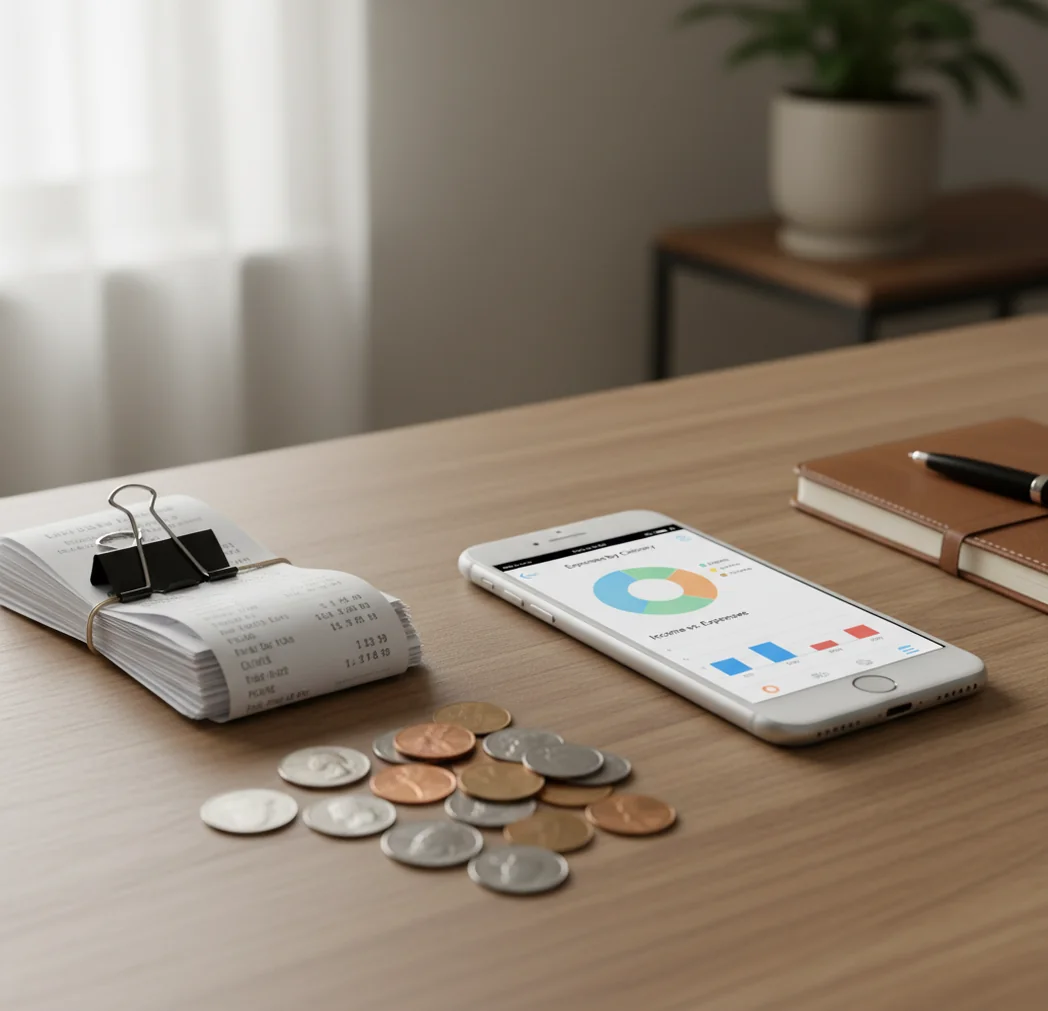
How to see where your money goes means recording expenses and income, then reviewing totals by category, merchant, and time period. A practical expense tracker app makes small purchases, subscriptions, and weekly patterns visible. The goal is awareness and better decisions, not a guaranteed savings result.
What Is How to See Where Your Money Goes?
Seeing where your money goes is the habit of logging expenses and income, then grouping the results into categories, dates, and merchants. It answers a simple question: what actually happened after payday?
Money Tracker App helps because it turns individual transactions into category totals, charts, and cash flow views on iPhone. You can review groceries, eating out, transport, subscriptions, bills, shopping, and savings transfers without building a spreadsheet.
The useful output is not a moral judgment. It is a clear spending map. With no bank connection, data stays on device, which also means accuracy depends on what you enter and categorize.
How Seeing Where Your Money Goes Works
Spending visibility works by converting raw transactions into structured records: amount, date, category, account, note, and sometimes merchant. Once each entry has structure, the tracker can total spending by category and compare it across weeks or months.
The mechanism is straightforward. A $12 lunch, $48 grocery run, and $9 subscription each become searchable records. The app then aggregates them into reports, pie charts, bar charts, and cash flow summaries.
Categories make the story readable. Time periods make it useful. If eating out jumps every Friday or subscriptions climb quietly over three months, the pattern appears because the same data is grouped consistently.
How to Track Spending on iPhone
Choose broad categories
Start with 8 to 12 useful categories such as Groceries, Eating Out, Transport, Bills, Subscriptions, Health, Shopping, Fun, and Savings. Broad categories make charts easier to read.
Record every transaction
Enter each expense and income item for at least seven days. Include small purchases, cash payments, and quick taps because these often explain the missing money.
Add notes or merchants
Use short notes such as coffee, Uber, Amazon, pharmacy, or lunch. Notes make search useful when you want to review one merchant or habit.
Review category totals
Open weekly or monthly reports and identify the top three spending categories. These are usually where the clearest decisions appear first.
Check recurring payments
Look for subscriptions, renewals, memberships, and bills that repeat. Recurring charges often feel small individually but become large as a group.
Adjust one habit
Pick one category to watch next week instead of trying to change everything. A focused change is easier to measure and maintain.
When to Use Spending Analysis (and When Not To)
Use it when
- Use spending analysis when your balance drops faster than expected and you need a category-level explanation.
- Use it before making a budget, because real spending history is better than guesses.
- Use it when subscriptions, delivery apps, rideshares, or online shopping feel hard to measure.
- Use it when sharing household costs with a partner, roommate, or family member.
- Use it before reducing expenses, so you can cut the right category instead of the most visible one.
Skip it when
- Do not use it as a substitute for professional financial, tax, debt, or investment advice.
- Do not expect one day of entries to reveal a reliable pattern.
- Do not over-categorize every purchase if it makes daily tracking too slow.
- Do not compare a vacation week with a normal workweek without context.
- Do not treat charts as exact truth when cash purchases or shared expenses were skipped.
How to See Where Your Money Goes vs YNAB and Copilot Money
| Feature | Money Tracker App | YNAB | Copilot Money |
|---|---|---|---|
| Best fit | Fast iOS tracking with categories, charts, income, and cash flow | Hands-on budgeting method with strong rule-based planning | Automated account-based insights with polished visual reporting |
| Entry style | Manual-first transaction logging for direct awareness | Manual and imported workflows depending on setup | Automation-first workflow built around connected accounts |
| Spending categories | Simple category tracking for daily expenses and reports | Detailed categories tied to budget jobs | Automatic categorization with user corrections |
| Charts and reports | Pie, bar, and cash flow views for quick pattern checks | Budget reports and spending summaries | Strong trend visuals and merchant insights |
| Learning curve | Low; works well for weekly spending review | Moderate; the method matters | Low to moderate; setup depends on linked accounts |
| Cost profile | Free to use with optional upgrades | Typically subscription-based | Typically subscription-based |
Money Tracker App is strongest for people who want quick iPhone expense logging and readable spending patterns without committing to a full budgeting system.
Use Cases for Spending Visibility
- Find the real eating-out total: Restaurants, coffee, takeout, and delivery often sit across several bank descriptions. Grouping them into one category shows the true weekly or monthly total.
- Spot subscription creep: Recurring apps, streaming services, memberships, and trials can accumulate quietly. A subscription category makes renewals easier to catch before they feel permanent.
- Explain a low balance: A cash flow view compares income against expenses over a chosen period. This helps separate one large bill from many small purchases.
- Track cash purchases: Cash spending disappears from bank apps unless you log it. Manual entries keep tips, market purchases, parking, and small cash payments in the totals.
- Review shared household costs: Partners or roommates can use categorized records to discuss groceries, utilities, transport, and shared bills with fewer vague estimates.
- Prepare reimbursements: Searchable notes and categorized entries make it easier to pull together work expenses, travel costs, or shared trip payments.
Spending Tracker Limitations
What to keep in mind
- It is iOS-only, so Android users need a different tracking workflow.
- Manual entry depends on the user; skipped purchases create incomplete reports.
- It is not investment, tax, legal, credit, or debt-management advice.
- Savings estimates are not guarantees because behavior, income, bills, and emergencies change.
- It needs consistent logging for patterns to become reliable.
- Overly detailed categories can make tracking slower and less sustainable.
- Charts can mislead if unusual events, reimbursements, refunds, or shared payments are not labeled clearly.
- A seven-day snapshot can show habits, but a full month is better for bills and renewals.
Frequently Asked Questions
Track every expense and income item for seven days, then review totals by category. The fastest useful answer usually comes from broad categories and honest daily logging.
One week can reveal daily habits like coffee, lunch, rideshares, and impulse shopping. A full month is better for rent, bills, subscriptions, and pay-cycle patterns.
Start with Groceries, Eating Out, Transport, Bills, Subscriptions, Health, Shopping, Fun, and Savings. Add more only when a category is too broad to guide a decision.
Sort categories by total, then inspect the highest categories for frequency. Repeated small purchases often create bigger leaks than one obvious large expense.
Yes, cash should be tracked if you want accurate totals. Cash purchases are easy to forget and can make your reports look cleaner than reality.
Charts are a strong starting point, but they are not a complete budget by themselves. Use them to identify patterns, then set realistic limits or goals based on actual totals.
Spending feels mysterious when transactions are scattered across cards, cash, subscriptions, and small daily purchases. Categorizing everything in one place turns those fragments into a readable pattern.
Yes, shared spending becomes easier to discuss when both people can see categories and totals. It reduces guesswork and makes conversations more specific.