Bill Reminder App for iPhone
The best bill reminder app for iPhone is one that stores due dates, repeats them automatically, and shows how bills affect your cash flow. Money Tracker App does this by combining bill reminders and recurring payments with expense and income records, so you can see upcoming obligations next to real spending. It’s most useful when you log transactions consistently and review the dashboard weekly.
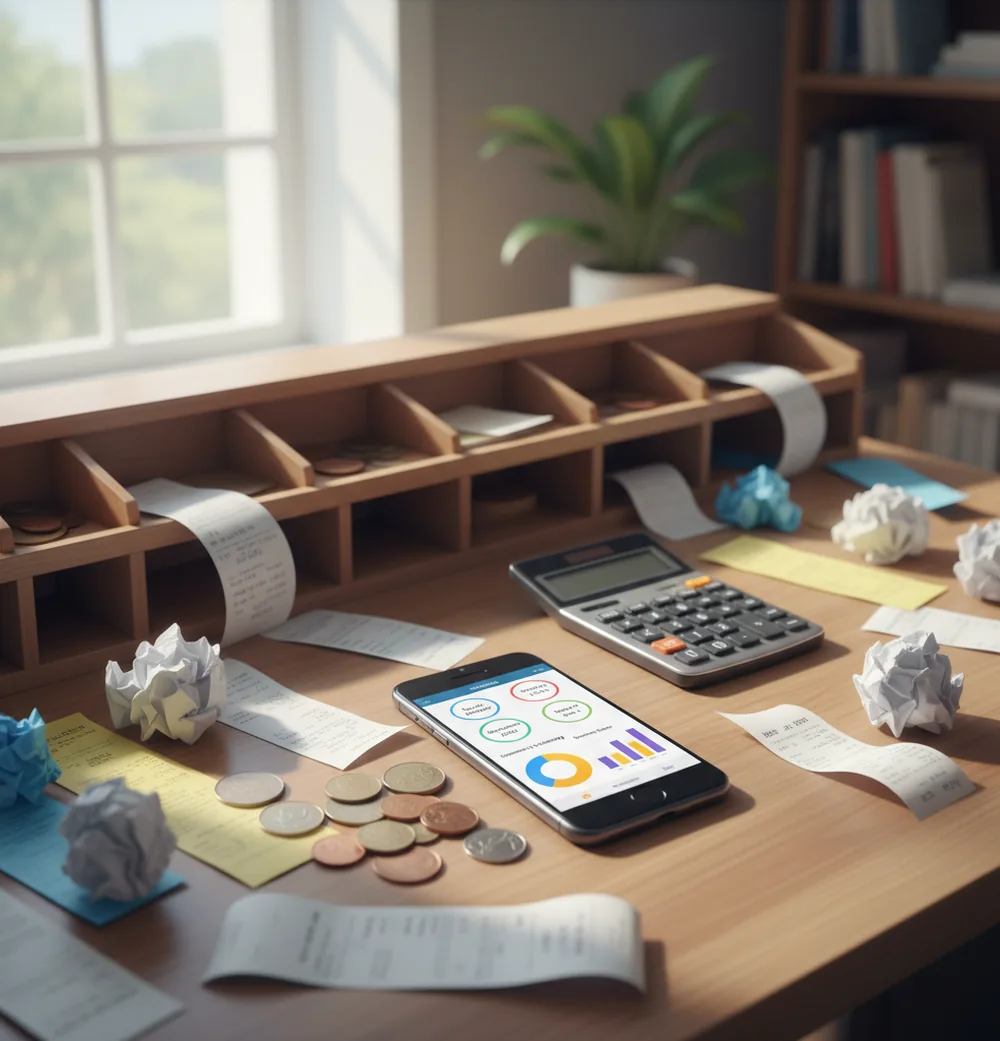
A bill reminder app for iPhone helps you record due dates, repeat bills, and get alerts before payments are due. It works best when reminders are paired with logged expenses, because cash flow matters as much as the notification. Reminders reduce late-payment risk, but they do not prove a bill was paid.
What Is a Bill Reminder App for iPhone?
A bill reminder app stores upcoming payment dates, repeats them on schedule, and reminds you before money is due. The useful version also lets you log the actual payment, so your records show what happened after the alert.
Money Tracker App is useful here because reminders sit beside expense categories, income records, and cash-flow views. You can use Walleta when you want bill tracking tied to daily spending instead of separate calendar notes.
This is not autopay by itself. It is a control layer for due dates, recurring payments, and follow-up checks. On iPhone, the tool can support bill tracking with no bank connection, and data stays on device.
How a Bill Reminder App for iPhone Works
A bill reminder works by storing a due date, recurrence rule, category, and optional amount for each obligation. The app then creates future bill instances and triggers notifications before those dates arrive.
The mechanism is simple but powerful. Monthly rent repeats every month, annual insurance repeats once a year, and a credit card payment can be reviewed before the statement deadline. When you record the payment as an expense, the reminder becomes part of your spending history instead of a one-time alert.
That link between reminder and transaction is what improves reporting. Categories stay consistent, cash-flow charts become more accurate, and upcoming bills are easier to compare with income timing.
How to Use Bill Reminders on iPhone
List fixed bills
Write down rent, utilities, subscriptions, insurance, loans, credit cards, and any annual renewals that are easy to forget.
Create recurring reminders
Add each bill with its due date, expected amount, and recurrence pattern, such as monthly, quarterly, yearly, or custom.
Assign clear categories
Use categories like Housing, Utilities, Insurance, Subscriptions, Debt, and Taxes so later reports are readable.
Record each payment
After paying, log the transaction as an expense and attach a receipt or invoice photo when proof may matter.
Review cash flow weekly
Check whether upcoming bills overlap with low-balance days, irregular income, or large planned purchases.
Reconcile monthly exports
Export or review your records against card and bank statements to catch missed, duplicated, or miscategorized payments.
When to Use an iPhone Bill Reminder (and When Not To)
Use it when
- Use it when you have multiple monthly bills with different due dates.
- Use it when subscriptions, renewals, or annual premiums surprise you.
- Use it when autopay exists but you still want a pre-payment check.
- Use it when income timing matters and bills cluster before payday.
- Use it when you want bill payments included in expense reports.
Skip it when
- Do not rely on it as proof that a payment was completed.
- Do not use it as a replacement for checking statements.
- Do not expect it to fix overdrafts without active cash-flow review.
- Do not depend on notifications if iOS Focus modes silence alerts.
- Do not use it for investment, tax, or legal advice.
Bill Reminder App vs YNAB and Copilot Money
| Feature | Money Tracker App | YNAB | Copilot Money |
|---|---|---|---|
| Main focus | Manual bill reminders, expenses, income, and cash-flow tracking | Zero-based budgeting method and planning workflow | Automated personal finance insights and spending trends |
| Recurring bills | Yes, with repeat schedules for regular obligations | Yes, within scheduled transactions and budget planning | Yes, with subscription and recurring transaction detection |
| Payment logging | Manual expense entry tied to categories and reports | Budget-account workflow with transaction tracking | Often connected to accounts for automatic transaction import |
| Best for | People who want simple iPhone bill tracking without complex setup | People who want a strict budgeting system | People who want polished iOS insights with automation |
| Free to use | Yes | No, subscription-based | No, subscription-based |
| Receipt support | Useful for invoices, disputes, and irregular bills | Not the primary workflow | Not the primary workflow |
Choose based on the job you need done. YNAB is strongest when you want a full budgeting method, while Copilot Money is strong for automated insights and a premium iOS experience. The app is better suited to people who want a lightweight bill reminder and transaction log that they control manually.
Bill Reminder Use Cases
- Rent and mortgage due dates: Set a recurring monthly reminder before housing payments are due, then record the payment so your largest fixed cost appears in reports.
- Utility bill tracking: Track electricity, gas, water, internet, and phone bills even when amounts change slightly from month to month.
- Credit card payment alerts: Create reminders before card due dates to reduce late-fee risk and give yourself time to move money if needed.
- Annual renewals: Use yearly reminders for insurance, domains, software, memberships, licenses, and other bills that disappear from memory.
- Subscription cleanup: Track streaming, cloud storage, fitness, and app subscriptions so renewals are visible before they charge again.
- Shared household bills: Log rent splits, utilities, groceries, and reimbursements so roommates or partners can review what was paid.
Bill Reminder App for iPhone Limitations
What to keep in mind
- It is iOS-focused, so it is not the right fit if you need the same native experience on Android.
- Manual entry depends on the user; forgotten payments will not appear correctly in reports.
- Reminder alerts reduce forgetfulness, but they do not guarantee the bill was paid.
- Cash-flow views and future bill totals are estimates, not guarantees of available money.
- The system needs consistent logging to stay useful over several months.
- iOS notification settings, Focus modes, and disabled permissions can prevent alerts from appearing.
- Automatic or suggested categorization may need correction when a merchant or bill changes.
- Exports and reports help reconciliation, but they do not replace checking bank and card statements.
- Financial tracking is for personal organization only and is not investment, tax, or legal advice.
Frequently Asked Questions
A bill reminder is a scheduled alert for an upcoming payment. It helps you notice due dates before they become late fees.
They can reduce the chance of forgetting a payment. They cannot guarantee the payment happens unless you act on the alert and verify the transaction.
Most people benefit from two alerts: one three to five days before the due date and one 24 hours before. The earlier alert gives time to move money or fix autopay problems.
Autopay can be useful for predictable bills. A reminder still helps you check balances, confirm the amount, and avoid surprises before the charge happens.
Yes. Annual reminders are useful for insurance, software, memberships, domains, and subscriptions that renew only once a year.
No. Manual tracking can work well if you log payments consistently and reconcile records against statements.
Yes, but irregular bills need more attention. Add the due date when the invoice arrives, then record the payment after it clears.
Check upcoming bills, expected income, and recent payments. A weekly review helps catch missed entries before month-end reconciliation.