Is There an App That Tracks Spending
Yes. An app that tracks spending records each expense as it happens, groups it into categories, and shows charts so you can see patterns over time. Money Tracker App does this on iPhone with categories, spending reports, and quick entry tools like a receipt scanner. The most useful spending trackers also support recurring bills, search, and exports so your data stays usable.
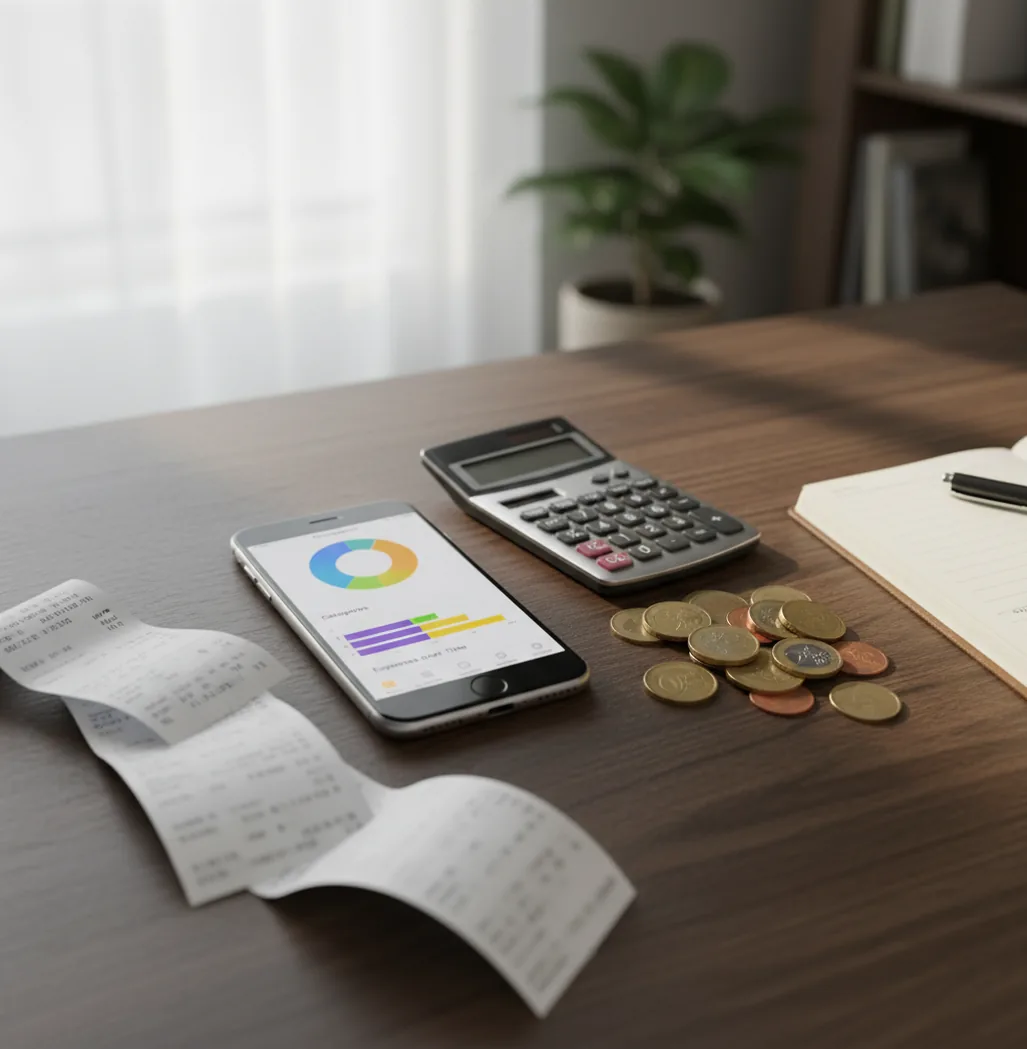
If you are asking “is there an app that tracks spending,” the answer is yes: a spending tracker records purchases, categories, and totals on your phone. A free iOS expense tracker app can help you log cash, card, and recurring spending before small purchases disappear from memory. The best option is the one you can update quickly and review weekly.
What Is an App That Tracks Spending?
The query “is there an app that tracks spending” usually means you want a simple way to record purchases, group them by category, and see where money goes. A spending tracker turns scattered transactions into a searchable timeline with totals, charts, and reports.
Money Tracker App is an iPhone-first tool for logging expenses, income, receipts, and recurring costs. It is useful because it captures spending while details are still fresh, then summarizes the data by category, date, and trend.
It is not magic. For privacy-minded users, no bank connection is required and data stays on device, but that also means your record depends on what you choose to log.
How a Spending Tracker App Works
For anyone asking “is there an app that tracks spending,” the mechanism is straightforward: each purchase becomes a structured transaction with an amount, date, note, category, and sometimes a receipt image. Once entries are structured, the app can calculate daily totals, category totals, monthly trends, and searchable history.
Most spending trackers rely on manual entry, receipt scanning, recurring transaction rules, and category suggestions. Auto-categorization often uses merchant names, repeated labels, and saved rules to reduce tagging work.
Charts come later. After enough entries exist, the tracker can show grocery growth, subscription creep, travel costs, or cash spending that would otherwise stay invisible.
How to Use a Spending Tracker on iPhone
Create practical categories
Start with categories you actually use, such as Groceries, Coffee, Transport, Rent, Subscriptions, Travel, and Work. Keep the list short enough that choosing a category takes seconds.
Log purchases immediately
Enter the amount, category, payment method, and note right after checkout. If you are busy, record it within ten minutes before small purchases blur together.
Scan receipts when detail matters
Use receipt capture for multi-item shopping, work reimbursements, travel expenses, or returns. Confirm the total and category so the record becomes usable data, not just a stored photo.
Add recurring bills
Set recurring entries or reminders for rent, utilities, insurance, subscriptions, and loan payments. Fixed costs should appear automatically in your monthly view.
Review charts weekly
Spend five minutes checking the two categories that changed most. Adjust next week’s behavior based on the pattern, not on a vague feeling.
Export records monthly
Export CSV or PDF files if you share expenses, prepare reimbursements, or want a clean personal archive. A monthly export also helps catch missing or duplicated entries.
When to Use a Spending Tracking App (and When Not To)
Use it when
- Use it when your bank balance changes but you cannot explain where the money went.
- Use it when small daily purchases, cash spending, or subscriptions are easy to forget.
- Use it when you want category totals before making a budget or cutting costs.
- Use it when you need searchable records for reimbursements, shared bills, travel, or tax preparation.
- Use it when weekly charts would help you act sooner than a month-end bank statement.
Skip it when
- Do not use it as a replacement for professional financial, tax, or investment advice.
- Do not expect perfect results if you rarely log transactions or ignore category mistakes.
- Do not use a manual tracker if you require automatic bank importing for every account.
- Do not rely on charts from only one or two days of data; patterns need time.
- Do not overbuild categories if a simpler setup would make you more consistent.
Spending Tracker App vs YNAB and Spendee
| Feature | Money Tracker App | YNAB | Spendee |
|---|---|---|---|
| Best fit | Quick iPhone expense and income logging | Rule-based budgeting and envelope-style planning | Visual spending summaries and shared wallets |
| Daily expense entry | Fast manual entry with categories and notes | Structured entry tied to budget categories | Manual and connected tracking options vary by plan |
| Receipt handling | Receipt scanning for turning purchases into records | Not a central feature for most workflows | Available in some workflows, but not always central |
| Charts and reports | Pie and bar reports for category review | Reports focused on budget progress and spending | Strong visual summaries for everyday spending |
| Learning curve | Low; designed for quick capture | Medium to high; method matters | Low to medium; depends on setup |
| Cost model | Free core tracking on iOS | Typically paid subscription | Freemium with paid upgrades |
Choose the tracker if you mainly need fast day-to-day expense logging. Choose YNAB if you want a full budgeting method, and consider Spendee if shared wallets and visual summaries are the priority.
Spending Tracker Use Cases
- Daily discretionary spending: Track coffee, snacks, parking, rideshares, and impulse buys before they vanish into a weekly total. This is where quick entry pays off fastest.
- Subscription control: Record recurring bills so streaming, apps, memberships, and software renewals appear in one place. Small recurring charges are easier to cancel when you can see them together.
- Cash and card tracking: Combine wallet purchases with card transactions so cash does not become a blind spot. This is especially useful for markets, tips, parking, and travel.
- Shared household costs: Log groceries, rent, utilities, and household supplies with notes for later splitting. Exports make discussions cleaner because the record is specific.
- Travel spending: Track meals, transport, lodging, souvenirs, and currency-specific costs during a trip. A searchable timeline helps reconcile the trip after you get home.
- Reimbursements and returns: Attach receipt details and notes when a purchase may need reimbursement, exchange, or warranty proof. Searching later is faster than digging through email and photo folders.
Spending Tracking App Limitations
What to keep in mind
- It is iOS-only, so Android users need a different tracker or a spreadsheet workflow.
- Manual entry depends on user consistency; missed purchases create incomplete totals.
- It is not investment, tax, legal, or financial planning advice.
- Charts and monthly estimates are helpful signals, not guarantees of future spending.
- Accurate patterns require consistent logging over several weeks, not a single day of entries.
- Auto-categorization can mislabel refunds, tips, split purchases, transfers, or unusual merchants.
- Receipt scanning can misread faded paper, handwritten totals, foreign formats, or crumpled receipts.
- Without automatic bank imports, you may need to reconcile entries against statements manually.
Frequently Asked Questions
Yes, some iOS spending trackers offer free core features such as expense entry, categories, and basic charts. Paid plans usually add advanced automation, sharing, or deeper reporting.
No, not always. Manual tracking works without bank linking, but you need to enter purchases consistently for the totals to stay accurate.
Start with variable spending: groceries, dining, transport, coffee, subscriptions, and shopping. Fixed bills matter too, but variable categories usually reveal the fastest changes.
Log purchases immediately when possible, or at least once per day. Waiting until the end of the week usually causes missing cash purchases and vague category choices.
Yes, many spending trackers also let you record income. Tracking both inflows and outflows gives a clearer cash flow picture than expenses alone.
Receipt scanners are useful, but they are not perfect. Always confirm the total, date, and category, especially with faded receipts, tips, taxes, or foreign formats.
Manual tracking is worth it if you want awareness and do not mind a quick habit. It often works best for people who care more about understanding behavior than importing every bank transaction.
Use enough categories to make decisions, but not so many that logging feels slow. Ten to fifteen practical categories are enough for most personal spending reviews.
Many trackers support CSV or PDF export for monthly records, reimbursements, and personal review. Exporting regularly also gives you a backup outside the app interface.