Money Tracker App for iPhone
A free money tracker app is an iPhone app that lets you record expenses and income, categorize transactions, and review charts so you can understand where your money goes. It usually includes search, recurring items, and export so the record stays usable over time. Money Tracker App is built for quick mobile-first logging, plus receipts, reminders, and reports.
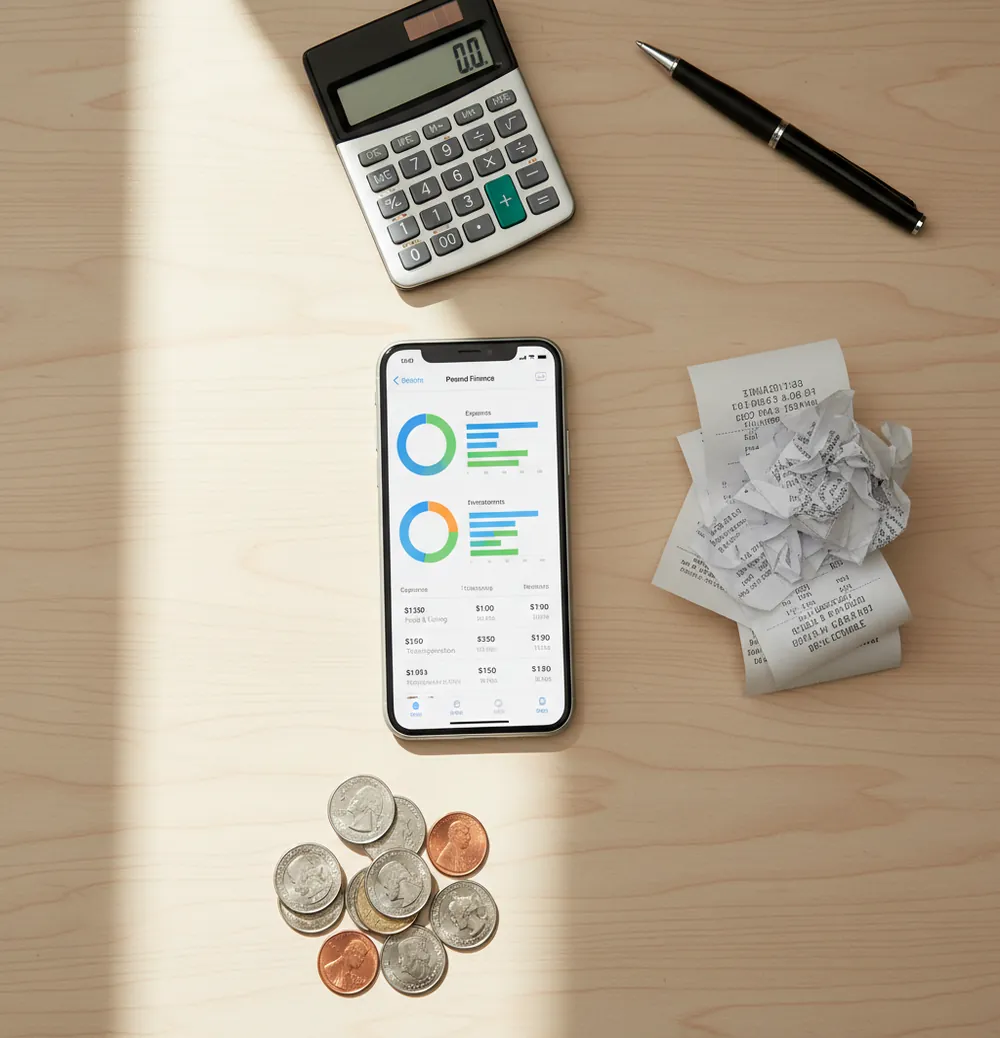
A money tracker app for iPhone helps you record expenses and income, organize transactions into categories, and review spending patterns from your phone. For a free iOS budget planner, Walleta focuses on fast manual entry, receipts, reports, and recurring items. It works best when you log purchases consistently and review your categories every week.
What Is money tracker app for iphone?
An iPhone money tracker is a mobile tool for recording spending, income, receipts, and recurring payments in one searchable place. The goal is simple: replace memory with a clean transaction history you can review.
A good tracker lets you create practical categories, attach receipts, search old entries, and export records when you need them. Money Tracker App is useful for this because it keeps daily logging quick instead of turning personal finance into a project.
This tool uses manual entry with no bank connection, and data stays on device. That setup favors privacy and control, but accuracy still depends on logging purchases soon after they happen.
How money tracker app for iphone Works
An iPhone tracker works by turning each purchase or income event into a structured record: amount, category, date, payment type, note, and optional receipt. Once entries are structured, the app can group them into charts, cash-flow views, searchable lists, and exports.
Receipt scanning usually uses OCR to read merchant names, dates, and totals from a photo. Auto-categorization then applies merchant rules, past edits, and common spending patterns to suggest labels. Recurring items handle rent, subscriptions, bills, and regular income so repeated transactions do not rely on memory.
The mechanism is not magic. It is disciplined transaction tracking with faster entry, cleaner organization, and reports that make small spending patterns visible.
How to Use an iPhone spending tracker
1. Create useful categories
Start with 8 to 12 categories you will actually use, such as Food, Transport, Bills, Health, Fun, Travel, Work, and Income. Too many categories slow logging and make reports harder to trust.
2. Log every transaction
Enter purchases as soon as possible, especially cash tips, snacks, parking, and small store runs. Small forgotten charges are usually what distort weekly spending.
3. Add receipts when needed
Scan receipts for returns, reimbursements, tax-related purchases, shared expenses, or anything you may need to verify later. Do not scan every receipt unless it helps your workflow.
4. Set recurring items
Add rent, subscriptions, insurance, salary, transit passes, and regular transfers as recurring entries. This keeps predictable cash flow visible before the month gets busy.
5. Review and export monthly
Spend five minutes each week fixing categories, checking duplicates, and noting unusual spikes. At month end, export a CSV or PDF so your spending record exists outside the app.
When to Use an iPhone money tracker (and When Not To)
Use it when
- Use it when you want a free way to see where daily spending goes without connecting bank accounts.
- Use it when cash purchases, card purchases, side income, and reimbursements need to live in one record.
- Use it when receipts matter for returns, work expenses, shared purchases, or tax preparation.
- Use it when subscriptions, bills, and irregular income make your month hard to read from memory alone.
- Use it when weekly category reviews would help you adjust behavior before the month ends.
Skip it when
- Do not use it as your only system if you need full double-entry accounting for a business.
- Do not use it if you will not log transactions consistently; the reports will reflect missing data.
- Do not use it for investment recommendations, portfolio allocation, or tax advice.
- Do not use it if your household requires Android support from the same app.
- Do not use it when automatic bank feeds are mandatory for your workflow.
money tracker app for iphone vs YNAB and Spendee
| Feature | Money Tracker App | YNAB | Spendee |
|---|---|---|---|
| Best fit | Fast iPhone-first expense and income logging | Envelope-style budgeting and detailed planning | Visual spending overviews and shared wallets |
| Free use | Free core tracking is available | Subscription-first after trial | Free tier exists, with many features paid |
| Expense tracking | Category-based entries with search and filters | Detailed transactions tied to budget categories | Category tracking with strong visual summaries |
| Income tracking | Income can be logged alongside expenses | Income is assigned to budget jobs | Income entries are supported |
| Receipts | Receipt attachment supports proof and reimbursements | Often handled manually or through notes | Receipt features vary by plan and setup |
| Learning curve | Lightweight setup for daily tracking | Higher setup effort but powerful habits | Moderate setup with design-led reporting |
Choose the iPhone-first tracker when you want fast manual logging, receipts, and exports without a budgeting methodology. Choose YNAB for strict zero-based budgeting, or Spendee when visual dashboards matter more than detailed manual control.
Use Cases for iPhone expense tracking
- Daily spending awareness: Log coffee, snacks, transit, and small card charges so weekly spending is based on records instead of memory.
- Cash and card tracking: Record cash purchases next to card purchases to avoid undercounting travel days, tips, parking, or local-market spending.
- Receipt-backed reimbursements: Attach receipts to work meals, supplies, mileage-related costs, or shared purchases so proof is easy to find later.
- Subscription cleanup: Use recurring entries and monthly reviews to find streaming, software, fitness, and app charges you forgot existed.
- Irregular income tracking: Record freelance payments, side gigs, refunds, gifts, and part-time income beside expenses for a clearer cash-flow picture.
- Shared household checks: Use consistent categories for groceries, rent, utilities, and household supplies so partner or roommate costs are easier to split.
iPhone money tracker Limitations
What to keep in mind
- It is iOS-only, so Android users or mixed-device households may need a different shared system.
- Manual entry depends on the user; forgotten transactions create incomplete reports.
- It is not investment advice, tax advice, debt counseling, or a substitute for a licensed financial professional.
- Charts, category totals, and cash-flow estimates are estimates, not guarantees of future spending.
- It needs consistent logging, especially for cash purchases and small daily transactions.
- Receipt OCR can miss totals or dates when photos are dark, blurry, folded, or crumpled.
- Auto-categorization can mislabel new merchants until you correct the category.
- Exports are useful, but they still require you to store and back up files responsibly.
Frequently Asked Questions
A free tracker usually includes manual expense entry, income entry, categories, search, and basic reports. Some apps keep advanced reports, shared wallets, or automation behind paid upgrades.
Yes, cash purchases can be tracked if you enter them manually like card transactions. The best habit is logging cash immediately because it is the easiest spending to forget.
Manual tracking is accurate enough when entries are consistent and categories stay simple. It becomes unreliable when you skip small transactions or delay logging for several days.
Yes, you can log salary, freelance payments, refunds, gifts, and side income. Tracking income beside expenses gives a clearer view of cash flow than expense-only records.
A weekly five-minute review is enough for most people. Check categories, fix duplicates, scan unusual spikes, and confirm recurring items before the month ends.
Receipt scans help capture proof and may prefill details, but you should still confirm the amount, date, and category. OCR is helpful, not perfect.
Yes, exports are useful for backups, reimbursements, personal reviews, and spreadsheet analysis. CSV is best for spreadsheets, while PDF is better for readable summaries.
It can help you find forgotten subscriptions when recurring charges are logged and reviewed monthly. Look for small repeating payments in software, streaming, fitness, and app categories.
No, it can be used for simple spending history, receipt storage, cash-flow checks, travel logs, and reimbursement records. Budgeting is optional, but tracking comes first.