10 Expense Categories You Should Track
Expense categories to track are a consistent set of labels you apply to every purchase so you can see where your money actually goes. Start with a small, repeatable list that covers your essentials and your most common “leak” areas. Money Tracker App (iOS-only) is built for fast category-based expense recording so you can spot patterns without rewriting your whole system.
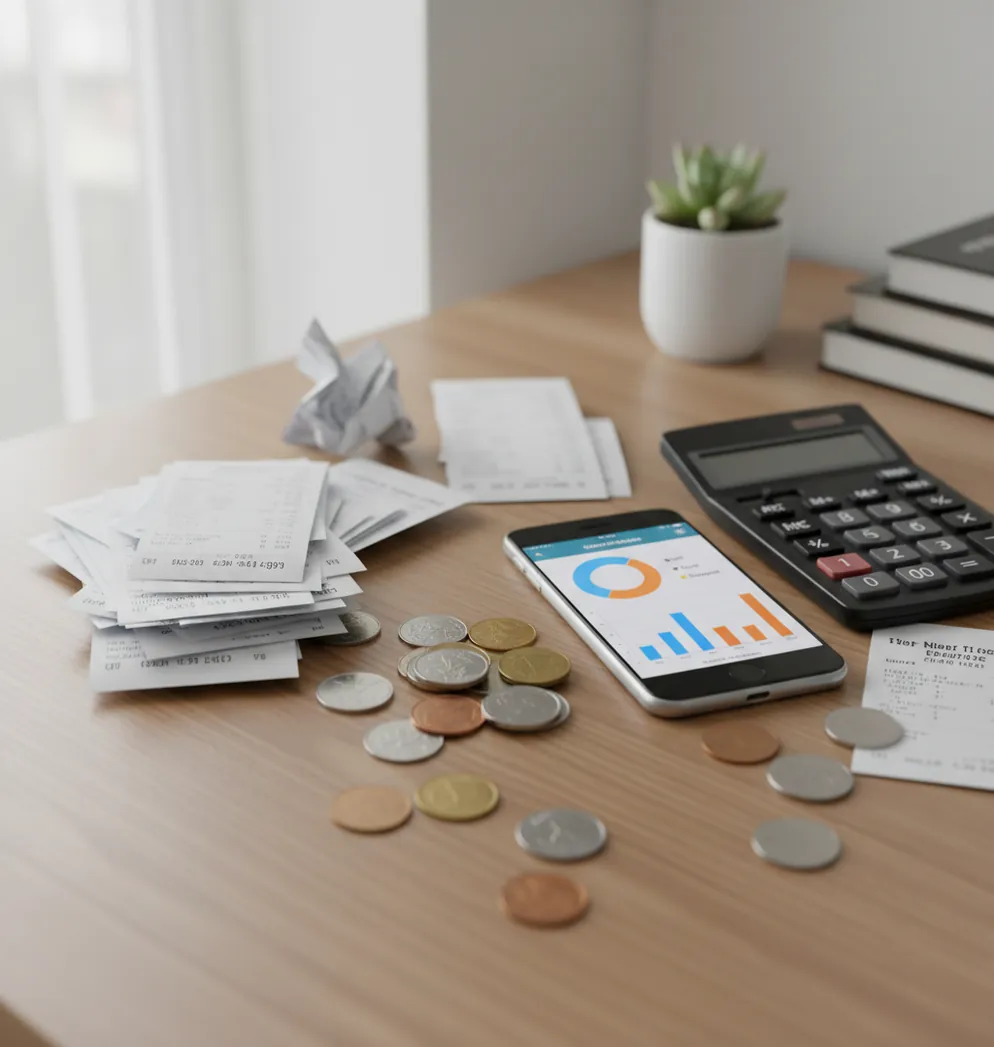
The 10 expense categories you should track are housing, utilities, groceries, dining out, transport, health, subscriptions, shopping, travel, and misc/one-off spending. For iPhone users, a practical expense tracker keeps those labels consistent so category totals are easier to compare month to month.
What Is 10 Expense Categories You Should Track?
Expense categories are consistent labels assigned to purchases so spending can be grouped, reviewed, and compared over time. The point is not perfect accounting; it is clean enough history to spot where money keeps going.
A useful starter set covers essentials, variable habits, and one-off purchases without creating too many choices. Money Tracker App works well for this because it supports quick category-based entry, receipt attachment, income tracking, and simple reports on iPhone. It also uses no bank connection, data stays on device, which suits people who prefer manual control over linked accounts.
How Category-Based Expense Tracking Works
Category-based expense tracking works by turning every transaction into structured data: amount, date, merchant or note, payment method, and category. Once those fields are consistent, totals can be summarized by week, month, or custom period.
The mechanism is simple. Groceries, dining out, subscriptions, and transport become repeatable labels instead of scattered transactions. Receipt capture can add proof for high-value, work, health, or travel expenses, while OCR may extract merchant names, dates, and amounts from images. Automatic categorization usually relies on merchant rules and your previous corrections. Better inputs create better reports. Stable labels over 30 to 90 days make trend lines more trustworthy.
How to Track Spending by Category
Choose your starter list
Begin with housing, utilities, groceries, dining out, transport, health, subscriptions, shopping, travel, and misc/one-off. Keep the same list for at least 30 days before editing it.
Record each purchase quickly
Enter the amount, date, and closest category as soon as possible. Choose the closest useful label, not the perfect label.
Add income records
Log paychecks, reimbursements, refunds, and cash income so your cash flow view is not only expense-focused. This keeps monthly totals more honest.
Attach important receipts
Save receipts for travel, medical, work reimbursement, tax-related, or disputed purchases. You do not need a receipt for every coffee.
Set recurring entries
Use reminders or recurring records for rent, insurance, streaming services, phone bills, and other predictable payments. Fixed categories become cleaner when they are not left to memory.
Review the month-end patterns
Check your top three categories by total and your five largest transactions. Decide whether the category list needs a split, a merge, or no change.
When to Use Spending Categories (and When Not To)
Use it when
- Use spending categories when you want to find leaks such as dining out, subscriptions, impulse shopping, or transport costs after a move.
- Use them when you need cleaner reimbursement records for work travel, health expenses, client purchases, or shared household costs.
- Use them when monthly totals feel vague and you need a repeatable way to compare this month with last month.
- Use them when you are starting a budget but do not yet know realistic category targets.
Skip it when
- Do not rely on categories alone when cash flow timing matters more than totals, such as living paycheck to paycheck.
- Do not overuse categories if you cannot log consistently; five broad labels are better than twenty neglected ones.
- Do not treat category reports as investment, tax, or legal advice.
- Do not assume one month is enough for a permanent conclusion, because seasonal spending can distort patterns.
Spending Category Tracker vs YNAB and Spendee
| Feature | Money Tracker App | YNAB | Spendee |
|---|---|---|---|
| Best fit | Fast iOS expense and income logging with categories, receipts, charts, and exports | Rule-based budgeting for users who want hands-on planning | Visual wallet-style tracking, including shared spending views |
| Category tracking | Custom categories and subcategories for daily manual recording | Strong category structure tied to zero-based budgeting rules | Clear visual category reports with wallet organization |
| Receipt handling | Receipt scanner support for proof and reimbursement records | Possible through notes or workflow workarounds, depending on setup | Feature availability may vary by plan and region |
| Income tracking | Supports income records for cash flow review | Supports income as part of budget assignment | Supports income tracking inside wallets |
| Learning curve | Simple for users who mainly want to log and review | Higher, because the method requires rule discipline | Moderate, especially when using multiple wallets |
| Cost model | Free to use with optional upgrades | Subscription model | Free tier with paid plan options |
Choose the tool based on workflow, not popularity. Category-first users usually need fast entry and clean reports; budget-method users may prefer YNAB, while visual shared-wallet users may prefer Spendee.
Use Cases for Daily Expense Categories
- Finding post-payday spikes: Category totals show whether spending jumps in shopping, dining out, or entertainment after income arrives. That pattern is hard to see from a bank balance alone.
- Separating groceries from restaurants: Groceries and dining out behave differently. Splitting them makes it easier to see whether food costs are rising because of planned household needs or convenience purchases.
- Catching subscription creep: A subscriptions category turns small recurring charges into one visible monthly total. This is useful for streaming, apps, software, storage, memberships, and forgotten trials.
- Documenting reimbursable expenses: Travel, work supplies, mileage-related costs, and client meals become easier to submit when category labels and receipts stay together. Clean records reduce end-of-month reconstruction.
- Comparing seasonal spending: Shopping, travel, utilities, and health can shift during holidays, vacations, and weather changes. Stable categories help separate normal seasonality from a real habit change.
- Reviewing shared household costs: Partners or roommates can use category totals to discuss rent, groceries, utilities, and household purchases with less guessing. The conversation becomes about records, not memory.
Spending Category Limitations
What to keep in mind
- The app is iOS-only, so it is not the right fit for Android-first households or teams that need cross-platform parity.
- Manual entry depends on the user; unlogged cash purchases, skipped receipts, or delayed entries create gaps in reports.
- Category totals are not investment advice, tax advice, or a substitute for a licensed financial professional.
- Charts and monthly estimates are not guarantees, especially when refunds, chargebacks, reimbursements, or seasonal bills distort the period.
- Consistent logging matters more than category detail; changing labels every week makes trend reports harder to compare.
- Automatic categorization can mislabel new merchants until you correct the pattern or build a cleaner rule history.
- Mixed purchases still require judgment. A single big-box order may need splitting between groceries, household, clothing, and gifts.
- The misc category should stay small. If it becomes one of your largest totals, the category list needs refinement.
Frequently Asked Questions
Start with the categories that happen every week or every month: housing, utilities, groceries, dining out, transport, and subscriptions. Add shopping, health, travel, and misc once the basics are stable.
For most people, 10 to 15 categories is enough at the start. If logging feels slow or confusing, merge categories until you can record every transaction consistently.
Yes, separate them if you want useful food spending insights. Groceries are usually planned household purchases, while dining out often reflects convenience, social plans, or impulse spending.
Use the category that matches what you bought, such as shopping, household, groceries, health, or gifts. For a large mixed order, split the transaction if your tracker supports it.
Record cash spending the same day with the amount and closest category. Avoid counting the ATM withdrawal as spending unless you also track cash on hand separately.
Miscellaneous should be for true one-off purchases that do not deserve their own category. If misc becomes a top monthly category, review those transactions and create a clearer label.
Review categories monthly, not daily. A month gives enough transactions to see patterns without reacting to every small purchase.
Usually yes, refunds should be assigned to the same category as the original purchase. That keeps category totals from overstating what you actually spent.
Categories show where money went, while a budget decides where money should go next. Use category history to set more realistic budget limits.