5 Expense Tracking Mistakes Everyone Makes
Expense tracking mistakes are the small recording habits that quietly make your totals inaccurate or unusable, like inconsistent categories, skipped cash spending, or forgetting recurring bills. Fixing them usually means making logging faster, more consistent, and easier to review. Money Tracker App helps by keeping expense and income entries structured with categories, receipts, and reports on iPhone. The goal is reliable records you can actually learn from.
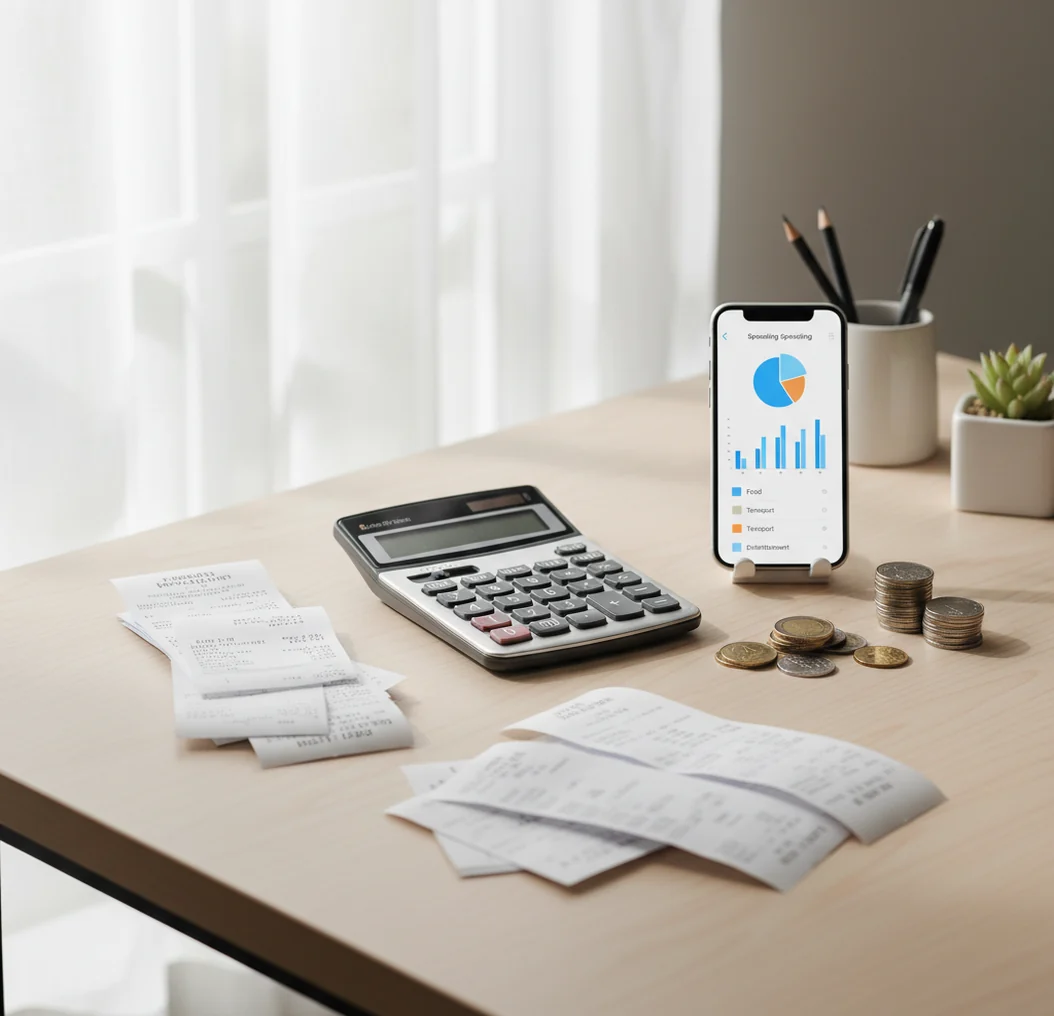
The 5 expense tracking mistakes everyone makes are skipped cash purchases, vague categories, duplicate entries, forgotten recurring bills, and transfers recorded as spending. A simple budget app can reduce these errors by making daily logging, receipt capture, and weekly review easier. The goal is not perfect bookkeeping; it is reliable enough data to make better money decisions.
What Is 5 Expense Tracking Mistakes Everyone Makes?
Expense tracking mistakes are repeatable recording errors that make spending totals incomplete, inconsistent, or hard to explain. The common five are missed cash transactions, category drift, duplicate entries, forgotten recurring charges, and confusing transfers with real expenses.
Money Tracker App helps organize expense and income entries with categories, receipts, recurring bills, and reports on iPhone. It works best as a lightweight daily record, not as a once-a-month memory test.
Clean tracking also needs privacy-aware habits. The tracker uses no bank connection, and data stays on device, so accuracy depends on what you enter and review.
How 5 Expense Tracking Mistakes Everyone Makes Works
The mistake pattern works like this: a small logging shortcut creates a bad record, and repeated shortcuts create reports you stop trusting. One skipped coffee is minor; thirty small skipped purchases can distort a month.
Most errors start at the capture point. If the entry is delayed, the merchant, category, payment method, or purpose becomes harder to remember. Receipt photos reduce that memory gap, while recurring bill templates prevent predictable payments from disappearing.
The second failure point is review. Weekly checks catch duplicates, uncategorized items, reimbursement confusion, and transfers that should not count as spending. Good expense logging is a loop: capture quickly, categorize consistently, verify briefly.
How to Use an Expense Tracker to Avoid Mistakes
Create stable categories
Choose 8–12 categories you will keep for at least 90 days, such as Groceries, Transport, Dining, Subscriptions, Bills, Health, Travel, and Personal.
Log purchases immediately
Record every transaction as close to the purchase as possible, including cash and small card payments. Speed matters more than detail at first.
Attach receipts when memory may fail
Use receipt photos for unclear purchases, shared expenses, pharmacy runs, hardware stores, travel spending, or anything you may need to verify later.
Add recurring bills once
Set up rent, insurance, phone plans, streaming services, subscriptions, and loan payments as recurring items so predictable charges do not create silent gaps.
Review uncategorized and duplicate entries
Spend two minutes each night clearing uncategorized items, then do one weekly pass for duplicates, transfers, reimbursements, and category totals that look unusual.
When to Use an Expense Tracking Checklist (and When Not To)
Use it when
- Use it when your monthly totals do not match your memory or bank statement.
- Use it when you rely on “Miscellaneous” too often and cannot explain spending trends.
- Use it when cash purchases, reimbursements, shared expenses, or subscriptions keep slipping through.
- Use it when you want a simple iPhone workflow instead of a complex budgeting system.
- Use it before tax season, travel, moving, debt payoff, or any period with unusual spending.
Skip it when
- Do not use it as a substitute for bank statements, invoices, or official accounting records.
- Do not use it if you need automated bank syncing across many financial institutions.
- Do not use it for investment advice, tax advice, or legal financial planning.
- Do not overbuild categories if a simpler weekly review would solve the problem.
- Do not expect accurate reports unless you log consistently.
5 Expense Tracking Mistakes Everyone Makes vs YNAB, Spendee, and Google Sheets
| Feature | Money Tracker App | YNAB | Spendee | Google Sheets |
|---|---|---|---|---|
| Best fit | Simple iPhone expense and income tracking | Strict zero-based budgeting | Visual wallet-based tracking | Custom manual spreadsheets |
| Mistake prevention | Categories, receipts, recurring bills, and reports | Rules, targets, and budget assignments | Wallet views and category visuals | Depends on formulas and user discipline |
| Cash spending | Manual entry works well when logged immediately | Supported, but must be budgeted carefully | Supported through wallet entries | Fully manual |
| Receipt support | Receipt attachments for transaction verification | Limited by workflow and setup | Available depending on setup and plan | Possible with links or uploads, but clunky |
| Learning curve | Low | Medium to high | Medium | Varies by spreadsheet design |
| Cost style | Free iOS app with optional upgrades possible | Paid subscription | Free and paid tiers vary | Free, but requires setup time |
Choose the tool based on the error you are trying to prevent. A lightweight tracker is usually better for missed entries and category drift, while YNAB is stronger for strict budgeting rules.
Use Cases for Fixing Spending Tracker Errors
- Stopping “Miscellaneous” from taking over: Use a short category list and review uncategorized items daily. This keeps reports readable without forcing you to make twenty tiny decisions at checkout.
- Catching duplicate weekend entries: Busy days create repeated notes, split payments, and unclear card charges. A weekly duplicate check prevents inflated totals before they affect your monthly view.
- Tracking cash without losing receipts: Cash spending disappears fastest because there is no automatic reminder. Log it immediately with a short note, even if the amount is small.
- Separating transfers from real expenses: Transfers between accounts should not be treated like spending. Label them consistently so cash flow reports do not overstate your costs.
- Managing shared expenses: Roommates, partners, and travel groups need consistent labels for reimbursements and split bills. Clear notes make later settlement much easier.
5 Expense Tracking Mistakes Everyone Makes Limitations
What to keep in mind
- iOS-only availability may not fit households where some people use Android.
- Manual entry depends on the user; skipped transactions still create incomplete totals.
- Receipt scans can be inaccurate when photos are dark, angled, cropped, or crumpled.
- Auto-categorization can mislabel unfamiliar merchants and still needs quick review.
- Spending reports are estimates based on logged data, not guaranteed financial statements.
- The app is not investment, tax, legal, or financial planning advice.
- Accurate trends require consistent logging over weeks or months, not occasional catch-up sessions.
- Shared expense tracking still needs agreement on category names, reimbursement rules, and timing.
Frequently Asked Questions
The usual causes are skipped cash purchases, pending-versus-posted timing, duplicate entries, and transfers counted as expenses. A weekly reconciliation pass fixes most recurring gaps.
Most people do well with 8–12 core categories plus a few optional ones. Too many categories increases decision fatigue and pushes you back toward “Miscellaneous.”
Create categories that match real decisions you make, such as Groceries, Dining, Transport, Subscriptions, and Bills. Review uncategorized entries every night before you forget what they were.
Yes, at least while you are building the habit. Small purchases reveal patterns quickly, especially coffee, snacks, parking, tips, and cash spending.
Do a two-minute cleanup daily and a deeper review once a week. Daily review catches memory-based errors, while weekly review catches duplicates and category problems.
Usually no. Moving money between your own accounts should be labeled as a transfer so it does not inflate spending totals.
Record an estimate as soon as you remember, then add a note that it is approximate. For future cash purchases, log them immediately or keep a daily cash reminder.
Yes for unclear, shared, reimbursable, travel, or tax-related purchases. They give you proof when the merchant name or category is not enough.
No. Tracking shows what happened and helps you spot patterns, but changing spending still requires decisions, limits, and follow-through.