How to Track Money With Your Phone
How to track money with phone means recording every expense and income event on your smartphone as it happens, then reviewing totals and patterns in charts and reports. The simplest method is to log transactions immediately, assign a category, and check a weekly cash-flow view to see where money is going. Money Tracker App lets you do this on iPhone with categories, receipt scanning, and spending reports so your records stay current.
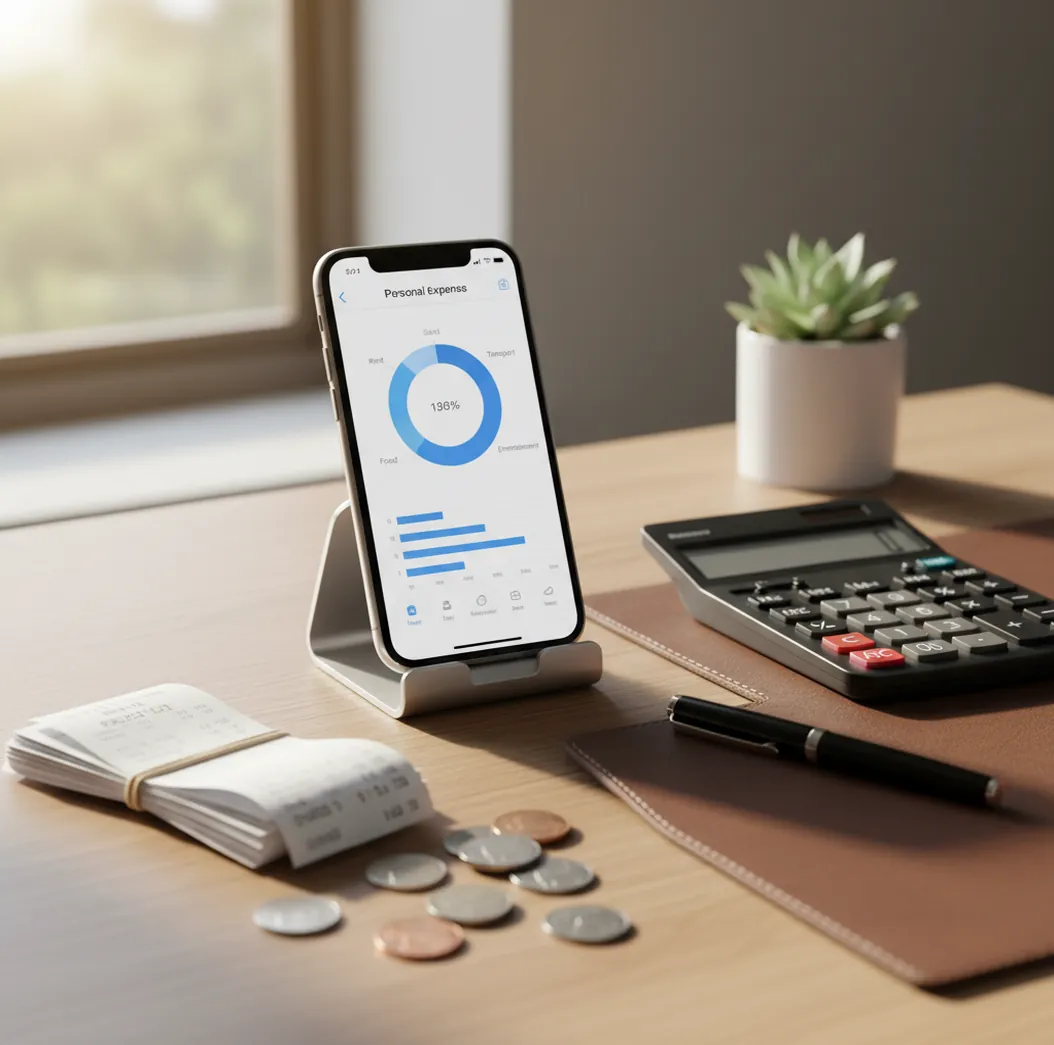
The simplest way to learn how to track money with your phone is to record each expense or income event immediately, assign a category, and review totals weekly. For iPhone users, a budget planner can make daily logging faster by keeping entries, receipts, and reports in one place. Accuracy comes from consistency, not complexity.
What Is How to Track Money With Your Phone?
Phone-based money tracking means recording expenses, income, receipts, notes, and categories on your smartphone as transactions happen. It replaces the “I’ll remember later” habit with a short entry made at the point of payment.
Money Tracker App is useful because it focuses on fast iOS logging rather than spreadsheet maintenance. You enter the amount, choose a category, add a short note, and optionally attach a receipt for proof.
This approach works best for people who want current numbers without connecting bank accounts. The tracker uses no bank connection, and data stays on device, which suits users who prefer manual control over automatic syncing.
How to Track Money With Your Phone Works
Phone money tracking works by turning every transaction into structured data: amount, date, category, payment context, note, and optional receipt. Once entries are standardized, the app can group them into spending totals, cash-flow summaries, and category reports.
Receipt scanning usually relies on optical character recognition, or OCR, to read text from a receipt photo. Auto-categorization uses repeated patterns, such as merchants or notes, to suggest likely categories on future entries.
The mechanism is simple. Capture the transaction quickly, keep categories consistent, and review the resulting reports often enough to change behavior before the month ends.
How to Use Your Phone to Track Money
Choose your tracking scope
Decide whether you will record every purchase, only variable spending, income deposits, cash transactions, or all money movement. Full tracking gives the cleanest cash-flow picture.
Create practical categories
Set up 8 to 15 categories you actually use, such as groceries, rent, coffee, transport, subscriptions, healthcare, travel, and income.
Log each transaction immediately
Enter the amount right after paying or receiving money. Add a short note like “latte and bagel” so the entry still makes sense later.
Attach receipts when details matter
Scan receipts for groceries, pharmacy purchases, business expenses, returns, and reimbursements. Receipt context prevents vague totals from becoming unusable later.
Set recurring bills
Add rent, utilities, insurance, streaming, and subscriptions as repeating transactions or reminders. This reduces missed entries for predictable spending.
Review weekly reports
Check category totals, income versus expenses, and unusual spikes twice a week. Small reviews keep corrections easy.
When to Use Phone Money Tracking (and When Not To)
Use it when
- Use it when you want real-time visibility into daily spending instead of waiting for a bank statement.
- Use it when you pay with a mix of cards, cash, reimbursements, and transfers that are hard to understand in one account feed.
- Use it when you need receipts for returns, taxes, work reimbursements, or shared household expenses.
- Use it when you want to notice overspending before the month ends, not after.
- Use it when you prefer simple manual control over fully automated bank-connected finance tools.
Skip it when
- Do not use it as your only system if you refuse to log transactions consistently.
- Do not use it for investment performance analysis, portfolio allocation, or retirement planning decisions.
- Do not use it when your main need is automatic account aggregation across many banks and brokerages.
- Do not rely on it for exact tax filings without checking receipts, statements, and professional requirements.
- Do not overbuild categories so heavily that daily logging becomes slow and annoying.
How to Track Money With Your Phone vs YNAB and Spendee
| Feature | Money Tracker App | YNAB | Spendee |
|---|---|---|---|
| Best fit | Fast iPhone-based expense and income logging | Method-driven budgeting and behavior change | Visual budget tracking with shared-wallet options |
| Entry style | Manual quick entries with categories, notes, and receipts | Structured budget assignments and regular reconciliation | Manual and connected workflows depending on plan and region |
| Receipt handling | Receipt scanning for transaction context | Not primarily receipt-first | Receipt attachment may depend on workflow or plan |
| Reports | Category charts, spending summaries, and cash-flow views | Budget progress and reports tied to the YNAB method | Charts and spending summaries |
| Cost profile | Free iOS app | Paid subscription | Free tier with paid upgrades |
| Best limitation to know | Manual tracking requires consistent entries | Learning curve is higher for beginners | Features vary by plan and connection availability |
Choose the tracker when speed, receipt context, and iPhone-first logging matter most. Choose YNAB when you want a strict budgeting method, and choose Spendee when shared wallets and visual budget views are the priority.
Phone Money Tracking Use Cases
- Daily spending awareness: Log coffee, snacks, parking, delivery, and small card purchases before they disappear into memory. These low-friction expenses often explain why a budget feels wrong.
- Cash expense recording: Cash purchases may never appear in a bank feed, so phone entry is the cleanest record. Add a note and category while the transaction is still fresh.
- Receipt-backed reimbursements: Work supplies, travel meals, client parking, and pharmacy purchases are easier to claim when the receipt is attached to the entry. Search later by category, note, or date.
- Subscription monitoring: Recurring bills are easy to ignore because they run quietly in the background. Track renewals to see which services still deserve a place in your budget.
- Travel and multi-currency spending: A phone tracker helps separate flights, food, lodging, transport, and cash withdrawals while traveling. Record each purchase in the right currency to avoid confusing totals.
Phone Money Tracking Limitations
What to keep in mind
- iOS-only availability means Android users need a different tracking system.
- Manual entry depends on the user, so skipped purchases create incomplete totals.
- The tool is not investment advice and should not be used for portfolio decisions.
- Charts and monthly projections are estimates, not guarantees of future spending.
- The system needs consistent logging, especially for cash, shared expenses, and small purchases.
- Receipt scanning can miss details when photos are blurry, crumpled, cropped, or poorly lit.
- Too many categories can slow daily entry and reduce the chance that you keep the habit.
- Exported records should still be checked against statements before taxes, reimbursements, or formal reporting.
Frequently Asked Questions
Start with a small category list and log every purchase for seven days. Do not redesign your whole financial life first; build the entry habit before adding complexity.
Yes, track income if you want a real cash-flow view. Expenses alone show where money went, but income shows whether the month is actually balanced.
Scan receipts when item details, proof of purchase, or reimbursement evidence may matter later. For tiny routine purchases, a clear note and category may be enough.
Most people do well with 8 to 15 categories. Too few categories hide patterns, while too many make daily logging feel like admin work.
It can replace a spreadsheet for daily expense and income logging. You may still want exports for deeper analysis, accounting, or long-term archives.
Review spending at least once a week. Twice a week is better if you are trying to reduce overspending before the month ends.
Manual tracking can be very accurate when entries are made immediately. It becomes unreliable when you batch entries from memory days later.
Use a short daily check-in to compare your wallet, receipts, and recent payment notifications. Add missing transactions the same day whenever possible.
Yes, use notes and categories to mark rent splits, groceries, trips, or reimbursable purchases. Consistent labels make shared costs easier to search and total later.