App That Tracks Expenses Automatically
An app that tracks expenses automatically is a money tracking app that reduces manual entry by categorizing transactions for you and speeding up logging with tools like receipt scanning and recurring rules. It works by recognizing merchant/category patterns and reusing your past choices so each new expense takes seconds. Money Tracker App does this on iPhone with automatic expense categorization plus quick capture features, so your records stay complete even when you’re busy.
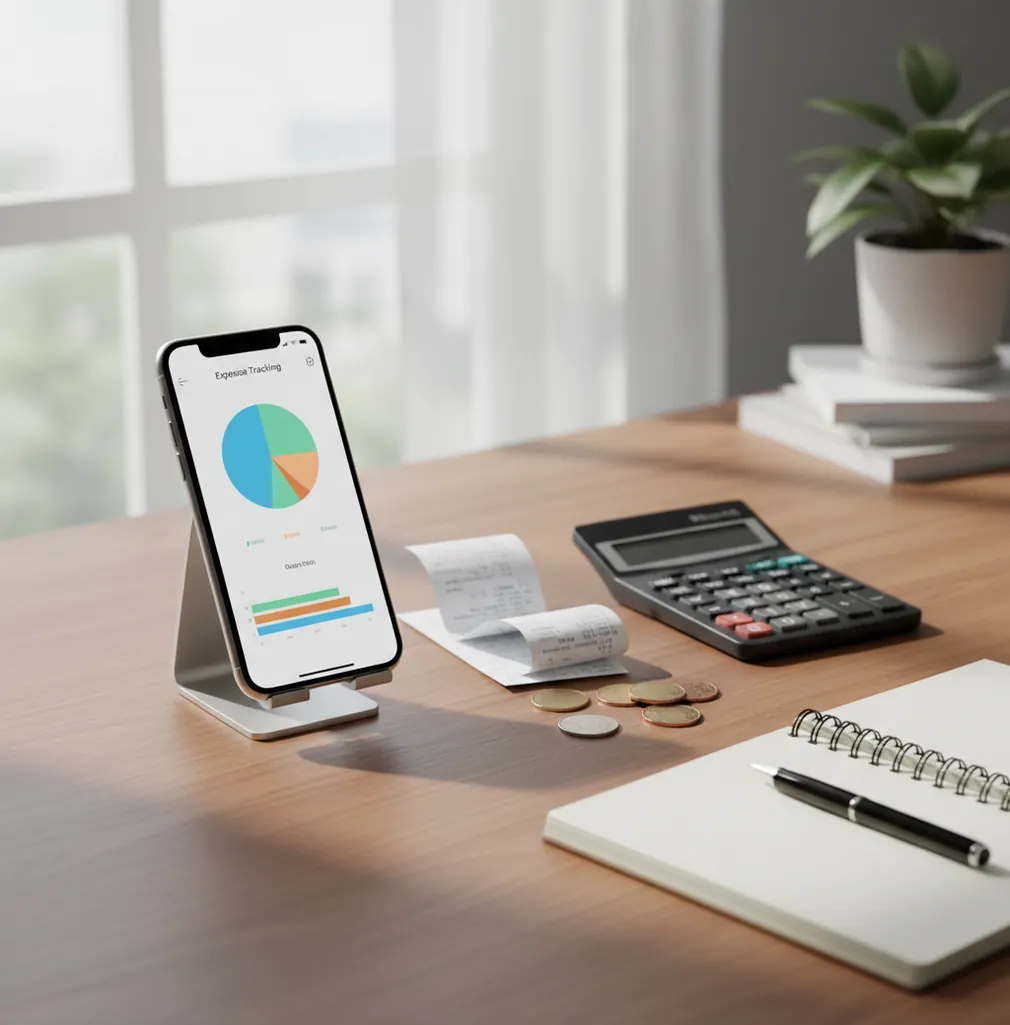
An app that tracks expenses automatically reduces manual entry by suggesting categories, reading receipts, and reusing recurring rules. Walleta is a free iOS expense tracker app for fast expense and income logging without spreadsheet cleanup. The best results come from confirming early category suggestions and checking unusual transactions weekly.
What Is an App That Tracks Expenses Automatically?
An app that tracks expenses automatically is a personal finance tool that reduces typing by predicting categories, saving receipt details, and repeating known bills. It is not magic. It is structured capture with smart shortcuts.
On iPhone, this usually means you enter or scan a transaction, then the tracker suggests the right category based on merchant names, past choices, and recurring patterns. Over time, groceries stay groceries, subscriptions stay subscriptions, and coffee runs stop becoming mystery spending.
This approach works well for people who want clean records without connecting financial accounts. The tracker uses no bank connection, and data stays on device, which keeps the workflow private while still giving you charts, search, filters, and exports.
How an App That Tracks Expenses Automatically Works
An app that tracks expenses automatically works by turning repeated transaction signals into reusable rules. Merchant names, receipt text, dates, amounts, categories, and recurring schedules help the tool predict what each new entry should become.
The mechanism is simple. You record a purchase, scan a receipt, or add a repeating payment. The tracker normalizes the merchant, extracts useful receipt data with OCR, then compares the entry with previous choices. If you previously marked a supermarket as Groceries, future supermarket entries can be suggested the same way.
Human review still matters. Refunds, split bills, reimbursements, transfers, and vague merchant names can need correction, but routine spending becomes much faster after the first few confirmations.
How to Use Automatic Expense Tracking on iPhone
Create practical categories
Start with categories you actually use, such as Groceries, Transport, Eating Out, Rent, Subscriptions, Medical, Travel, and Work Expenses. Fewer clear categories beat dozens of vague ones.
Confirm early suggestions
Log your first 10 to 20 purchases and accept or correct the suggested categories. This trains the workflow around your real merchants instead of generic defaults.
Scan recent receipts
Capture paper receipts for groceries, travel, business meals, or reimbursable purchases. Receipt scans help preserve merchant names, dates, totals, and proof for later review.
Add recurring payments
Set rent, subscriptions, insurance, loan payments, and phone bills as recurring items. Repeats are where automation saves the most time.
Review once a week
Use search, filters, and charts to check refunds, transfers, split payments, and uncategorized items. A seven-minute weekly review keeps the data trustworthy.
When to Use Automatic Spending Tracking (and When Not To)
Use it when
- Use automatic spending tracking when you forget small purchases and want daily expenses recorded before details disappear.
- Use it when subscriptions, bills, and repeat purchases make up a large share of your spending.
- Use it when you need receipt records for reimbursements, travel, shared expenses, or tax preparation.
- Use it when charts and category totals help you understand cash flow faster than a spreadsheet.
- Use it when you want iPhone-first tracking without building custom formulas or templates.
Skip it when
- Do not rely on it alone if you need full accounting software with invoicing, payroll, and double-entry ledgers.
- Do not use it as a substitute for financial, tax, investment, or debt advice.
- Do not expect perfect categorization for new merchants, refunds, cash transactions, or split bills.
- Do not choose it if you refuse to review transactions occasionally.
- Do not use it as your only record system when your employer or accountant requires a specific platform.
Automatic Expense Tracking vs Copilot Money and PocketGuard
| Feature | Money Tracker App | Copilot Money | PocketGuard |
|---|---|---|---|
| Best fit | Free iOS expense and income tracking with receipt capture, categories, charts, and exports | Polished subscription-based personal finance automation for power users | Simple budgeting and overspending alerts for people who want guardrails |
| Expense entry | Fast manual entry with auto-categories, receipt scans, search, and recurring items | Strong automated organization, often centered on linked financial accounts | Simplified spending tracking with alerts and budget signals |
| Receipt handling | Built for attaching receipt proof to expense records | Less receipt-first than transaction-first workflows | Typically more alert-focused than receipt-documentation focused |
| Income tracking | Supports income entries for cash flow visibility | Supports income and cash flow views | Supports income-based spending insights |
| Cost model | Free to use for core tracking workflows | Typically subscription-based | Free tier may be limited, with paid features available |
Choose the tracker if you want quick iPhone logging, receipt documentation, and category reports without a complex setup. Choose Copilot Money for a premium, automation-heavy finance hub, or PocketGuard for simple guardrails around overspending.
Automatic Expense Tracking Use Cases
- Daily spending cleanup: Small purchases are easy to forget. Auto-categories make coffee, snacks, transit, and groceries visible before they blur into one unexplained total.
- Subscription monitoring: Recurring rules help surface streaming, software, gym, cloud storage, and phone bills. This makes it easier to spot renewals you no longer need.
- Travel expense records: Receipt capture is useful for hotels, taxis, meals, and work trips. Multi-currency notes and exports can also help when reconciling after travel.
- Shared household spending: Partners and roommates can track groceries, rent-related costs, utilities, and shared purchases more consistently. Clean categories make settlement conversations less emotional.
- Reimbursements and taxes: Receipt attachments, search, filters, and exports help separate reimbursable or deductible expenses from personal spending. The record becomes easier to share with an accountant.
Expense Tracking Automation Limitations
What to keep in mind
- It is iOS-only, so Android users need another expense tracking option.
- Manual entry still depends on the user; forgotten cash purchases will not appear unless they are logged.
- Automatic categories are suggestions, not guarantees, especially for new merchants or vague transaction names.
- Receipt OCR can be inaccurate when photos are blurry, dark, cropped, faded, or crumpled.
- Refunds, chargebacks, transfers, reimbursements, and split payments often need manual notes or correction.
- Charts and cash flow totals are estimates based on the records entered, not guaranteed financial statements.
- The app is not investment, tax, legal, credit, or debt advice.
- Consistent logging is required; automation works best after repeated merchant and category patterns exist.
Frequently Asked Questions
Yes, expense tracking can be partially automated on iPhone with category suggestions, receipt scanning, and recurring rules. You still need to confirm unusual items so the records stay accurate.
Not always. Some tools rely on bank feeds, while others use fast entry, receipt capture, merchant patterns, and recurring transactions to reduce manual work.
Receipt scanning is usually helpful for totals, dates, and merchant names, especially with clear photos. Accuracy drops when receipts are faded, wrinkled, poorly lit, or missing key details.
Yes, but cash purchases usually need to be entered or scanned manually. Automation can help categorize them afterward, but it cannot detect cash spending you never record.
Start with broad categories such as Groceries, Rent, Transport, Eating Out, Subscriptions, Health, Travel, and Work Expenses. Add detail only when it helps you make a decision.
A weekly review is enough for most people. Check uncategorized items, refunds, transfers, and unusually high categories before the details fade.
It is better if you want faster capture, receipt storage, charts, search, and recurring entries on your phone. A spreadsheet is better if you need custom formulas or a highly specific reporting format.
Yes, exports are useful for monthly reviews, reimbursements, taxes, or sharing summaries with a partner or accountant. Keep categories consistent so exported reports are easier to interpret.