Money Tracker App vs Apple Wallet: Use Both?
For the question “money tracker app vs apple wallet,” the practical answer is: use Apple Wallet to pay, and use Money Tracker App to record and analyze your spending in categories across cash, cards, and accounts. Apple Wallet shows payment activity, but it does not give you a full categorized expense history, receipt capture, or cash flow reporting. Using both keeps payments convenient while your records stay consistent and searchable.
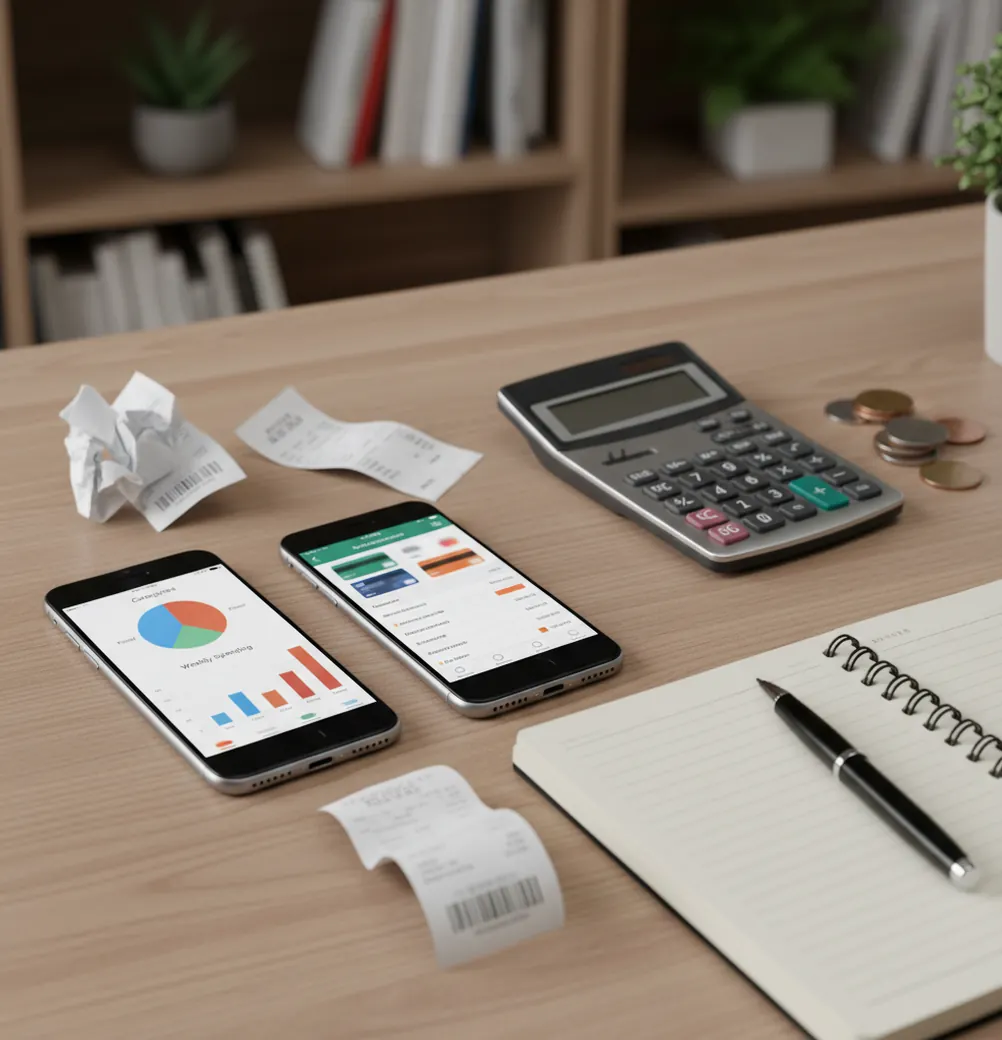
For “money tracker app vs apple wallet: use both?”, the practical answer is yes: Apple Wallet is best for payments, while a tracker is best for categorized spending history. On iPhone, a free expense tracker can turn Apple Pay activity, cash purchases, receipts, and income into one searchable record. Apple Wallet does not replace expense logging because it does not create a full cash flow ledger.
What Is Apple Wallet vs Expense Tracking?
Apple Wallet is a payment and pass tool; expense tracking is a record-keeping workflow. Wallet helps you pay with cards and view some card activity, while a tracker organizes income, expenses, receipts, categories, notes, and reports across payment methods.
In the money tracker app vs apple wallet: use both? comparison, the real issue is coverage. Apple Wallet rarely captures cash, split bills, reimbursements, or purchases across every account in one normalized ledger. Money Tracker App is useful because it lets an iPhone user create that ledger manually, with no bank connection and data stays on device.
That distinction matters. Payment activity shows what happened on one card, but expense tracking explains where money went across the whole month.
How Apple Wallet and Expense Tracking Work
Wallet-plus-tracking works by separating payment capture from expense normalization. Apple Wallet handles checkout and card activity; the tracking layer stores a transaction record with amount, date, merchant, category, payment method, receipt, and optional note.
After you pay, you log or confirm the purchase in the tracker. Saved categories can map a coffee shop to Dining, a supermarket to Groceries, and a phone bill to Subscriptions. Receipt scanning can attach proof, while recurring entries prevent rent, insurance, and memberships from being retyped every month.
Once entries are normalized, the app can show cash flow, spending charts, searchable history, and export-ready records. That is the mechanism Apple Wallet alone is not designed to provide.
How to Use Apple Wallet With an Expense Tracker
Pay normally
Use Apple Wallet for Apple Pay and card convenience at checkout. Do not change the payment habit that already works.
Log the purchase
Enter the amount, merchant, date, and payment method in the tracker. Keep categories simple enough that you will use them daily.
Record cash immediately
Add cash purchases as soon as they happen. They will not appear in Apple Wallet, so waiting usually creates gaps.
Attach important receipts
Scan or attach receipts for returns, reimbursements, taxes, warranties, or purchases that need exact proof later.
Review weekly
Check categories, refunds, and split payments once a week. Fixing five transactions is easy; fixing fifty is not.
When to Use Apple Wallet With Expense Tracking (and When Not To)
Use it when
- Use both when you like Apple Pay but want a categorized monthly spending history.
- Use both when you spend with cards, cash, transfers, and shared payments in the same month.
- Use both when you need receipts for work reimbursements, returns, tax records, or personal audits.
- Use both when you track income and expenses together instead of only card charges.
- Use both when merchant names in card activity are too vague to explain real spending.
Skip it when
- Do not use both if you only need to confirm recent card charges.
- Do not use both if you will not log purchases consistently enough for totals to stay useful.
- Do not use both as a replacement for accounting software when you run payroll, inventory, or formal bookkeeping.
- Do not use both if you expect Apple Wallet to categorize every purchase automatically across cash and accounts.
- Do not use both for investment advice, credit decisions, or guaranteed savings projections.
Money Tracker App vs Apple Wallet, Copilot Money, and Spendee
| Feature | Money Tracker App | Apple Wallet | Copilot Money | Spendee |
|---|---|---|---|---|
| Primary purpose | Manual expense and income tracking | Payments, passes, and card activity | Connected-account budgeting and insights | Wallet-based spending views and shared budgets |
| Apple Pay support | Logs Apple Pay spending after purchase | Native Apple Pay payment experience | Uses connected accounts where available | Tracks spending through wallets and accounts |
| Cash spending | Yes, by manual entry | No | Limited unless entered or reflected in accounts | Yes, through manual wallet entries |
| Categories and notes | Yes, built for categorized transaction history | Limited card activity context | Strong automatic grouping | Yes, visual category tracking |
| Receipt capture | Yes, attach receipts to entries | No full receipt ledger | Limited or workflow-dependent | Plan-dependent or workflow-dependent |
| Best fit | iPhone users who want simple spending records | People who mainly need fast payments | Users who prefer account-linked automation | People who like shared wallets and visuals |
Use Apple Wallet for payment convenience. Use a tracker or competing budgeting app when you need categories, receipts, cash entries, income tracking, and a month-to-month spending record.
Use Cases for Apple Wallet and Spending Tracking
- Turn Apple Pay into categories: Apple Wallet may show the merchant and amount, but a tracker lets you classify the purchase as Groceries, Transit, Dining, Subscriptions, or another category you actually review.
- Track cash spending: Cash never appears in Apple Wallet. Logging it separately keeps tips, small purchases, market visits, and reimbursements from disappearing.
- Handle refunds and returns: Refunds can settle later and may not match the original purchase cleanly. A tracker lets you adjust the record so the monthly total stays truthful.
- Prepare reimbursements: Receipt attachments help when you need proof for work, travel, client expenses, or shared household costs. The record is easier to search than a camera roll.
- Review subscriptions: Recurring entries make rent, streaming, insurance, phone bills, and memberships visible in one place. This helps separate fixed costs from flexible spending.
- Travel across currencies: A tracking workflow can record foreign cash and card purchases together. That gives a clearer picture than checking separate payment histories after the trip.
Apple Wallet and Expense Tracker Limitations
What to keep in mind
- Apple Wallet is not a full budgeting ledger; it focuses on payments, cards, passes, and supported transaction activity.
- The tracker is iOS-only, so it is not the right fit if you need Android, Windows, or web-first entry.
- Manual entry depends on the user; skipped purchases create incomplete totals and weaker spending patterns.
- Cash, split bills, refunds, tips, and reimbursements often need manual adjustment to stay accurate.
- Pending card amounts in Apple Wallet can change after settlement, especially for restaurants, hotels, gas stations, and travel.
- Merchant names can be vague, shortened, or unfamiliar, so category suggestions may still need review.
- Spending summaries are estimates based on recorded entries, not guarantees of savings or perfect financial accuracy.
- The tool is not investment advice, tax advice, credit counseling, or a replacement for professional accounting.
Frequently Asked Questions
Apple Wallet is usually not enough for budgeting because it is built for payments and card activity, not full category-based planning. It can help you verify some transactions, but it does not track cash, income, receipts, and monthly cash flow in one ledger.
Yes, using both often makes sense. Apple Wallet keeps checkout fast, while a tracker gives you the spending history needed for reviews, budgets, reimbursements, and category decisions.
A tracker handles cash spending better because you can enter it manually. Apple Wallet does not know about cash purchases unless you record them somewhere else.
Apple Wallet may show purchase activity, but it is not designed as a category ledger. A tracker lets you assign Apple Pay purchases to consistent categories and compare them over time.
Apple Wallet does not provide one universal tracker-style CSV or PDF export across every card and spending type. If exports matter for taxes, audits, or reimbursements, a dedicated tracking workflow is usually easier.
Daily logging works best because the details are still fresh. If daily feels too much, a weekly review is the longest interval most people can sustain without losing accuracy.
Refunds and split bills usually need manual cleanup. Record the original purchase, then add the refund, reimbursement, or shared-payment adjustment so the category total reflects what you actually spent.
Manual tracking is worth it when you want control, privacy, and a clean record across cards, cash, and income. It is less useful if you will not log consistently or only need to check recent card charges.